34 •
17-10-07-652-100/05-2019B
5.7 Other functions (menu)
Other functions and settings are available in the menu for the measuring
station.
A summary of the menu structure can be found in the section entitled
“Overview”:
–
seca 787: ➔ “Menu structure (seca 787)” (page 14)
– seca 797: ➔ “Menu structure (seca 797)” (page 14)
NOTE
seca 797 only: Explanation of the functions under the rF menu item:
➔ “Setting up the WiFi connection (seca 797)” (page 26).
Navigating in the menu
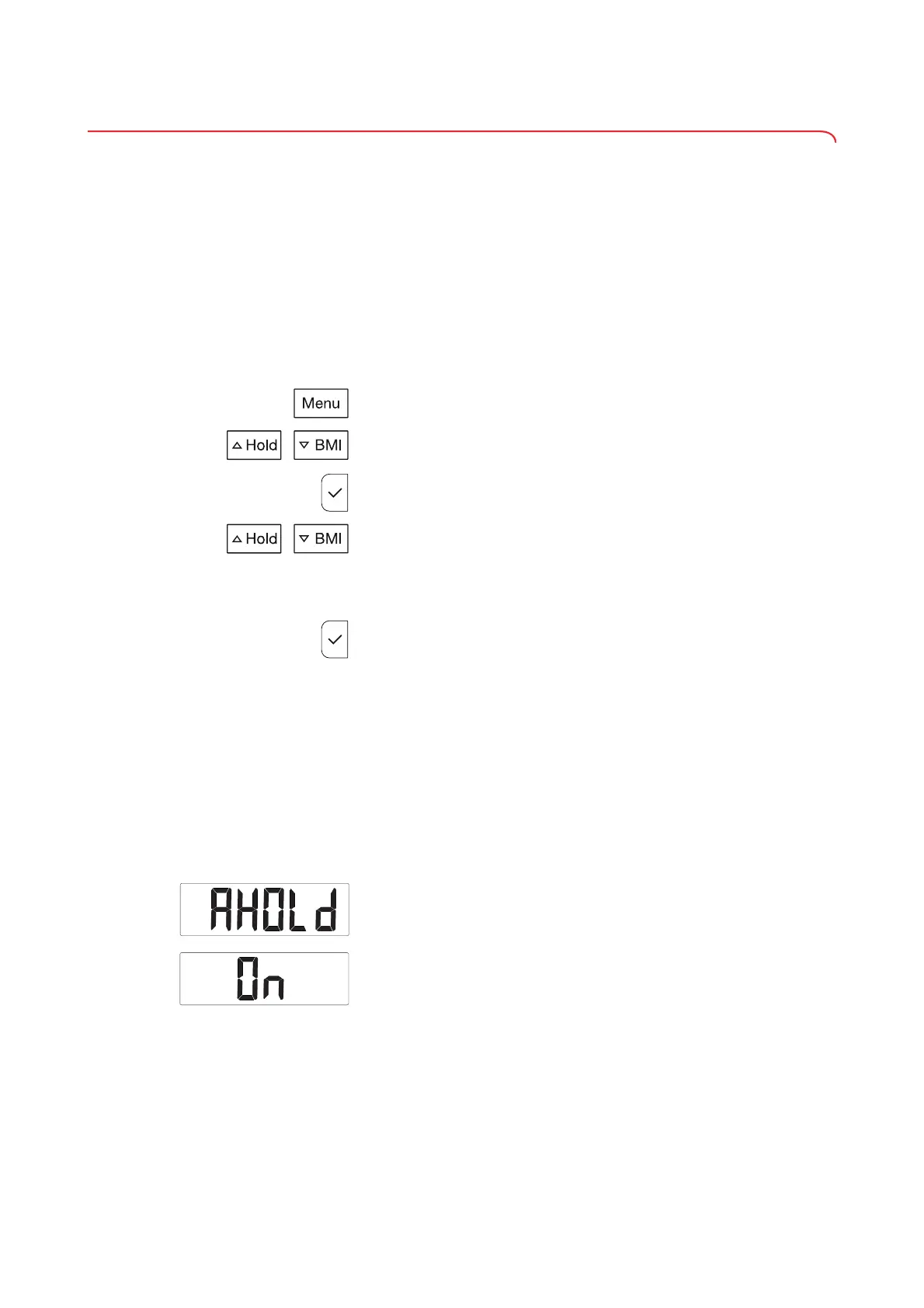
1. Keep the Menu key depressed until a menu item is displayed.
The last menu item selected is displayed.
2. Press the U
Hold or V BMI key until the desired menu item is displayed.
3. Confirm the selection by pressing the confirm key.
The current setting for the menu item (or a submenu item) is displayed.
4. To change the setting, press the U
Hold or V BMI key until the desired
setting is displayed.
NOTE
To increase or reduce a numerical value more quickly, you can press
and hold the U
Hold or V BMI key.
5. Confirm the setting by pressing the confirm key.
You exit the menu automatically.
NOTE
• In order to switch to the menu above without changing a setting/to
exit the menu, briefly press the
Menu key.
• If no key is pressed for a few seconds, you exit the menu
automatically.
Activating/deactivating the
Autohold function (AHOLd)
If the Autohold function is active, the weight value is automatically displayed
permanently. It is then no longer necessary to press the U
Hold key.
NOTE
You can set which action automatically clears the displayed weight
value from the display (➔ “Setting permanent display of weight value
(HOLd)”, page 34).
1. Select the
AHOLd item from the menu.
2. Confirm your selection.
The current setting is displayed.
3. Select the desired setting:
–
On
– OFF
4. Confirm your selection.
You exit the menu automatically.
Setting permanent display of weight
value (HOLd)
If the Autohold function is activated or you have pressed the U Hold key, the
weight value is displayed permanently. You can set when the display of
weight value is automatically cleared again.



 To Next Page