28 •
17-10-07-652-100/05-2019B
5. OPERATION
5.1 Switching the device on and off
Switching on the device
1. Ensure that there is no load on the measuring station.
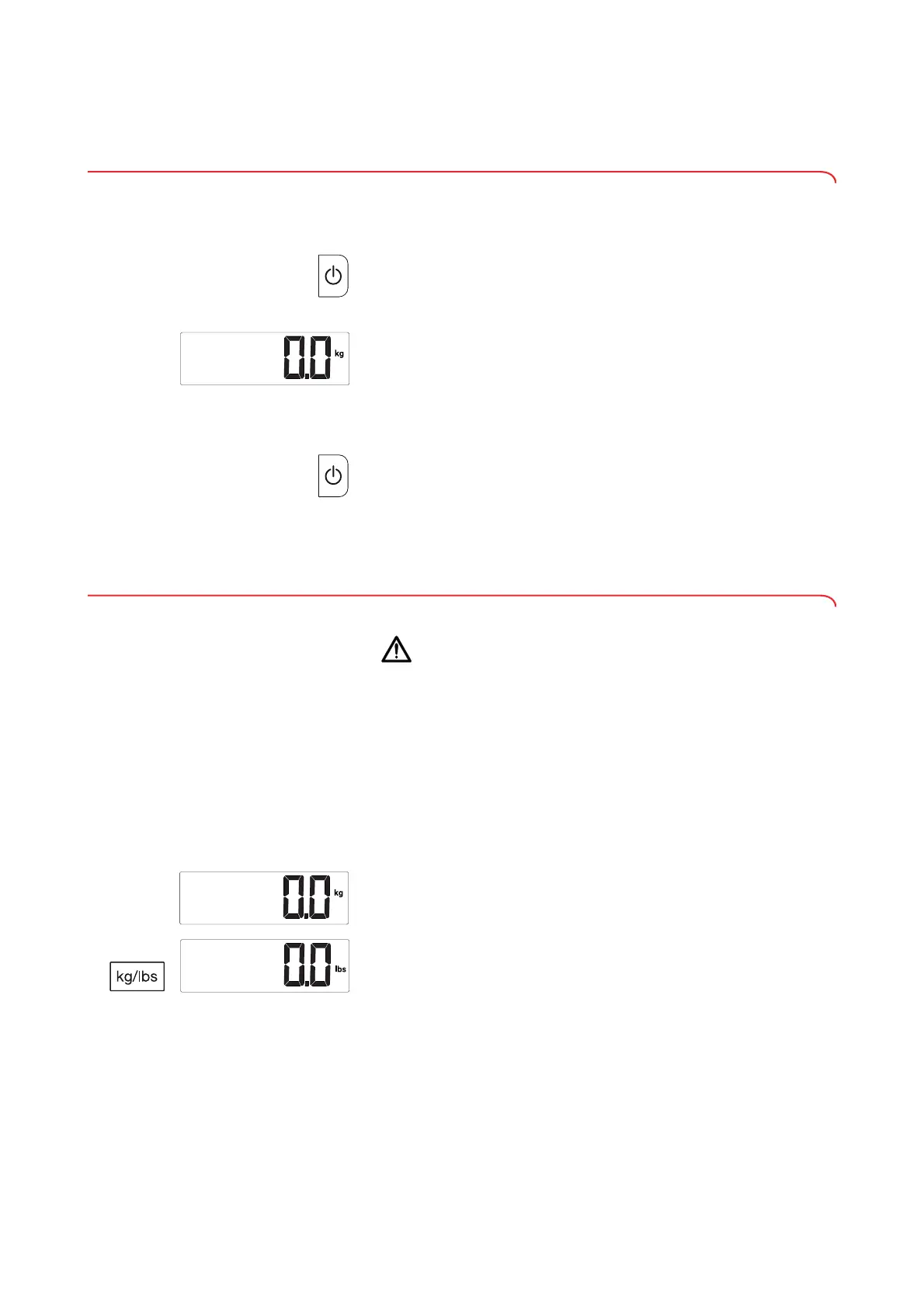
2. Press the on/off key.
All the elements of the display are shown briefly, then
seca appears in the
display.
The measuring station is operational when 0.0 is displayed.
Switching off the device
► Press the on/off key.
NOTE
In battery operation, the measuring station remains on standby for 30
seconds (factory setting). If there is no input or no load is put on the
weighing platform during standby time, the measuring station
switches off automatically.
5.2 Switching units of measurement (variant-dependent)
CAUTION!
Patient hazard
In order to avoid misinterpretations, measuring results for medical use
must be displayed and used in SI units (weight: kilogrammes, length:
metres) only. Some devices offer the ability to display measuring
results in other units. This is only an additional function.
► Use the results exclusively in SI units.
► The use of measurement results in non-SI units is the sole
responsibility of the user.
You can switch between the metric units kilograms and centimeters and the
imperial units pounds and feet/inches during the measurement procedure.
The units of weight and height change at the same time.
1. Switch on the measuring station (➔ “Switching on the device”, page 28).
2. Keep the
kg/lbs key depressed until the unit of measurement display
changes.



 To Next Page