Operation • 35
17-10-07-652-100/05-2019B
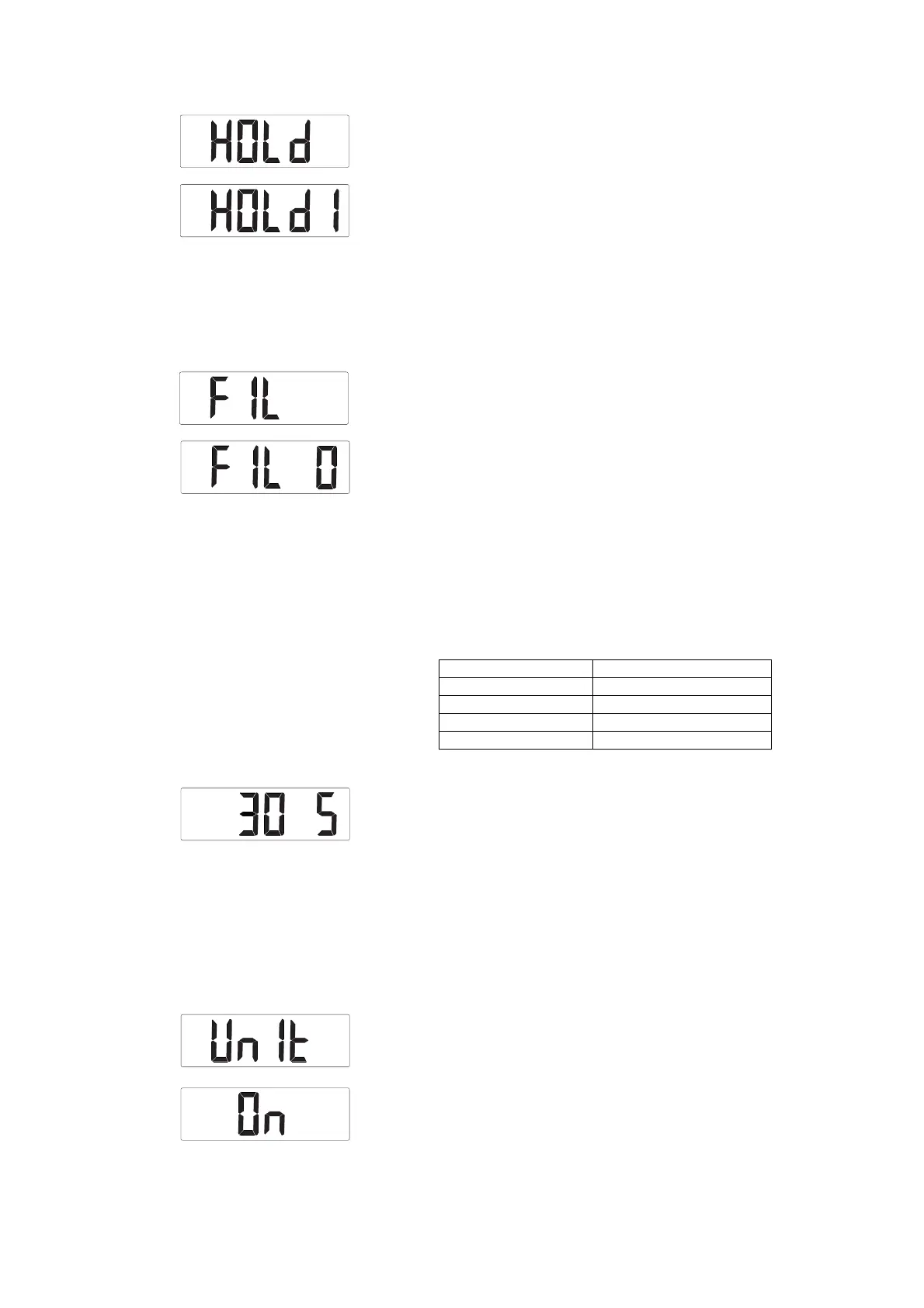
1. Select the HOLd item from the menu.
2. Confirm your selection.
The current setting is displayed.
3. Select the desired setting:
–
HOLd 1: A new load on the measuring station clears the display
value
–
HOLd 2: Removing the load from the measuring station clears the
display value
4. Confirm your selection.
You exit the menu automatically.
Setting filtering (FIL) Filtering reduces interference (due to patient movement, for example) when
measuring weight. You can modify the strength of filtering.
1. Select the
FIL item from the menu.
2. Confirm your selection.
The current setting is displayed.
3. Select a filtering level:
–
0: Low filtering
–
1: Moderate filtering
–
2: High filtering
4. Confirm your selection.
You exit the menu automatically.
Setting standby time (AOFF) In battery operation, the measuring station remains on standby for 30 sec-
onds (factory setting). If there is no input or no load is put on the weighing
platform during standby time, the measuring station switches off automati-
cally. Measuring results will be discarded.
You can adjust standby time as follows:
1. Select the
AOFF item from the menu.
2. Confirm your selection.
The time currently set is displayed (in this case: 30 seconds).
3. Select the desired time:
► To increase value: Press U
Hold key
► To reduce value: Press V
BMI key
4. Confirm your selection.
You exit the menu automatically.
Activating/deactivating switching of
units of measurement (UnIt)
(variant-dependent)
With some device variants, you can switch units of measurement using the
kg/lbs key. You can switch the function of the key on and off.
1. Select the
UnIt item from the menu.
2. Confirm your selection.
The current setting is displayed.
3. Select the desired setting:
–
On
– OFF
Function Setting
Factory setting 30 seconds
Increment 30 seconds
Minimum standby time 30 seconds
Maximum standby time 600 seconds (10 minutes)



 To Next Page