−71−
10. TEST AND DATA DISPLAY
Byoperatingtheswitchunit,periodicallyperformthetestsanddatacheck.Wheninstallingthe
machineinitiallyorcollectingcash,orwhenthemachinedoesnotfunctioncorrectly,perform
checkinginaccordancewiththeexplanationsgiveninthissection.
Thefollowingshowstestsandmodesthatshouldbeutilizedasapplicable.
Thisproduct'sbasicsystemconsistsoftheTRIFORCEgameboardandtheGD-ROMdrive.
Theproductsupports,therefore,thefollowing2testmodes:
(1)Systemtestmodeforanautomaticself-diagnostictest(generallyusedbyeveryproductthat
containsthebasicsystem)andacoinassignment(specificallyusedbythisproduct)and
(2)Gametestmodefortestingtheinput/outputcontroldevicesandsettingthedifficultylevel
(specificallyusedbythisproduct).
10-3D
10-2E,10-3B
10-2F,10-3C
10-2B,C,D
10-2B,C,D
10-2B,C,D
10-2H,10-3D,E,F
10-2E,10-3B
10-2F,10-3C
10-2E,10-3B
10-3G
11,12,13
10-2G
15
10-2B,C,D
10-3H,I
TABLE10 EXPLANATIONOFTESTMODE
ITEMS DESCRIPTION
INSTALLATION
OFMACHINE
MEMORYTEST
PERIODIC
SERVICING
CONTROL
SYSTEM
MONITOR
ICBOARD
DATACHECK
Whenthemachineisinstalled,performthefollowing:
1. Checktoensureeachisthestandardsettingatshipment.
2. CheckeachInputequipmentintheINPUTTESTmode.
3. CheckeachOutputequipmentintheOUTPUTTESTmode.
4. Teston-IC-BoardIC'sintheSELF-TESTmode.
ThistestisautomaticallyexecutedbyselectingMEDIABOARD
TEST,orSYSTEMINFORMATIONintheMenumode.
Periodicallyperformthefollowing:
1. MEMORYTEST
2. Ascertaineachsetting.
3. TotesteachInputequipmentintheINPUTTESTmode.
4. TotesteachOutputequipmentintheOUTPUTTESTmode.
1. TocheckeachInputequipmentintheINPUTTESTmode.
2. AdjustorreplaceeachInputequipment.
3. Iftheproblemstillremainsunsolved,checkeachequipment's
mechanismmovements.
IntheMonitorAdjustmentmode,checktoseeifMonitor
(Projector)adjustmentsareappropriate.
MEMORYTEST
Checksuchdataasgameplaytimeandhistogramtoadjustthe
difficultylevel,etc.
REFERENCE
SECTIONS
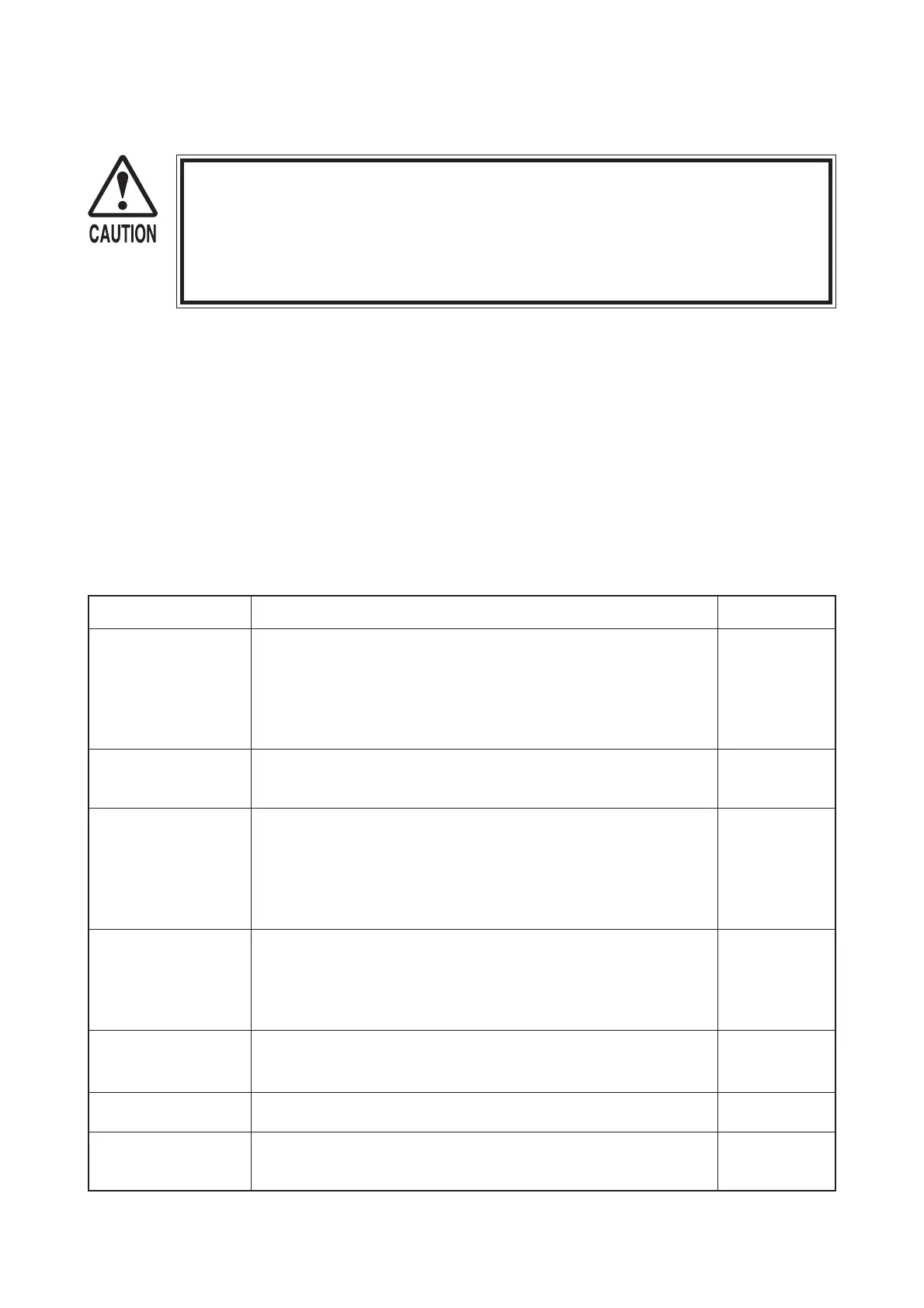
Donottouchthemachineuntilithascompetedtheinitializationprocess
andtheadvertisingscreenhasappeared.Doingsomaycausetheperson
touchingthemachinetobestruckbytheseat.Itmayalsopreventthe
machinefrominitializingproperly.Failuretoinitializeproperlycanleadto
controlmalfunctionandotherproblems.


 To Next Page
 Loading...