57
LCD
THE MENU
Be careful not to enter the wrong input by mistake, as doing so may alter display settings and cause the screen to
stop displaying properly.
On-Screen Display (OSD)
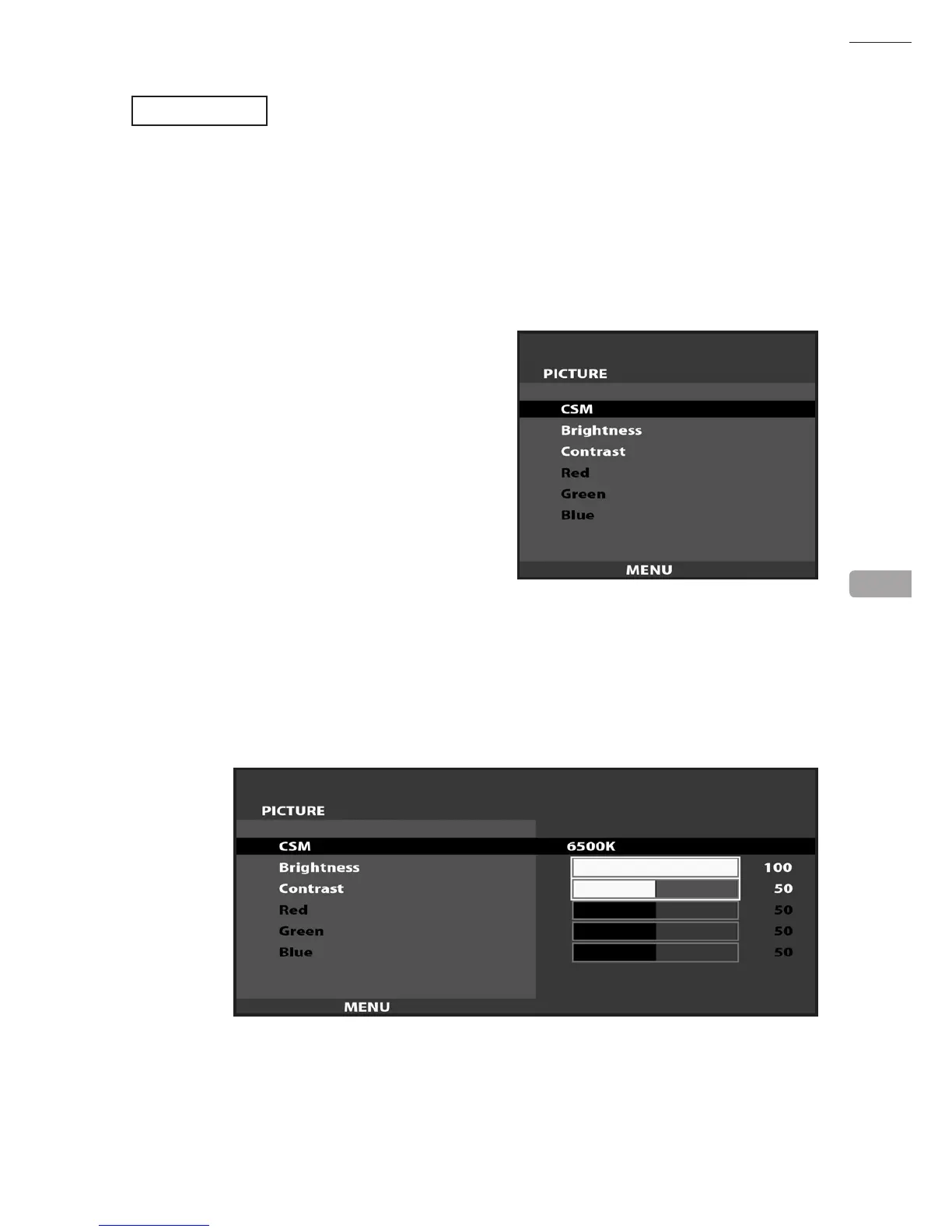
Press the MENU Button while the OSD is not displayed to bring up the Picture Menu.
On the Picture Menu, it is possible to perform various screen adjustments.
Use the UP and DOWN Buttons to move the ‘Black Bar’to the item you want to adjust.
After selecting the desired item, pressing the SELECT Button will extend the MENU Screen and allow
adjustments to be changed.
Within each item, press the SELECT Button to exit the adjustment screen. The adjustment values at this time will be
saved simultaneously.
The current options are set at :
CSM
- 6500K
Brightness - 100
Contrast - 50
12



 To Next Page
 Loading...








