131
User Manual
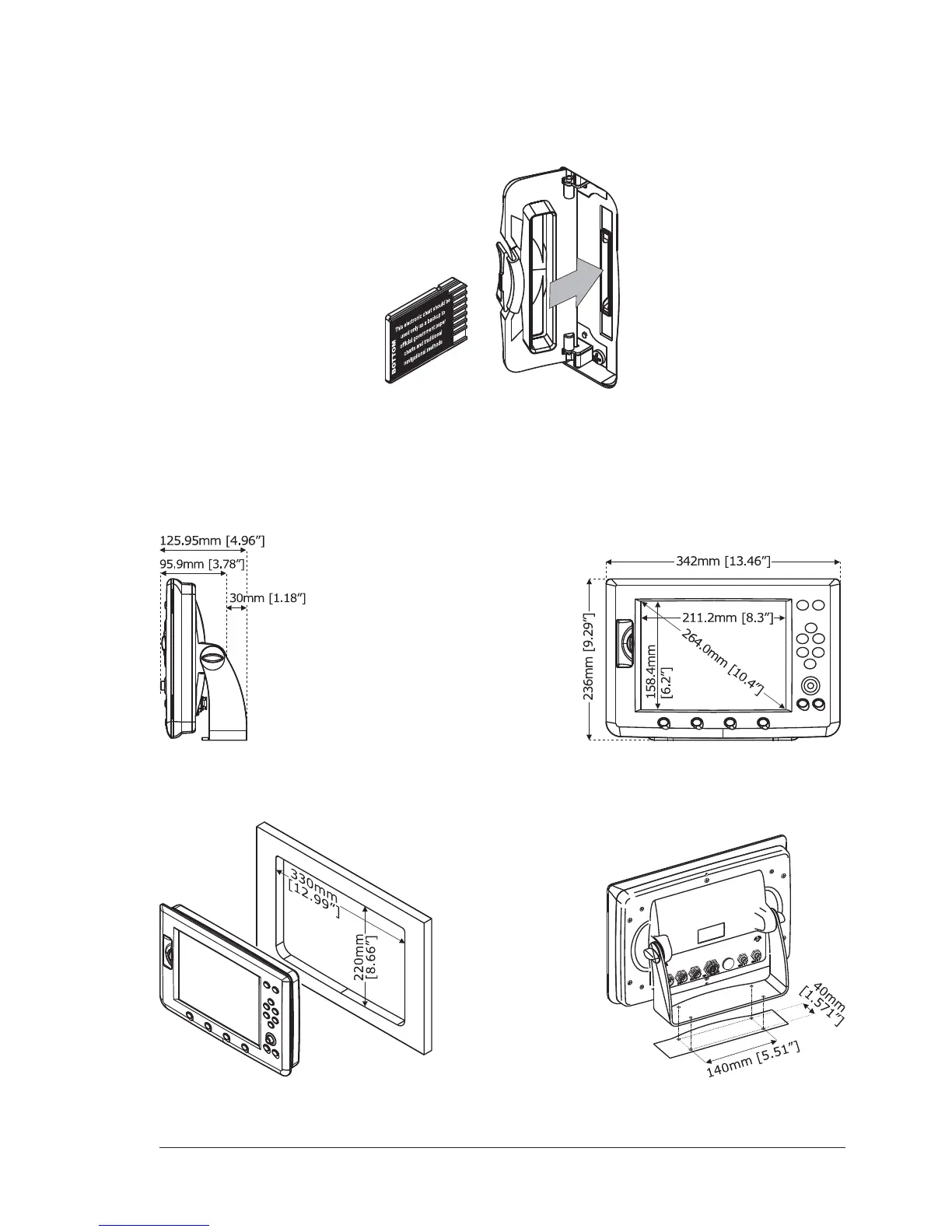
MEDIA INSERTING/REMOVING PROCEDURE
Inserting the MEDIA
Open the door, hold the MEDIA by the short side, gently push the MEDIA into the
door slot and close the door.
Removing the MEDIA
To remove the MEDIA open the door, then remove the MEDIA from the slot.
CHART PLOTTER DIMENSIONS
INSTALLATION AND REMOVING
Example of (left) Flush deck installation and (right) Bracket installation



 To Next Page