42 User Manual
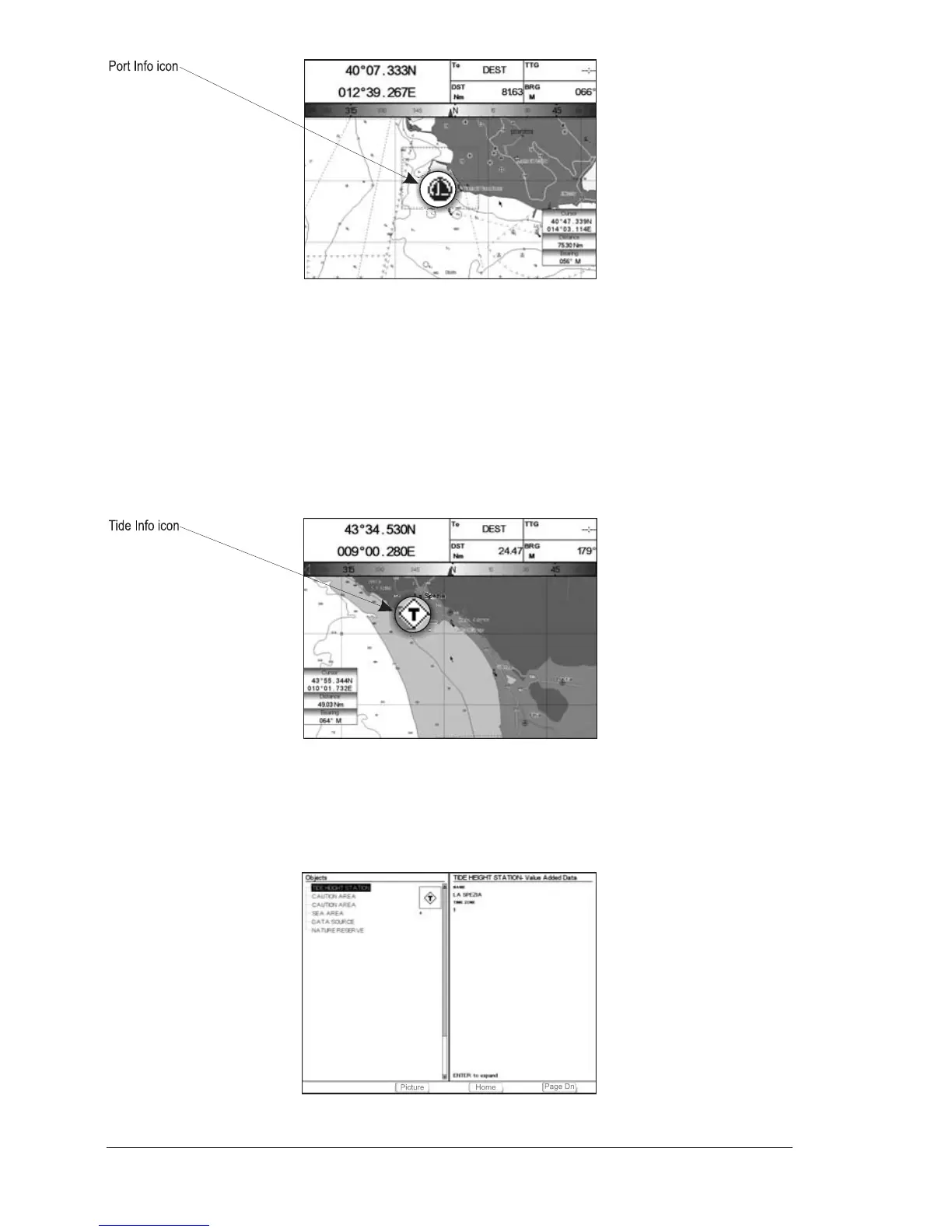
Fig.2.7 - Port Info icon
The available information is shown in the Automatic Info window where icons of
the available services are shown. To expand information about that object press
[Expand]
1
and to expand all available information and get the details on each
service of the Port Marina for that cartographic point press [Exp All]
1
.
NOTE
1
FOR T-59.09, press [1, Expand] e [2, Exp All].
NOTE Port Info icon is visible only if the Ports + Services option is On (see Par. 4.1).
Getting Tide Info
By placing the cursor over the Tide Station icon.
Fig. 2.7a - Tide Info icon
By placing the cursor over the Tide Station icon the chart plotter pops-up the
relative automatic info window and allows displaying a graphical page with the
tides prediction of the selected object. Press [Expand]
1
:
NOTE
1
FOR T-59.09, press [1, Expand].
Fig. 2.7b - Tide information page



 To Next Page