79
User Manual
FF Std
FF Dual
FF Splt
FF+Map
Fig. 5.3.2 - Example of Fish Finder page selection using Soft Keys
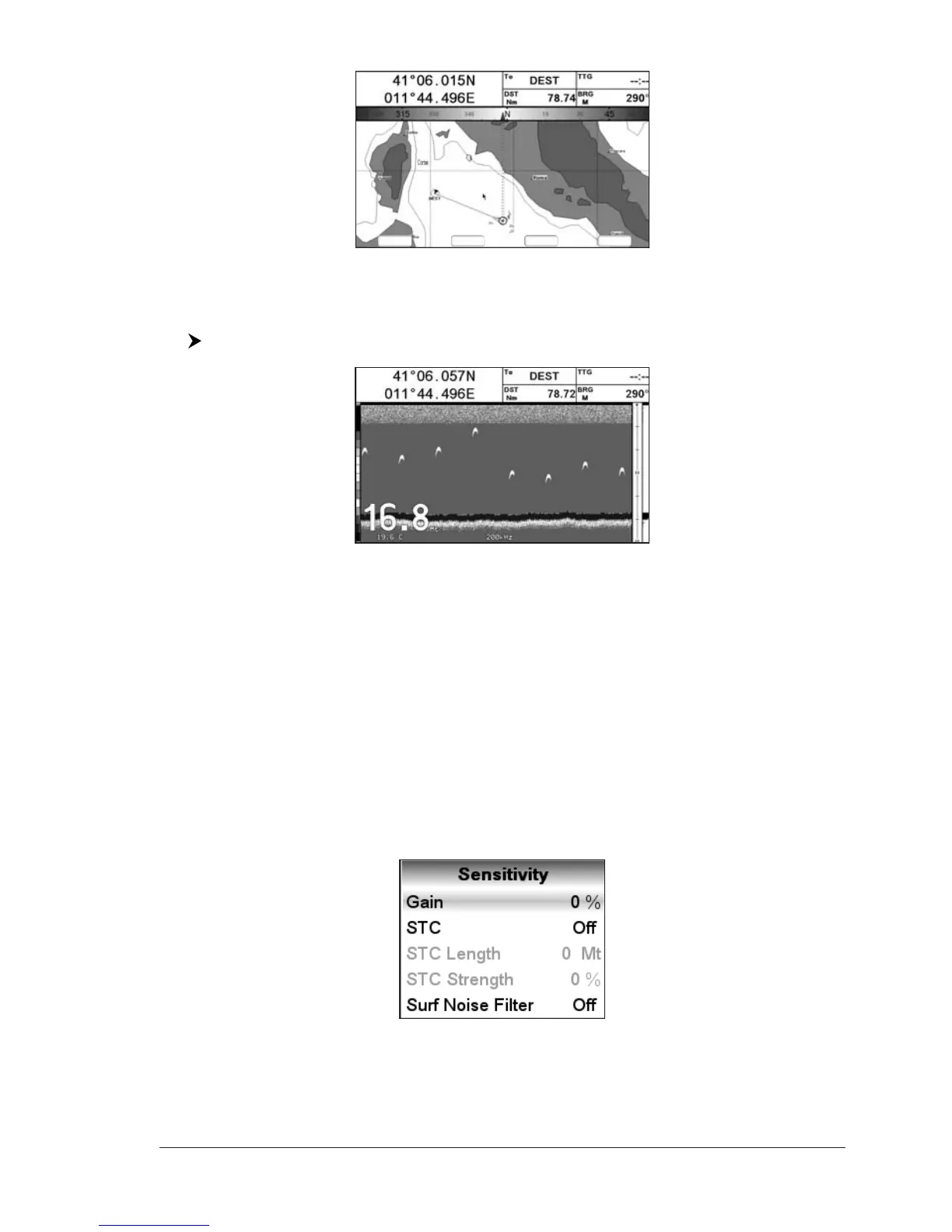
5.3.2 Fish Finder Full page
To display the Fish Finder Full Page Echogram, follow this procedure:
[MENU] + "Page" + [ENTER] + "Fish Finder" + [ENTER] + "Full" + [ENTER]
Fig. 5.3.2 - Example of 200kHz Fish Finder Full page
NOTE The frequency displayed depends on the selection done in the Frequency item
(see Par 5.6.7).
The MENU key
Pressing [MENU] activates the Fish Finder Setup menu (see Par. 5.6). Pressing
[MENU] subsequent times toggles between the Fish Finder Setup menu and the
Functions menu.
The Cursor key
Moving the Cursor key up/down adjusts the Variable Depth Marker (VDM) up or
down on the screen.
The ENTER key
Pressing [ENTER] activates the Sensitivity menu (see Par. 5.6.9) that allows
tuning the Gain, the Surface Noise Filter and the STC.
Fig. 5.3.2a - Sensitivity sub-menu
Pressing [CLEAR] turns off the Sensitivity menu.



 To Next Page