40 User Manual
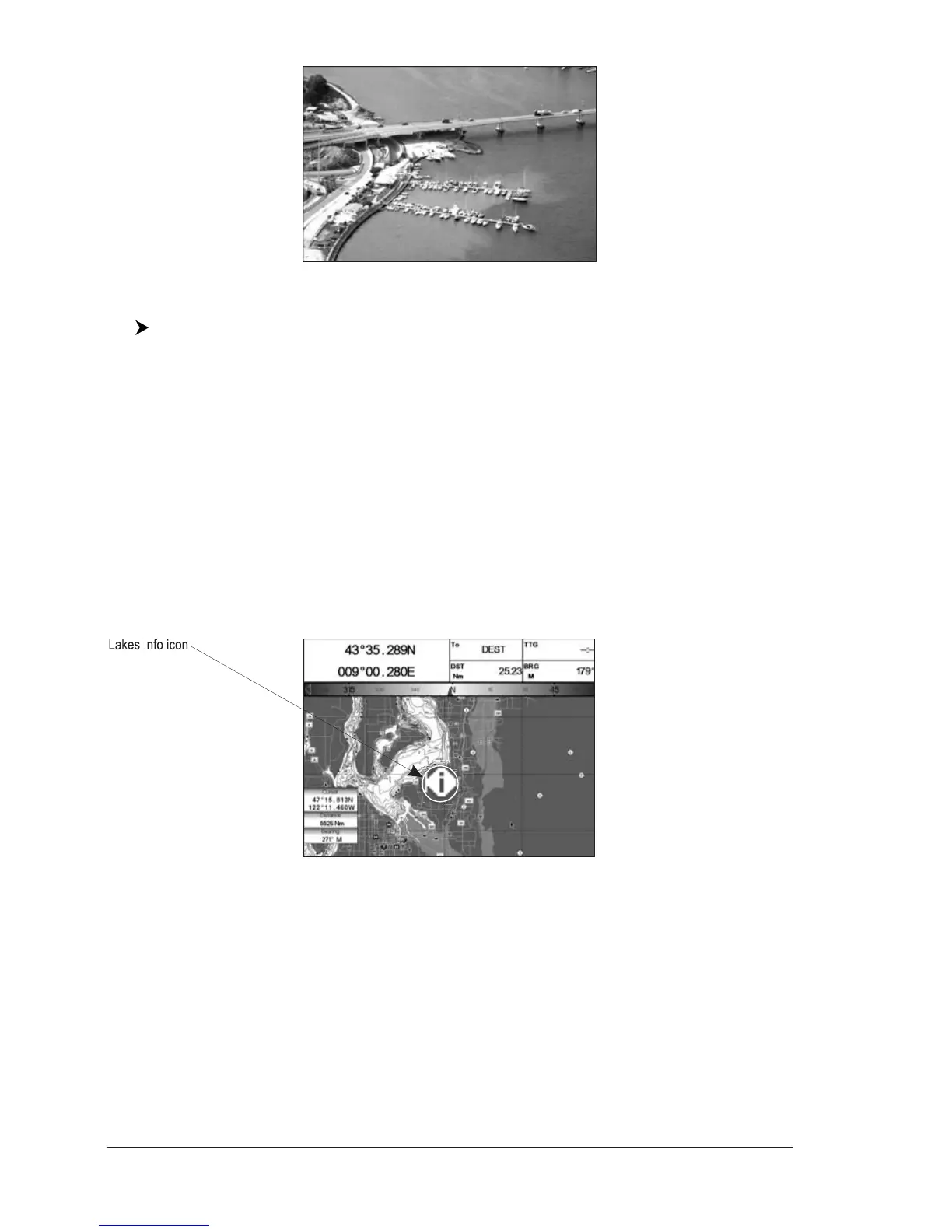
Fig. 2.6b - Example of picture
To change picture size:
Press [ENTER] when the picture is shown
Info Tree and Expanded Info page
The upper side of the page contains the Info Tree and the Lower side contains the
expanded information. While moving the cursor through the Info Tree, all the rel-
evant information of the selected object is shown on the lower part of the page. By
pressing [CLEAR] the page is closed. If the information shown on the Lower part
of the page exceeds the page size, you may scroll the page using [Page Dn]
1
.
Use [Home]
1
to get back to the first page. When the selected object is a Tide
Station, by pressing [ENTER] the Tide page is shown.
NOTE
1
FOR T-59.09, press [4, Page Dn] and [3, Home].
Quick Info on Lakes
Upon viewing the chart of a lake, you will click on to query the available information
immediately displayed with many details. For example, see the following picture:
Fig. 2.6c - Example of Lakes info
When the cursor is placed over the icon, the icons of the available services are shown:



 To Next Page