ADN Digital Conference System | 115
Using the “Conference Manager” software
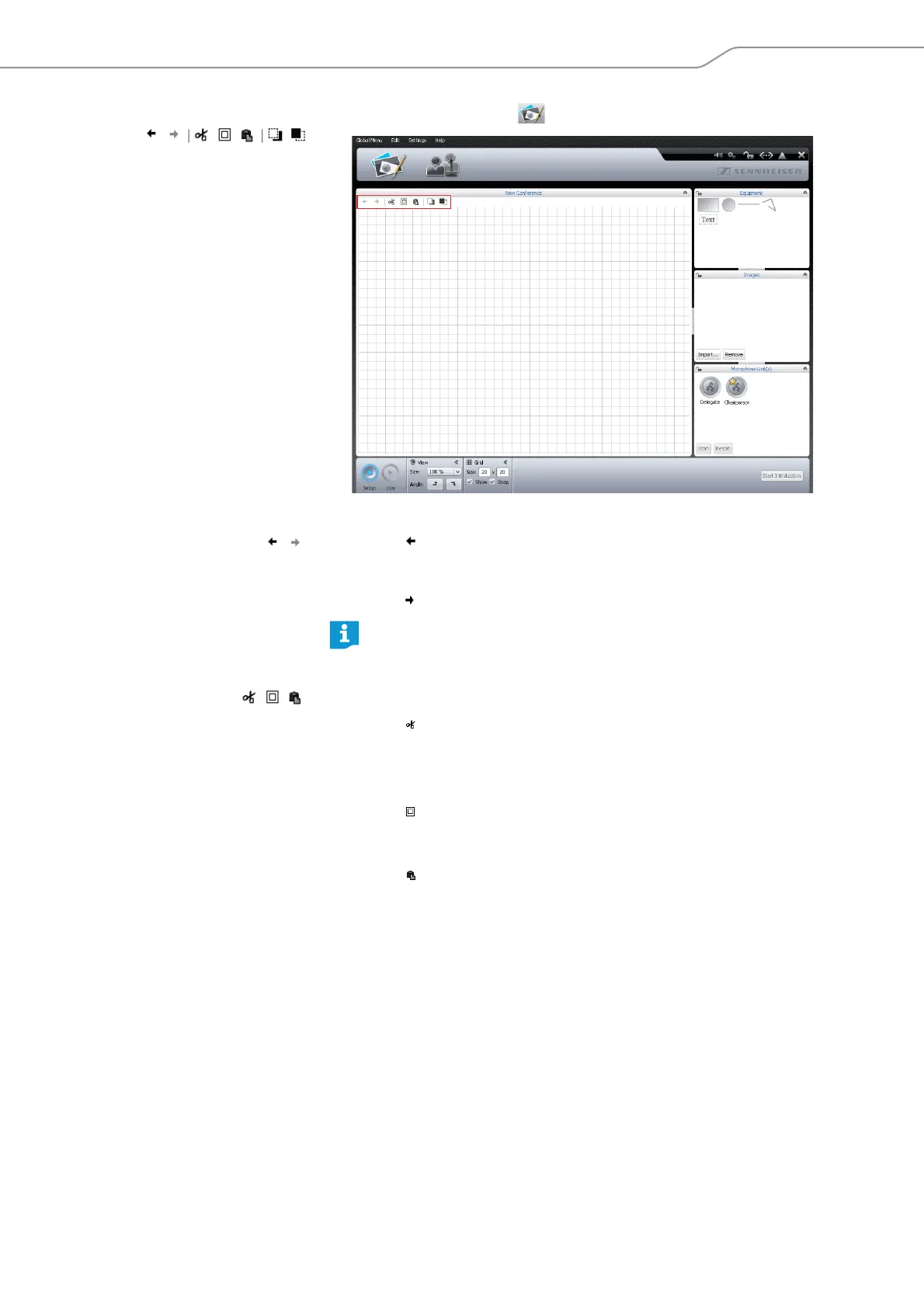
Undoing/redoing actions 왘 Click the Room View button .
To reverse the last action you performed:
왘 Click the icon.
To reverse the last “undo” action:
왘 Click the icon.
Copying/pasting/cutting objects To cut an object and paste it to the clipboard:
왘 Select the object that you want to cut and paste.
왘 Click the icon.
The selected object is cut from the canvas and pasted to the clipboard.
To copy an object to the clipboard:
왘 Select the object that you want to copy.
왘 Click the icon.
The selected object is copied to the clipboard.
To paste an object from the clipboard:
왘 Click the icon.
The object from the clipboard is pasted to the canvas.
To delete an object:
왘 Select the object that you want to delete.
왘 Press the “Del” key.
The selected object is deleted.
You can undo and redo up to 10 actions.



 To Next Page