ADN Digital Conference System | 41
Putting the conference system into operation
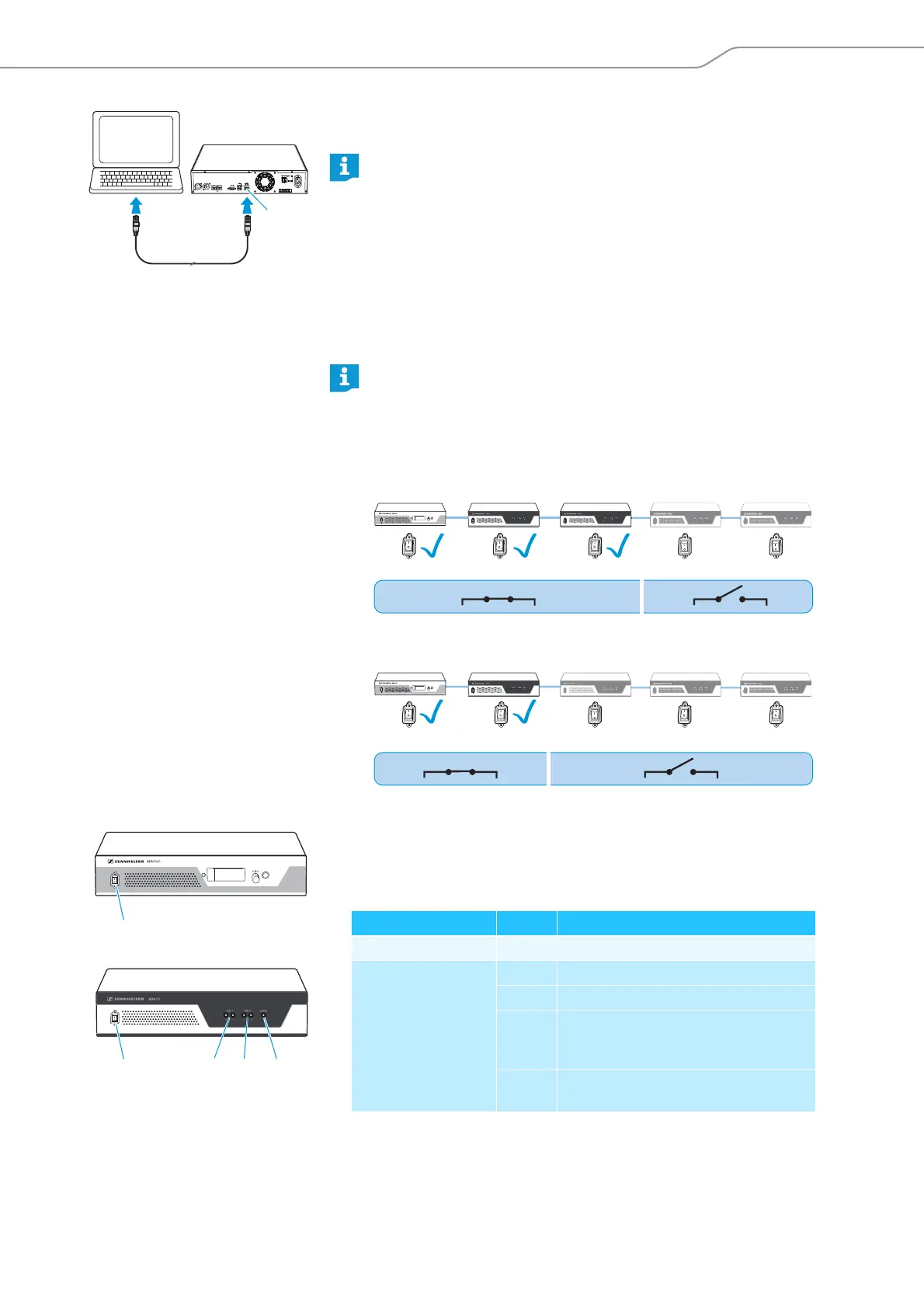
왘 Use a network cable (Cat5) to connect the Ethernet socket of the central unit
to the network interface of your PC.
왘 Install the “Conference Manager” software supplied on the DVD-ROM on your
connected PC (see page 82).
왘 Configure the network as described in the chapter “Preparing the Windows
version of the software for use” on page 81.
Switching the conference system on/off
Switching the conference system on
왘 On the ADN CU1 central unit and the ADN PS power supplies, set the on/off
switch or
to position “I”.
The central unit switches on and its display panel lights up. The power supplies
switch on and their status LEDs light up:
IN –– AUDIO –– OUT
PORT II PORT I
100-240V~
50/60Hz 240W
2x 52.8V 1.75A
B
You can also connect the PC and the central unit using a switch or similar.
The ADN PS power supplies can only be switched on when the ADN CU1
central unit and the previous ADN PS connected in series are also switched
on.
You can set up your conference system so that you can increase or reduce
the number of conference units used by simply switching individual ADN PS
on or off.
ESC
ADN CU1
ADN PS ADN PSADN PS
ADN PS
ESC
ADN CU1
ADN PS ADN PSADN PS
ADN PS
ON ON
ON ON
ON
ON ON
OFF
OFF
OFF
ESC
ADN CU1
ADN PS
1
2
3
4
5
Status LED Color Meaning
POWER green ADN PS is switched on
PORT I /Port II
output 1/2
– Not used, switched off
orange Conference units are connected in strings
green Conference units are connected in
redundant ring topology via output 1
and 2
flashing
orange
Error in a cable string;
output is switched off



 To Next Page