ADN Digital Conference System | 143
Using the “Conference Manager” software
Using the log and diagnosis function – “Event Log”
The log and diagnosis function allows you to log all changes to the conference
system. During normal operation, the button is displayed on the toolbar. As
soon as a change to the system or an error is detected, the button on the
toolbar changes to .
To start the “Event Log” function:
왘 Click the or button on the toolbar.
Or, if the “Processing” window is displayed:
왘 Click the button.
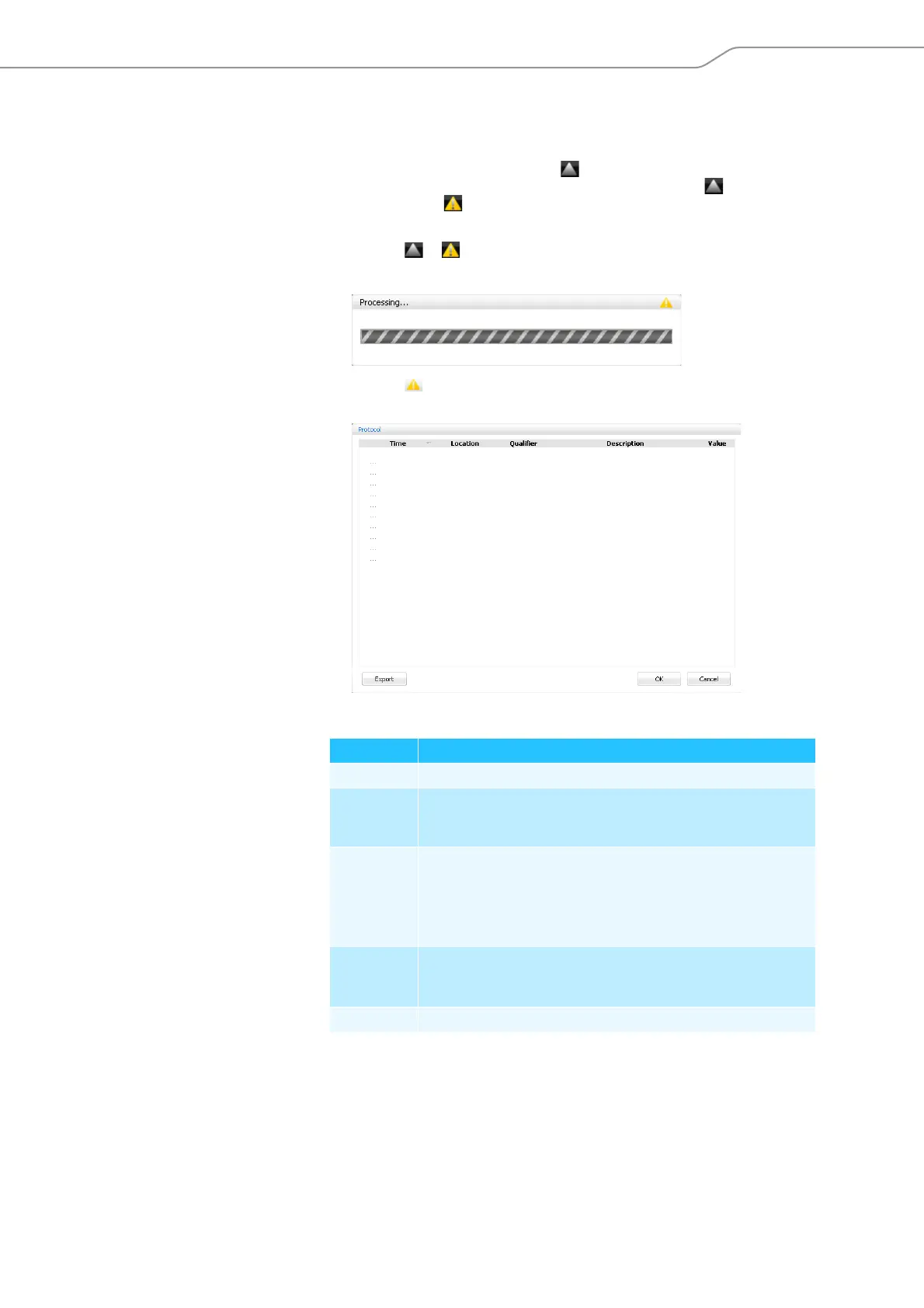
The “Event Log” window appears.
Changes and warnings are listed in chronological order:
Selection of possible information in the “Event Log“
The “#” characters in the following tables represent varying numeric values (e.g.
“Location” [CU Main ######] stands for an ADN CU1 central unit with the serial
number e.g. “[CU Main 661235]”).
Column Meaning/Function
“Time” Time of the ADN CU1 central unit
“Location” Location of information/error
(central unit = “CU Main”, power supply = “PS”,
chairperson unit = “PU”, delegate unit = “DU”)
“Qualifier” Message qualifier:
•“Info”
•“Warning”
•“Error”
•“Critical Error”
“Description” Error description in English language
A selection of possible error descriptions is given in the following
chapter.
“Value” Optional additional value (e.g. error code)



 To Next Page