Putting the conference system into operation
42 | ADN Digital Conference System
Switching the conference system off
왘 Set the on/off switch of the ADN CU1 central unit to position “0”.
The central unit is switched off and the display panel goes off. All ADN PS power
supplies connected to the central unit and switched on are switched off and the
status LEDs go off.
To switch individual ADN PS power supplies off:
왘 Set the on/off switch of the ADN PS power supply to position “0”.
The power supply is switched off and all status LEDs go off. Additional con-
nected ADN PS power supplies are also switched off.
To completely switch the ADN CU1 central unit or the ADN PS power supply off:
왘 Disconnect the mains connector of the ADN CU1 central unit or the mains con-
nector of the ADN PS power supply from the mains power supply.
Using the media control system
To integrate the conference system into a media control system, make sure that
the following requirements are met:
• The media control system is capable of sending and receiving ASCII control
commands.
• The conference system and the media control system are interconnected via an
Ethernet network.
• The network communication is not blocked (for example by a firewall).
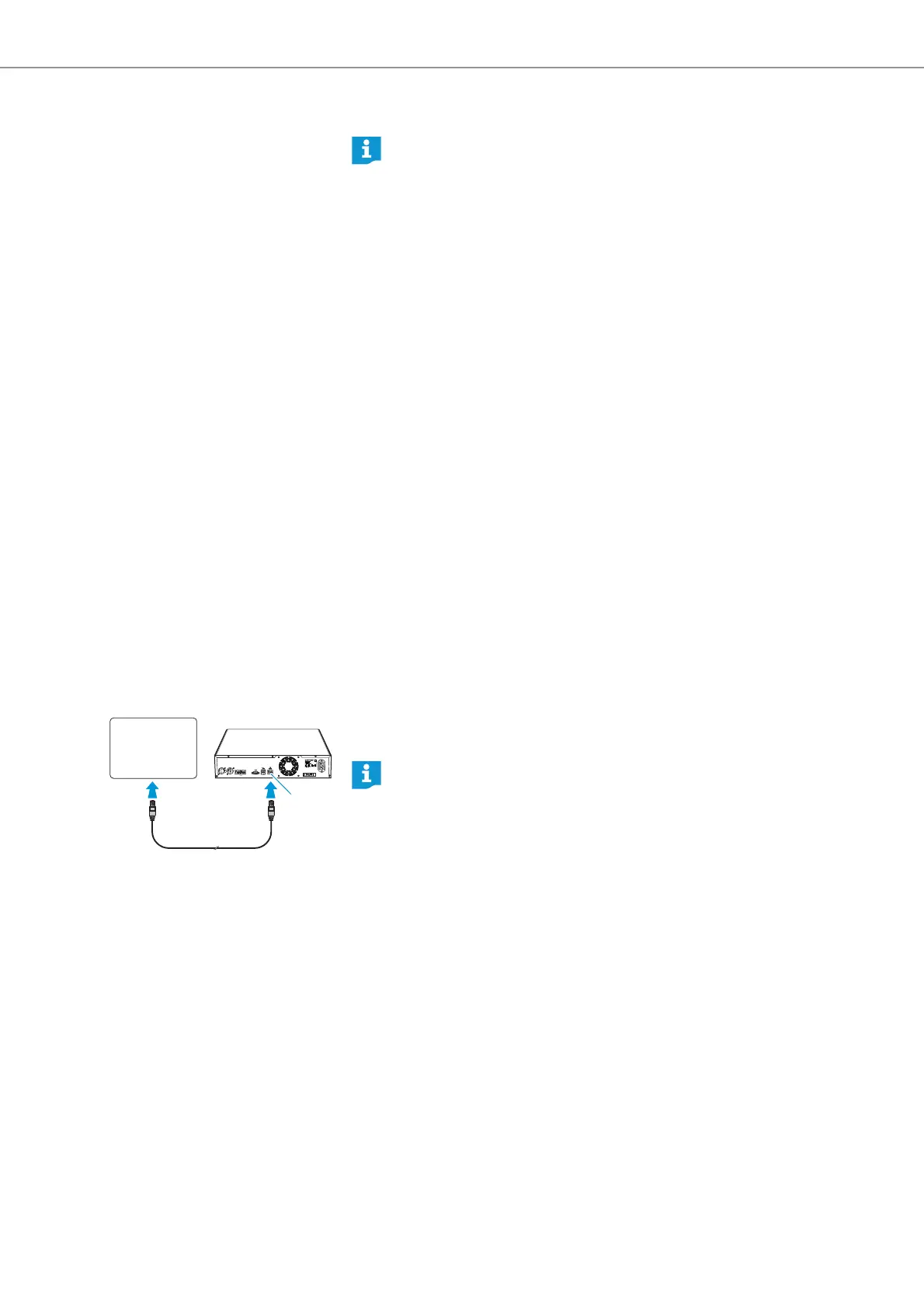
Connecting the media control system
To connect the central unit to a media control system:
왘 Use a network cable (Cat5) to connect the Ethernet socket of the central unit
to the network interface of your media control system.
If you have made changes to a configuration using the “Conference Man-
ager” software, you have to save these changes before switching the
central unit off (see page 103). All other settings of the central unit are
automatically saved.
Media
control
system
IN –– AUDIO –– OUT
PORT II PORT I
100-240V~
50/60Hz 240W
2x 52.8V 1.75A
B
You can also connect the media control system and the central unit using a
switch or similar.



 To Next Page