ADN Digital Conference System | 81
Using the “Conference Manager” software
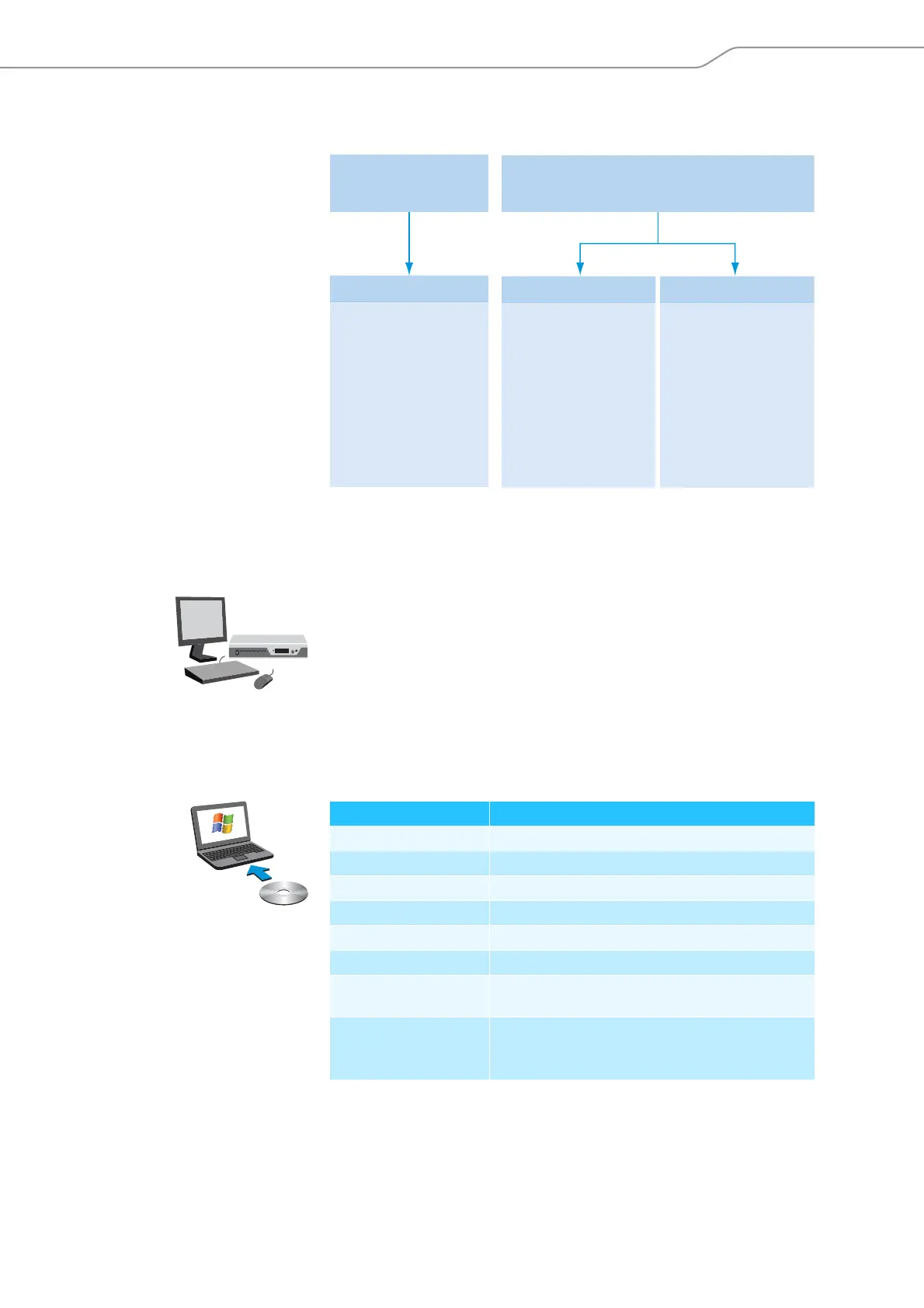
The following overview shows the functions that are available depending on the
connections status:
Preparing the central unit’s integrated software for use
Connecting and configuring the screen, mouse, and keyboard
왘 Connect the screen, mouse, and keyboard to the central unit (see page 40).
To optimally use the screen, mouse, and keyboard, you have to configure the
devices one time:
왘 Adjust the setting for the screen, mouse, and keyboard to your needs (see
page 97).
Preparing the Windows version of the software for use
System requirements
“Disconnected” –
not connected to the
ADN CU1 central unit
“Setup” operating mode
• Room View window
can be edited
• Delegate View window
can be edited
• Configuration
can be edited
“Setup” operating mode
• Room View window
can be edited
• Delegate View
window
can be edited
• Configuration
can be edited
• Conference units
can be initialized
“Live” operating mode
• Conference control
via Room View
window
• Conference control
via Delegate View
window
• Audio recordings
can be controlled
• Configuration
can be edited
“Connected” –
connected to the ADN CU1 central unit
Component Requirement
Processor Intel Pentium 4 or AMD Athlon XP, 2 GHz or more
RAM Min. 1 GB, depending on your operating system
Hard disk Min. 150 MB free hard disk memory
Drives DVD-ROM
Interfaces/network Ethernet 100 MBit/s
TCP/IP internet protocol Internet Protocol version 4 (IPv4)
Screen Minimum resolution: 800 x 600 pixels
Recommended: 1024 x 768 pixels
Operating system Microsoft Windows XP Professional with SP 3
Microsoft Windows Vista with SP 2
Microsoft Windows 7



 To Next Page