ADN Digital Conference System | 59
Configuring the conference system via the central unit
Possible settings: “On” and “Off”
Checking the system and detecting problems –
“System Menu”
The “System Menu” submenu provides information on the current status of your
conference system and any errors that have occured.
After switch-on, the central unit automatically performs a self-test. If errors are
detected during the self-test, the error icons to indicate the type of error
encountered. When the error icons and appear, and severe errors have
occured, the display panel changes from orange to red. If severe cabling errors are
detected during the self-test, an error message appears, the display panel lights up
red and the conference system is not operational. For more information on severe
cabling errors, refer to page 36.
The central unit also checks the conference system for errors during a running con-
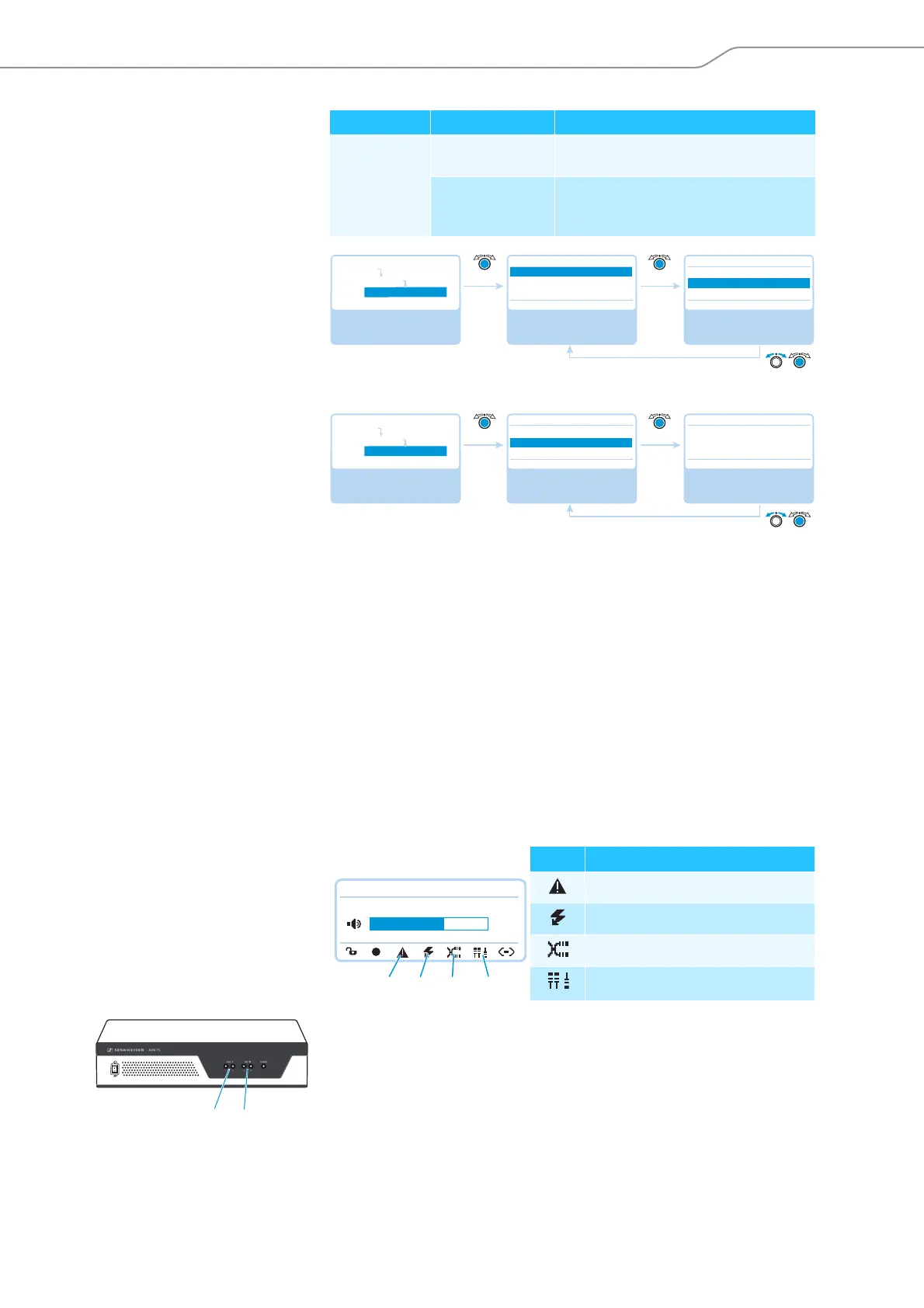
ference and, if necessary, shows the following icons to indicate these errors.
When the error icons and appear and the error concerns the PORT socket of
an ADN PS power supply, the PORT status LED or of the affected ADN PS
flashes orange.
Submenu Menu item Function
“Conference
Recording“
“Record“ Activates/deactivates the recording of the
conference on a USB mass storage device
“Recording status“ Provides information on the status of the
recording and on the available memory
space on the USB mass storage device
Select and call up the
“Conference Recording”
submenu
Select and call up the
“Record” menu item
Select the desired
setting; store the
setting
Conference Recording
Record
Recording status
Off Off
Record
On
Off
Main Menu
Audio Menu
Conference Recording
Select and call up the
“Conference Recording”
submenu
Select and call up the
“Recording status”
menu item
View the information;
exit the menu item
Conference Recording
Record
Recording status
Off
Recording status
Status : Off
Free Space avail.: 234 GB
Main Menu
Audio Menu
Conference Recording
Icon Meaning
Warning triangle
Short-circuit icon
Cable fault icon
Structural change icon
Direct Access 30 Units
22
M
N
L
K
ADN PS
3
4



 To Next Page