Configuring the conference system via the central unit
50 | ADN Digital Conference System
Canceling an entry
Or:
To subsequently directly return to the last edited menu item:
Exiting the operating menu
Or:
Adjusting the conference settings – “Conference Menu”
The settings available in the “Conference Menu” menu item affect the behavior of
the entire conference system during a conference.
Adjusting the conference mode – “Conference Mode”
Possible settings: “Direct Access”, “Override”, “Push To Talk” and “Request”
•“Direct Access” mode and “Override” mode:
These two conference modes do not require the use of a chairperson unit.
If the maximum number of speakers who can take the floor simultaneously
(“Microphone Limit”) has not been reached, a further speaker can take the
floor immediately.
왘 Press the ESC key.
The operating menu or the next higher menu level appears.
왘 Press the standard display key.
The standard display appears.
왘 Press the jog dial repeatedly until the last edited menu item appears.
왘 Press the standard display key.
The standard display appears.
왘 Press the ESC key repeatedly until the standard display appears.
CAUTION
Interruption of a running conference
If you adjust settings in the “Conference Menu” menu item during a running con-
ference, the conference will be interrupted.
왘 Inform the participants that the conference settings are being changed and that
they might have to make a new request to speak.
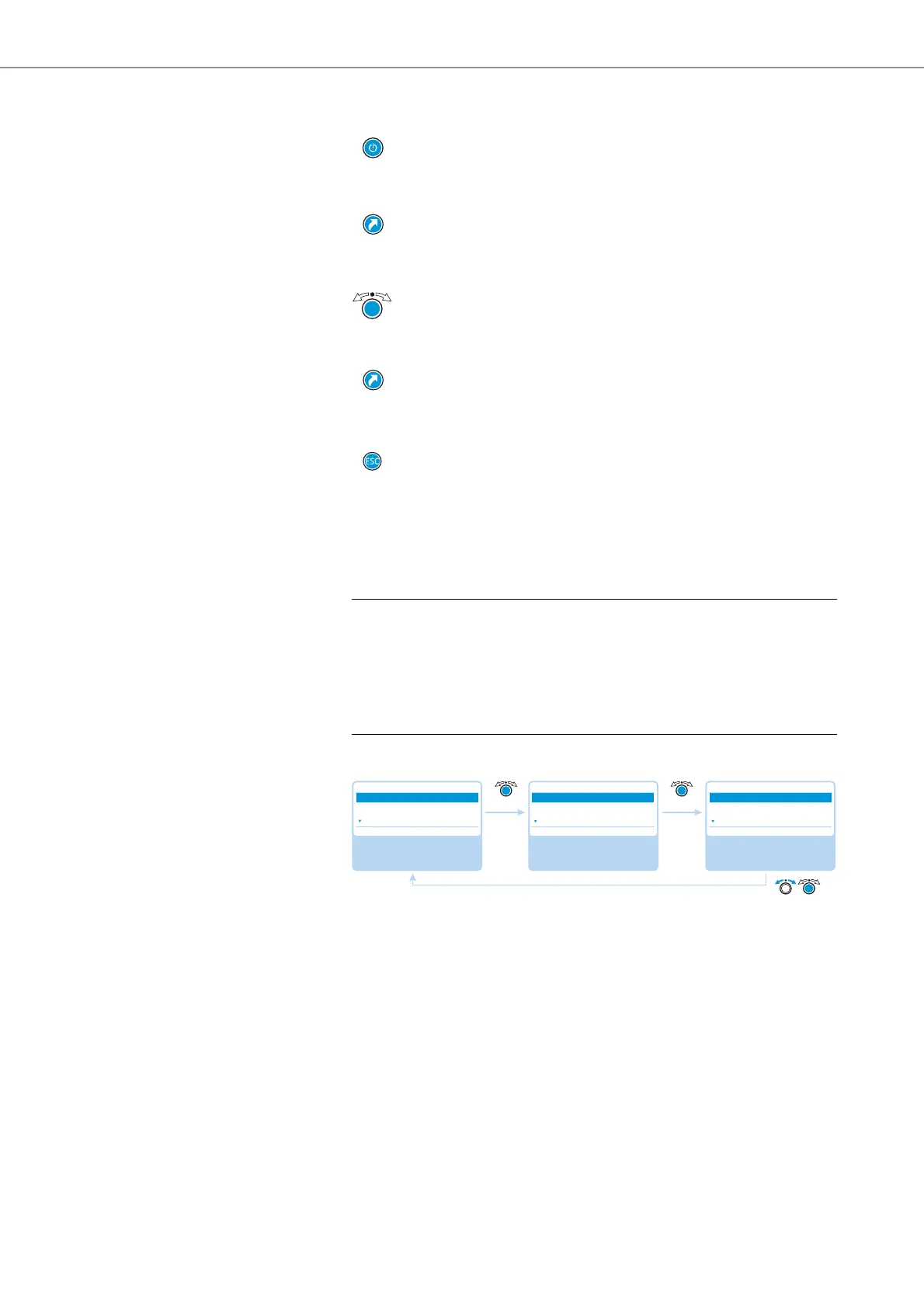
Select and call up the
“Conference Menu”
submenu
Select and call up the
“Conference Mode”
menu item
Select the desired
setting; store the
setting
Main Menu
Conference
Audio
System
Conference
Conference Mode
Microphone Limit
Request Limit
Conference Mode
Direct Access
Override
Request
Direct AccessDirect Access



 To Next Page