Using the central unit
44 | ADN Digital Conference System
Using the central unit
Deactivating the lock mode of the central unit
If the lock mode is activated (see page 71), you have to deactivate it in order to be
able to operate the central unit:
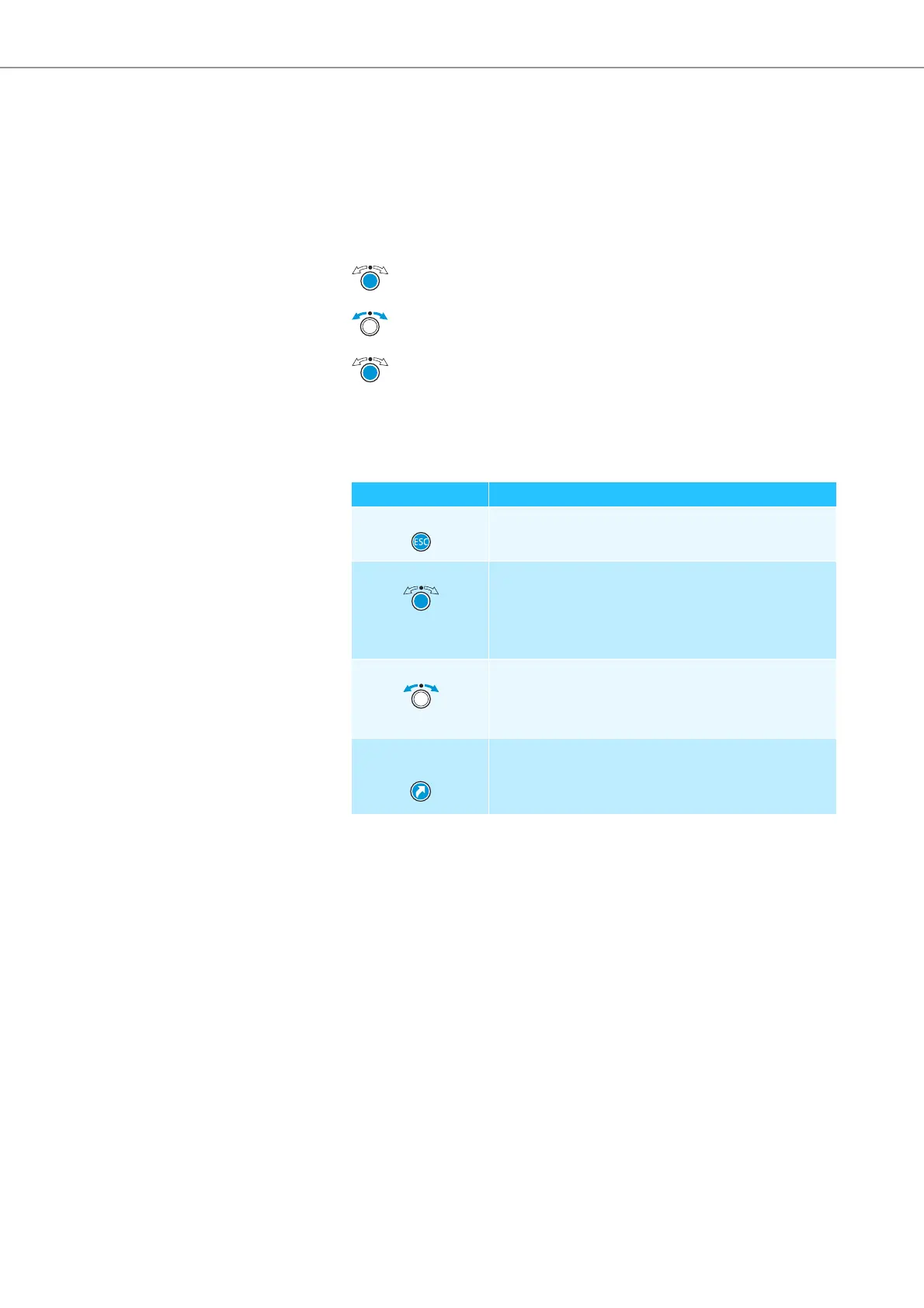
Functions of the keys
왘 Press the jog dial or any other key.
“Lock” appears on the display panel.
왘 Turn the jog dial.
The “OFF” setting is selected.
왘 Press the jog dial.
The lock mode is deactivated.
Action Functions
Press the ESC key • Cancels the entry and returns to the next higher
menu level or to the standard display
Press the jog dial • Changes from the standard display to the
operating menu
• Calls up a menu item
• Enters a submenu
• Stores the settings and returns to the operating menu
Turn the jog dial • Increases or reduces the floor channel volume
(when the standard display is shown)
• Changes to the next/previous menu item
• Changes the setting of a menu item
Press the standard
display key
• Returns to the standard display



 To Next Page