ADN Digital Conference System | 141
Using the “Conference Manager” software
To activate or deactivate the speaking time limit:
왘 In the “Talk Time” box, tick/untick the “Limitation” check box (see also
page 128):
– ticked : The speaking time limit is activated.
– unticked : The speaking time limit is deactivated.
To change the speaking time limit:
왘 In the “Talk Time” box, enter the desired speaking time limit into the drop-
down list field (see also page 128).
Changing the conference mode 왘 From the “Mode” drop-down list in the “Conference” box, select the desired
conference mode (see page 126).
Changing the maximum number of
speakers who can take
the floor simultaneously
왘 From the “Open” drop-down list in the “Conference” box, select the maximum
number of speakers who can take the floor simultaneously (see also page 127).
Changing the maximum number of
requests to speak
왘 Change the maximum number of requests to speak (see page 128).
Changing the behavior of the
signal light ring when a
request to speak is made
왘 Change the behavior of the signal light ring when a request to speak is made
(see page 128).
Exiting the “Live” operating mode
You can exit the “Live” operating mode by calling up the “Setup” operating mode:
왘 Click the “Setup” button.
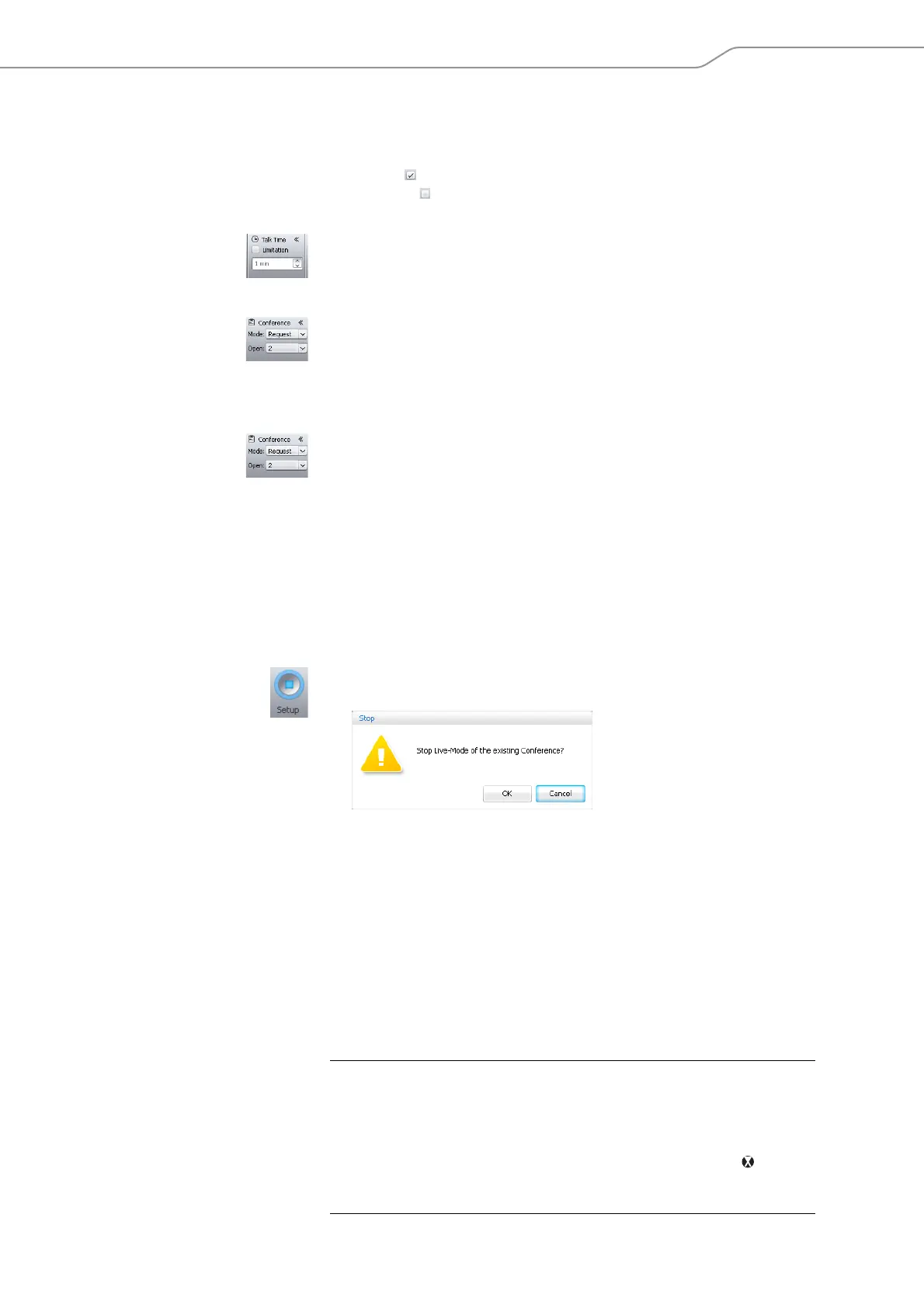
The “Stop” warning message appears.
왘 Click “OK”.
The software switches to “Setup” operating mode and the View windows
change their appearance accordingly. A running conference is not interrupted
and can be continued. An audio recording on a USB mass storage device is not
stopped.
Recording a conference – “Conference Recording“
In “Live” operating mode, the ADN CU1 central unit allows you to record the floor
channel and the channels of all active conference units as audio files on a USB mass
storage device. Information on the requirements and recording possibilities is
given on page 77.
CAUTION
Loss of an audio recording!
If you disconnect the USB mass storage device from the central unit during an audio
recording, the audio recording can be rendered unusable due to faulty data.
왘 Stop the audio recording (see page 142) and make sure that the icon is no
longer displayed in the CU1 display panel before disconnecting the USB mass
storage device from the central unit.



 To Next Page