ADN Digital Conference System | 117
Using the “Conference Manager” software
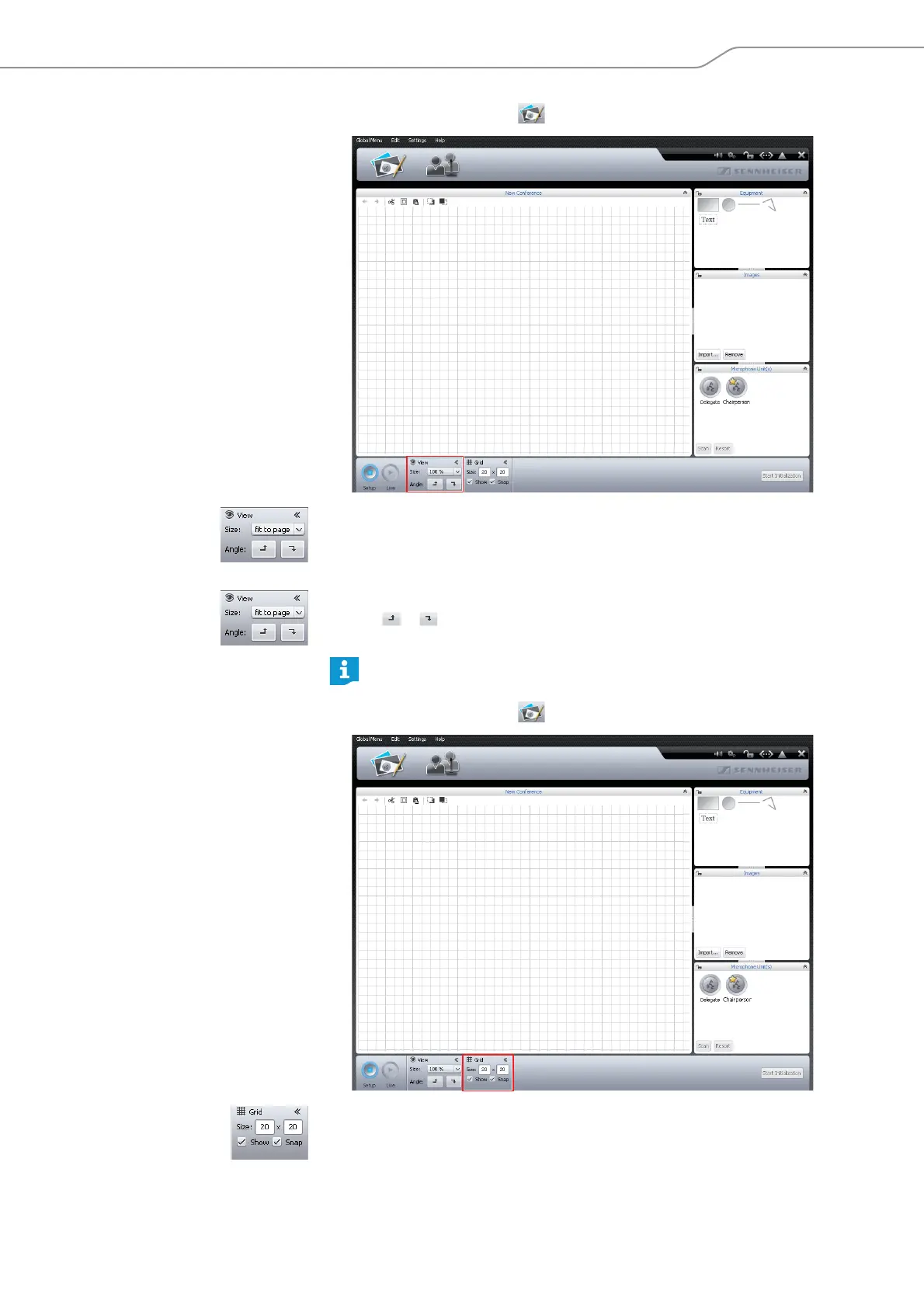
Changing the size of the canvas 왘 Click the Room View button .
To enlarge/reduce the size of the canvas:
왘 Select the desired scaling factor from the “Size” drop-down list.
The size of the canvas is adjusted.
To rotate the contents of the canvas:
왘 Click or .
The contents of the canvas are rotated by 90°.
Using grid lines 왘 Click the Room View button .
To show/hide the grid lines:
왘 Tick/untick the “Show” check box.
When the contents of the canvas are rotated, the orientation of the text
objects does not change so that the text remains readable.



 To Next Page