Using the “Conference Manager” software
88 | ADN Digital Conference System
Windows version of the software
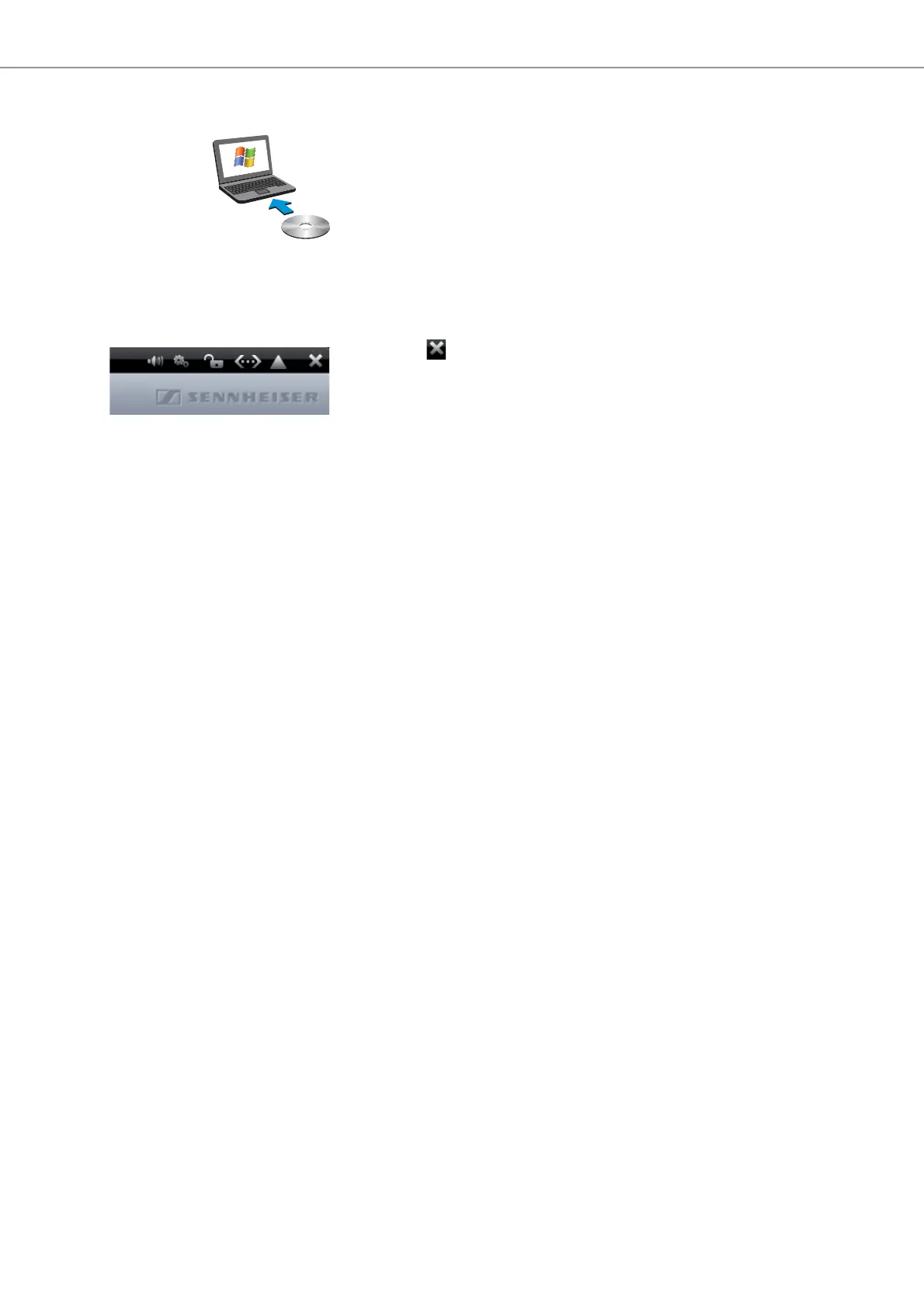
To start the software:
왘 Double-click the program icon on the desktop.
Or:
왘 Click “Start” > “All Programs” > “Sennheiser” > “ADN” > “SENNHEISER
Conference Manager”.
The “Conference Manager” software is started in “Setup” operating mode and
the Room View window is displayed. The “Open” window appears in the
foreground.
To exit the software:
왘 If necessary, save your current configuration (see page 103).
왘 Click the
button on the toolbar.



 To Next Page