Using the “Conference Manager” software
94 | ADN Digital Conference System
Selecting the
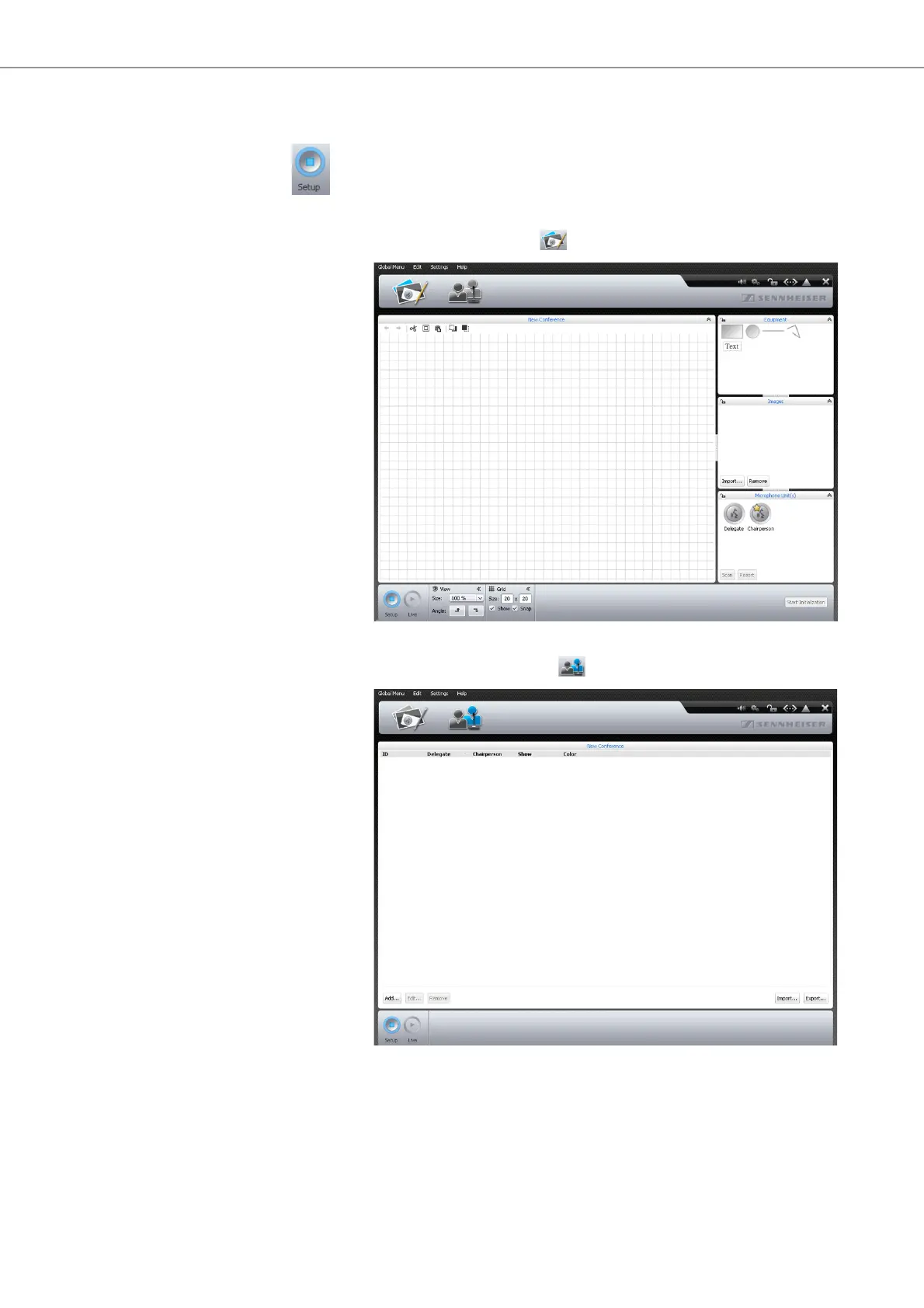
“Setup” operating mode
왘 Click the “Setup” button.
The software changes to “Setup” operating mode and the “Setup” button is
highlighted in blue.
To display the Room View window:
왘 Click the Room View button .
To display the Delegate View window:
왘 Click the Delegate View button .



 To Next Page