Doc. 177/5250x
Rev A
5-8
Time to Distance
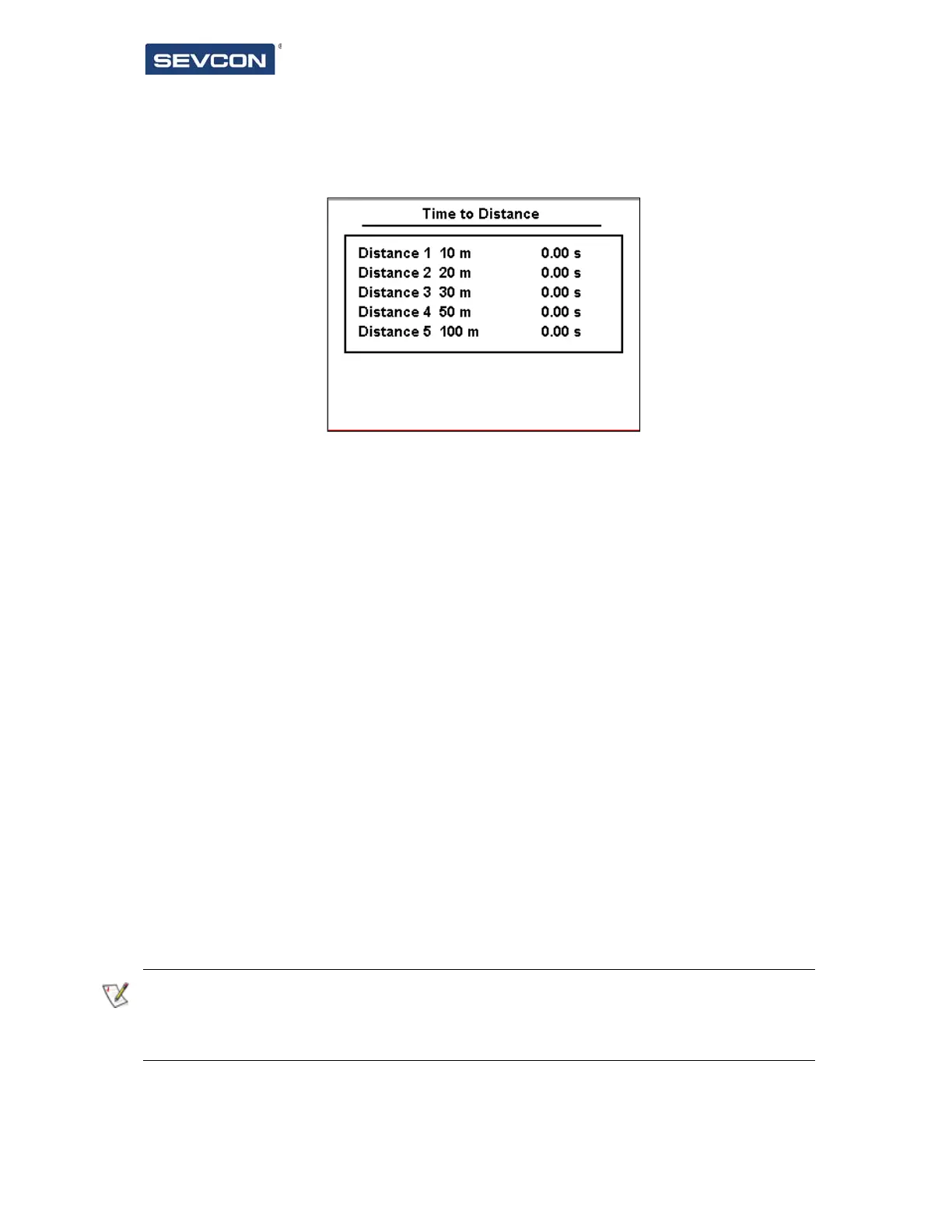
The time to distance screen is shown in Figure 8.
This screen is intended to be used as a performance evaluation screen for the vehicle. It will
display the time it takes to move from stationary to each of the distance markers. To use the
screen:
Real vehicle speed and traction drive state must be transmitted via a PDO from the
vehicle master controller to the display. This is required to ensure that the update
rate of the speed is sufficient to obtain an accurate timing.
Stop the vehicle.
Accelerate in either direction. The times will be cleared.
As each distance marker is passed, the time will be shown on the screen.
Vehicle can be stopped at any time. Times will remain on the screen until the vehicle
moves again.
The distance markers can be adjusted to suit the vehicle or application using Display – Time
to Distance in the Configuration screen.
If no times are seen when driving the vehicle, then check that both vehicle speed and
traction drive state are unmapped in display RPDOs correctly. Also ensure that the vehicle
speed has been correctly setup with numerator and denominator scale factors.
Figure 8 – Time to Distance Screen



 To Next Page