Display Usage
Doc. 177/5250x
Rev. A
5-9
Personalities and Configuration
The personalities and configuration screens allow local display parameters, motor parameters,
and drivability parameters to be adjusted.
Items that are visible on these screens are dependent on the following:
Items will only be shown if there is an associated motor controller, motor, or
drivability profile enabled. Items that are not present on a setup will be removed
from the tree view.
Items will only be shown if the access level of the display has been set at a level that
exceeds the required login level for that parameter. The required levels are detailed
in the controller object dictionary. If the display is at a lower level then items are
hidden.
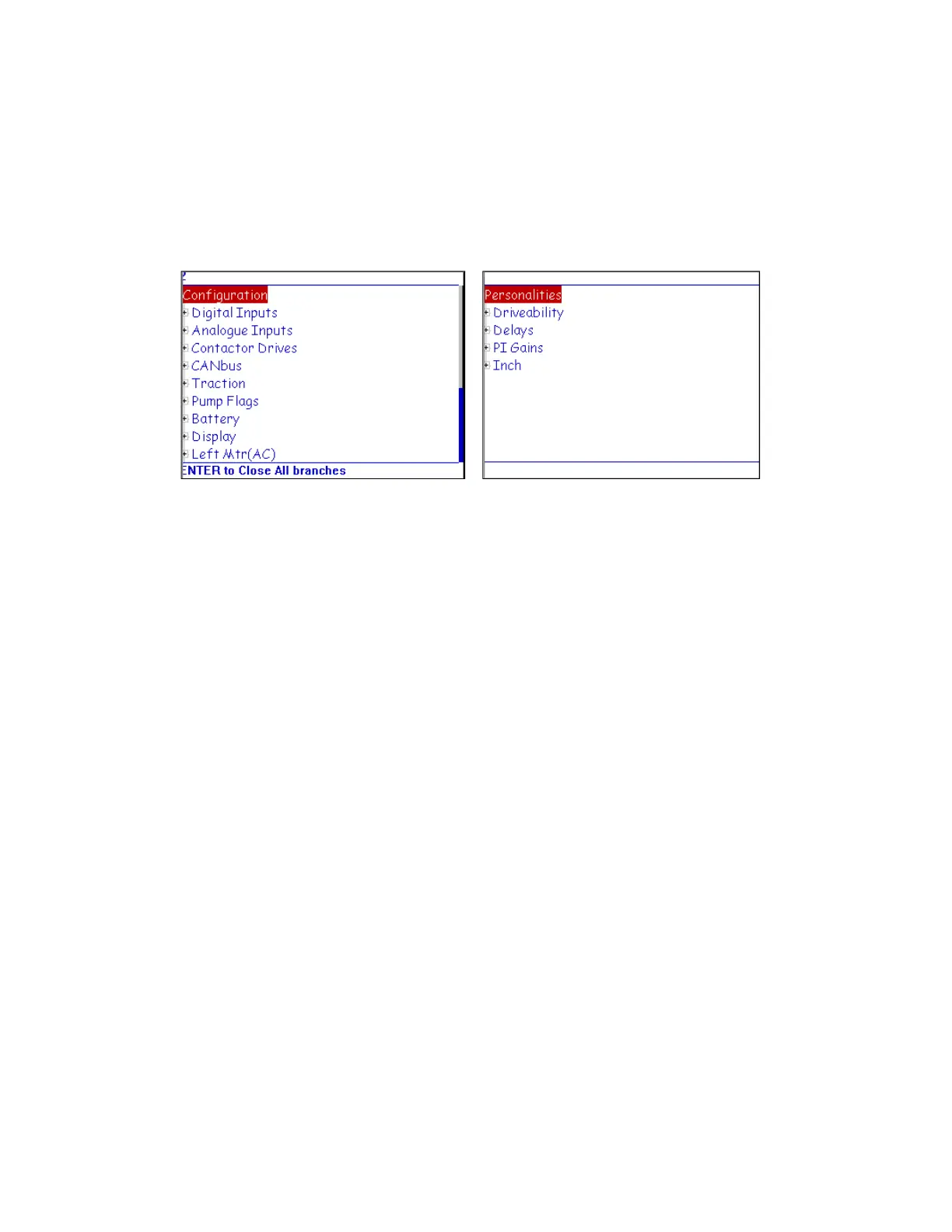
These screens are simple tree view layouts. To navigate, use the up and down buttons to
change the highlighted item. Tree nodes can be expanded (when the + symbol is present) or
collapsed (when the – symbol is present) by pressing the enter button. When the lowest level
nodes are visible, values are displayed for the parameters. The screen in Figure 11 shows a
tree node opened into edit mode.
Figure 10 – Personalities Screen
Figure 9 – Configuration Screen



 To Next Page