Configuring the Display
Doc. 177/5250x
Rev. A
6-5
Configuring the Main Screen.
The Screen
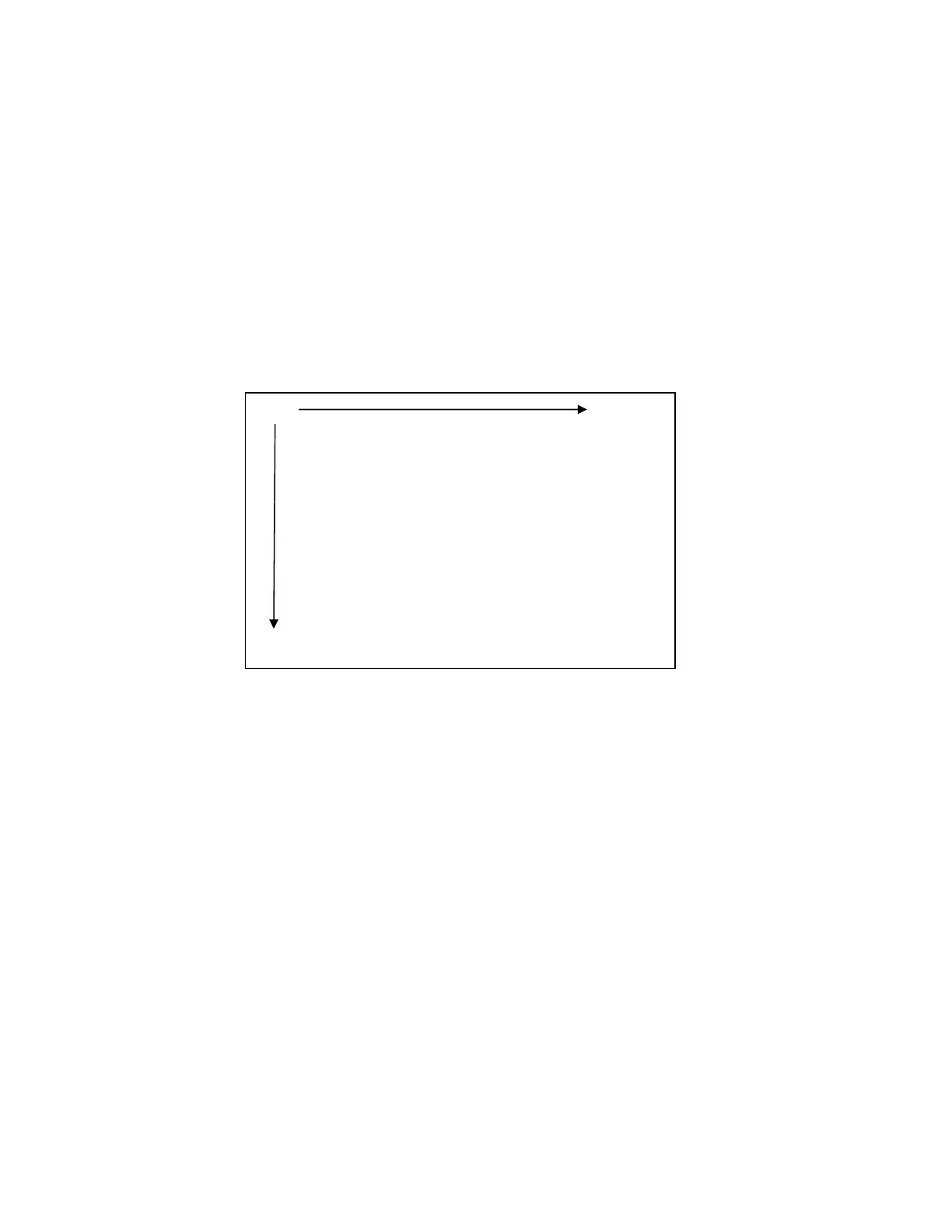
The screen on the display is 320 x 240 pixels.
The co-ordinate system used to specify the location of an item on the screen is shown in the
diagram below. The coordinates are (x,y) where ‘x’ is the horizontal offset from the left, and
‘y’ is the vertical offset from the top.
(0,0) (319,0)
Increasing ‘x’
Increasing ‘y’
0
239



 To Next Page