Display Usage
Doc. 177/5250x
Rev. A
5-7
Vehicle Status
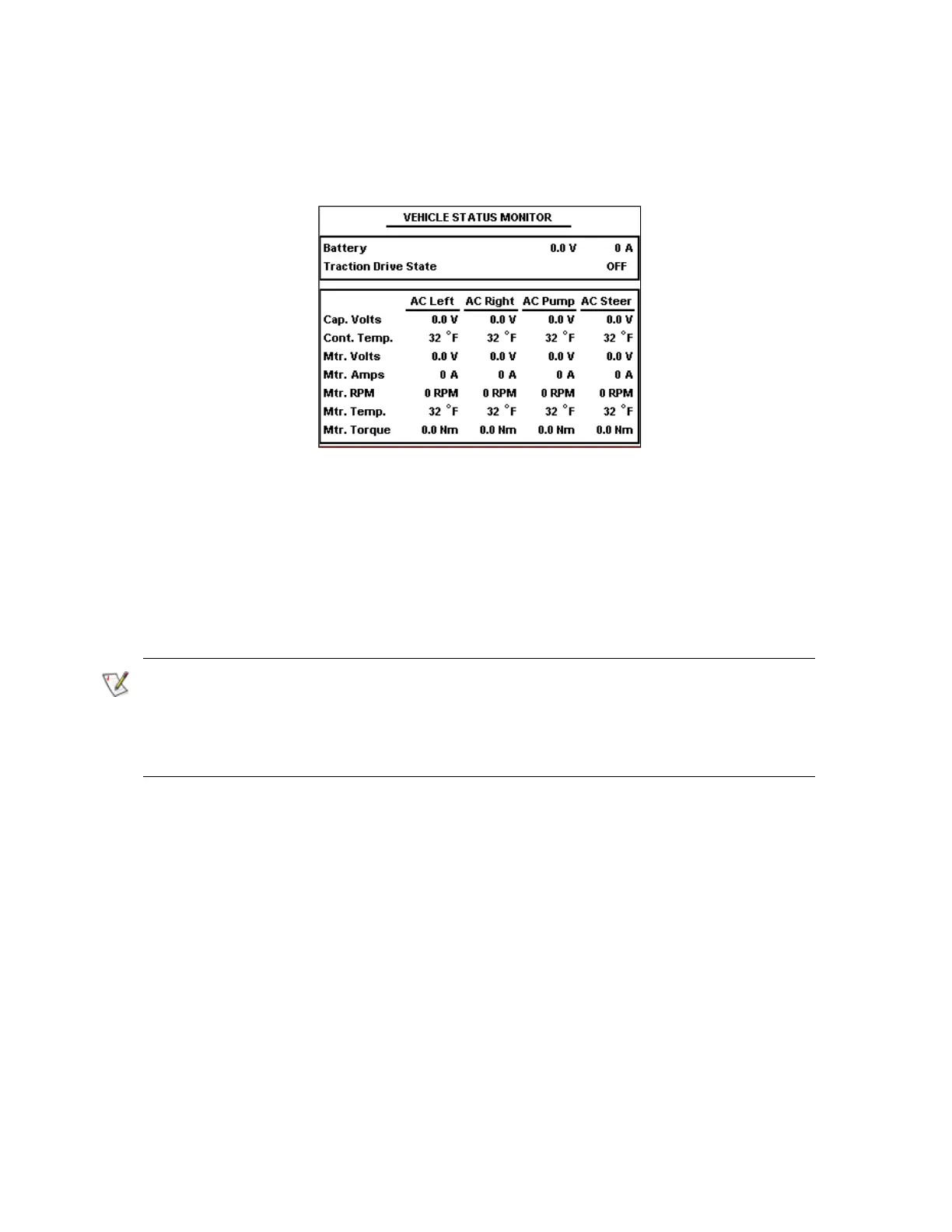
The vehicle status screen is shown in Figure 7.
This screen shows status information related to each of the motors on the vehicle, as well as
the overall battery voltage and traction drive mode. The screen shown has 4 motors on the
vehicle. Where fewer motors are fitted, only data for the connected motors will be shown.
Not all Sevcon controllers can measure battery voltage. If the master controller on the
vehicle cannot measure battery voltage then the value displayed will be a constant value
read out of that unit, probably nominal voltage. An external system can write battery voltage
into the master controller, and this value will then be seen on the display.
Figure 7 – Vehicle Status Screen



 To Next Page