Display Usage
Doc. 177/5250x
Rev. A
5-11
Test
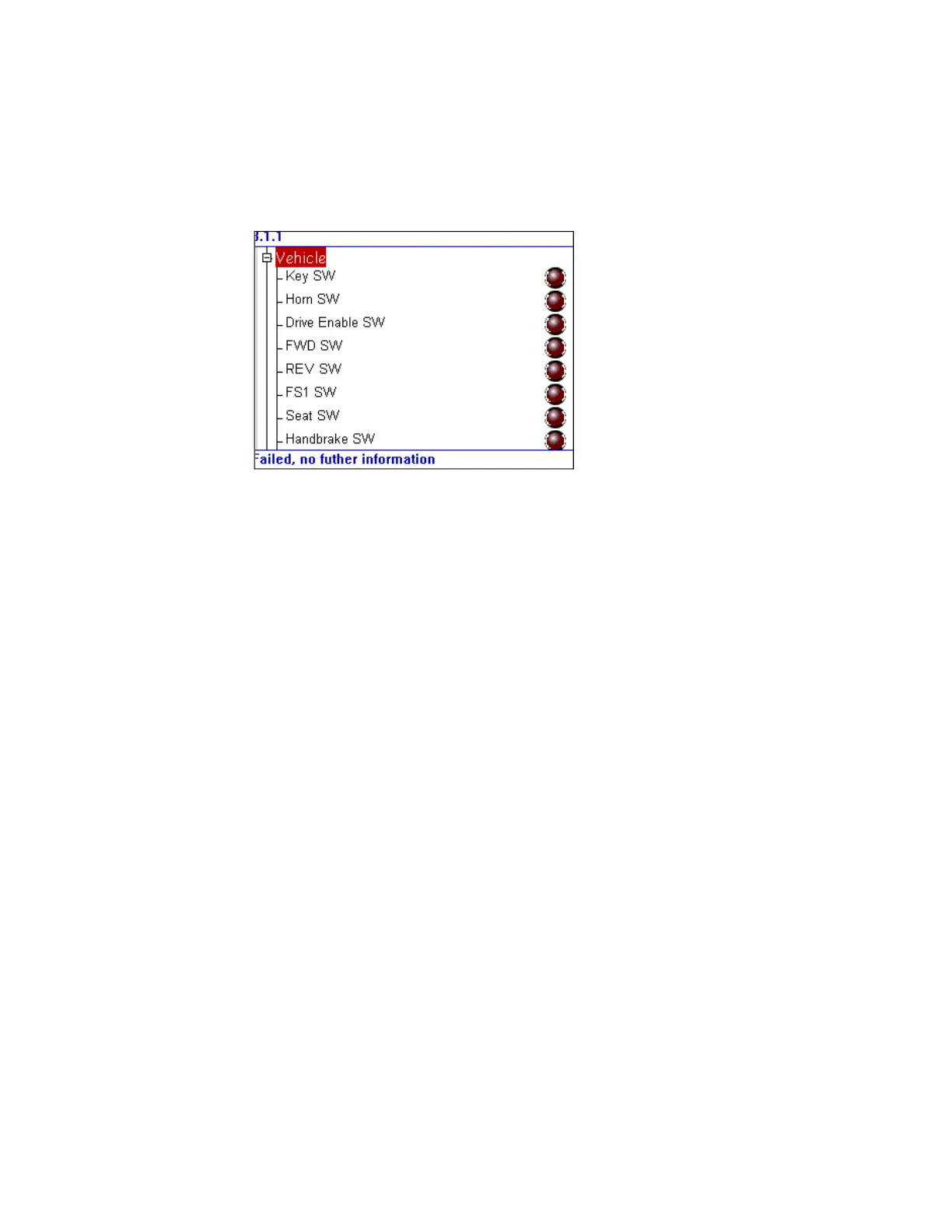
The test screen is shown in Error! Reference source not found.. This screen is a tree format,
similar to the configuration and personality screens, but the contents are read only.
During the power on process, the configuration of the I/O on the vehicle is determined. This
means that only switch inputs configured in the PDO mappings of the vehicle will be
displayed. The LED indicator shows whether the switch is active or inactive. This screen is
intended to be used as a debug / diagnostic tool to help find a problem with the vehicle
wiring. The state of each switch item is the raw unprocessed value read by the controller.
Analogue values are also shown, along with status data on the motors that are connected.
Navigation is the same as for other trees. Use the up and down buttons to change the
highlighted item. Tree nodes can be expanded or collapsed by pressing the enter button.
Figure 12 Test Screen



 To Next Page