Display Usage
Doc. 177/5250x
Rev. A
5-5
Main Screen
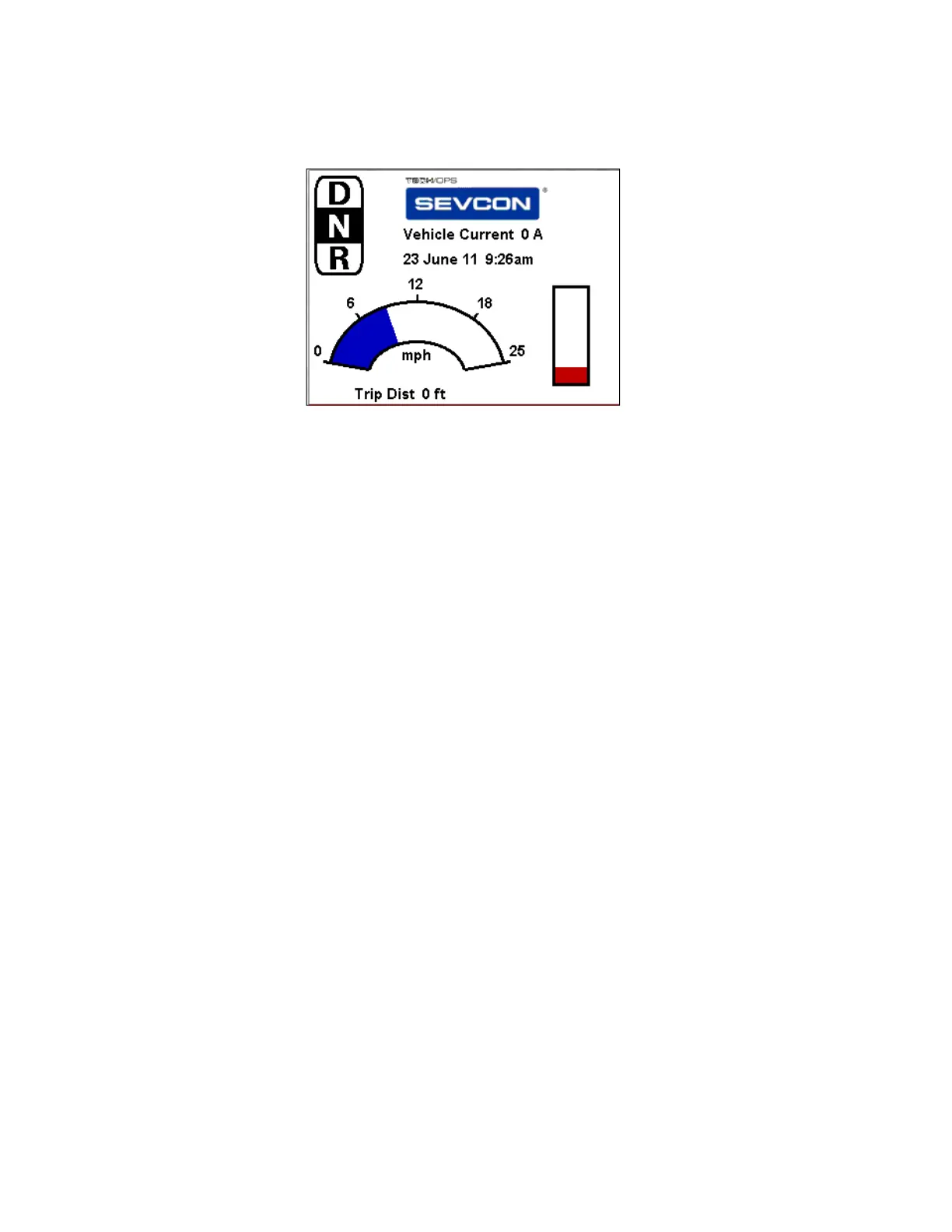
An example of a main screen layout is shown in Figure 5. This screen can be configured to
suit the vehicle or application with which the display is being used. The main screen is always
visible in the display menu.
Instructions on how to configure the main screen are included in section “Configuring the
Display”
Resetting Trip Distance
As shown above, the vehicle trip distance can be displayed as a main screen item. When the
item is on screen, a trip reset feature is enabled. To reset the trip distance, press the up
button, which will cause the trip distance to flash. While it is flashing, press the up button
again. This will reset the trip on the master controller.
System Overview
The system overview screen is shown in Figure 6.
Figure 5 – Customizable main screen



 To Next Page