Doc. 177/5250x
Rev A
5-12
Fault History
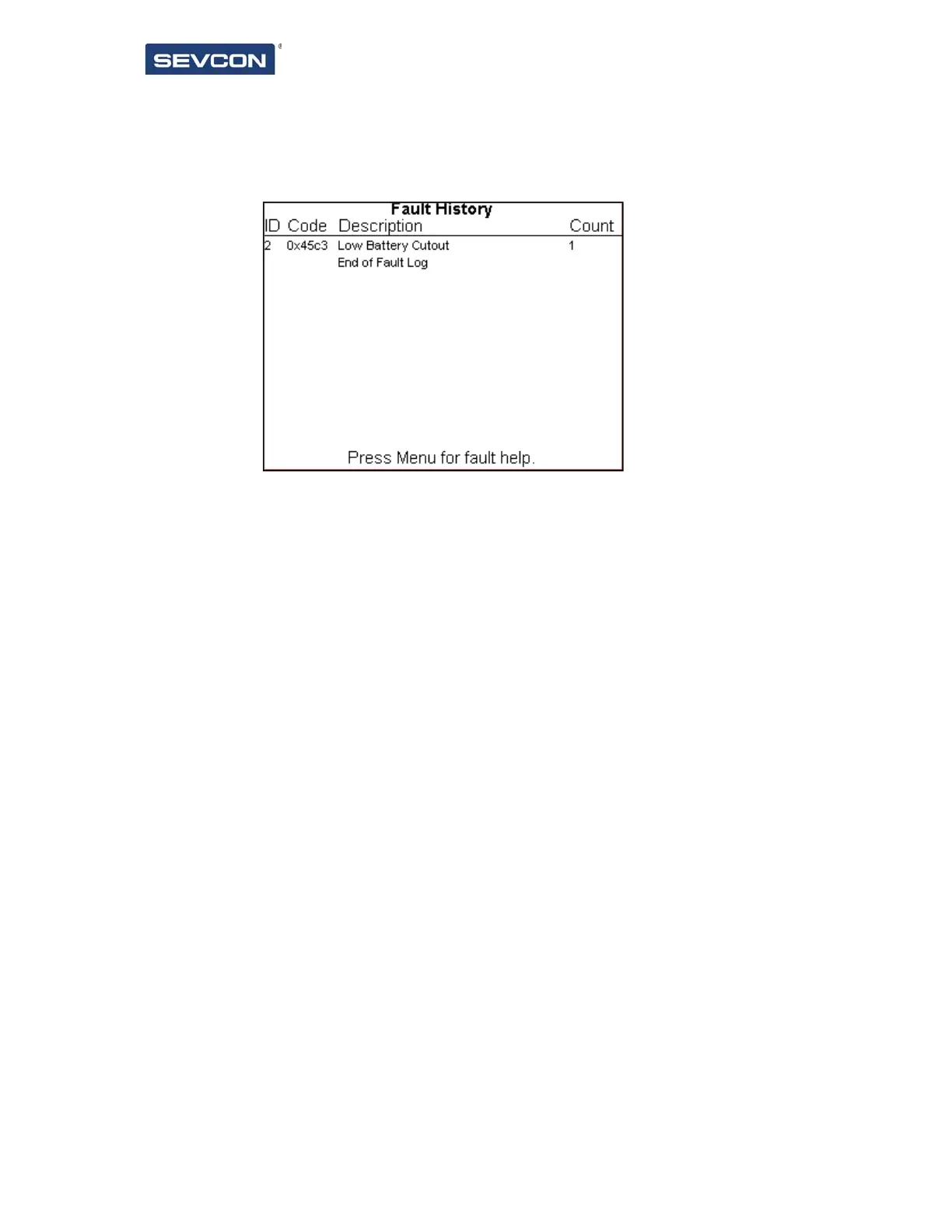
The fault history screen is shown in Figure 13.
The fault history screen shows a chronological list of faults that have occurred on the vehicle.
These are displayed with the most recent fault at the top of the list.
The information shown is:
ID – the Node ID which sent out the fault message.
Code – the fault code.
Description – A short description of the fault.
Count – the number of times the fault has occurred since the fault history was last
cleared.
When on the fault history screen, a short press on the enter button will cause the fault
history help screen to be shown. This screen is shown in Figure 14.
This screen will show the detailed fault help text for each fault in the log. To navigate, press
the up / down buttons to scroll through the fault history, and fault help will be displayed for
each fault in turn.
To exit the fault history help, either press the enter button to return to the fault history
screen, or long press the enter button to show the menu, and navigate away from the fault
screen.
The fault history help screen is not accessible if the fault history is empty.
Figure 13 Fault History Screen



 To Next Page