Doc. 177/5250x
Rev A
6-16
Data Object Text item
The text item will display the text representation of the contents of a data object. This is
intended to display a typical ‘name’ ‘value’ ‘units’ text string on screen.
Sub Index items
The text item uses the following specific sub-items:
Sub index Description type
Sub 5 Style flags. Control specific appearance settings. U16
Sub 6 Data 1. Text font. U16
Sub 7 Data 2. N/A U16
Sub 8 Data 3. N/A U16
Sub 9 Data 4. N/A U16
Sub 10 Data 5. N/A U16
Sub 11 Data 6. N/A U32
Sub 5 – Style flags
The style flags are contained within an u16 item. The flags help to define the operation of
the item.
The component parts of a data object can be individually be enabled for display.
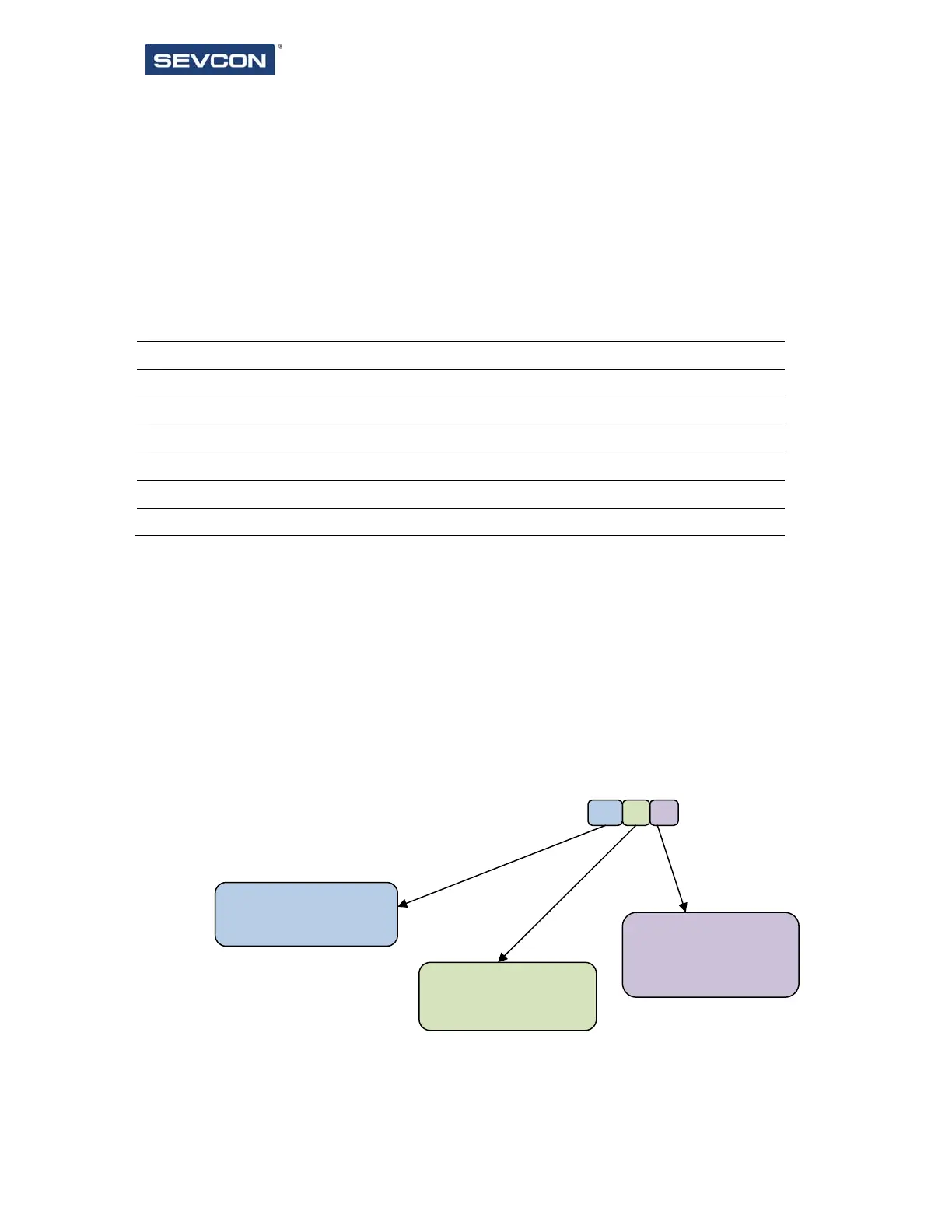
Represented as binary, msb at the left, the object is constructed as shown below. ‘u’ indicates
that the bit is unused.
The text string is always in the order “[name] [value] [units]”
0 = name hidden
=
0 = value hidden
1 = value displayed
0 = units hidden
1 = units dis
la
ed
u u u u u u u u u u u u u n y v



 To Next Page