Display Usage
Doc. 177/5250x
Rev. A
5-13
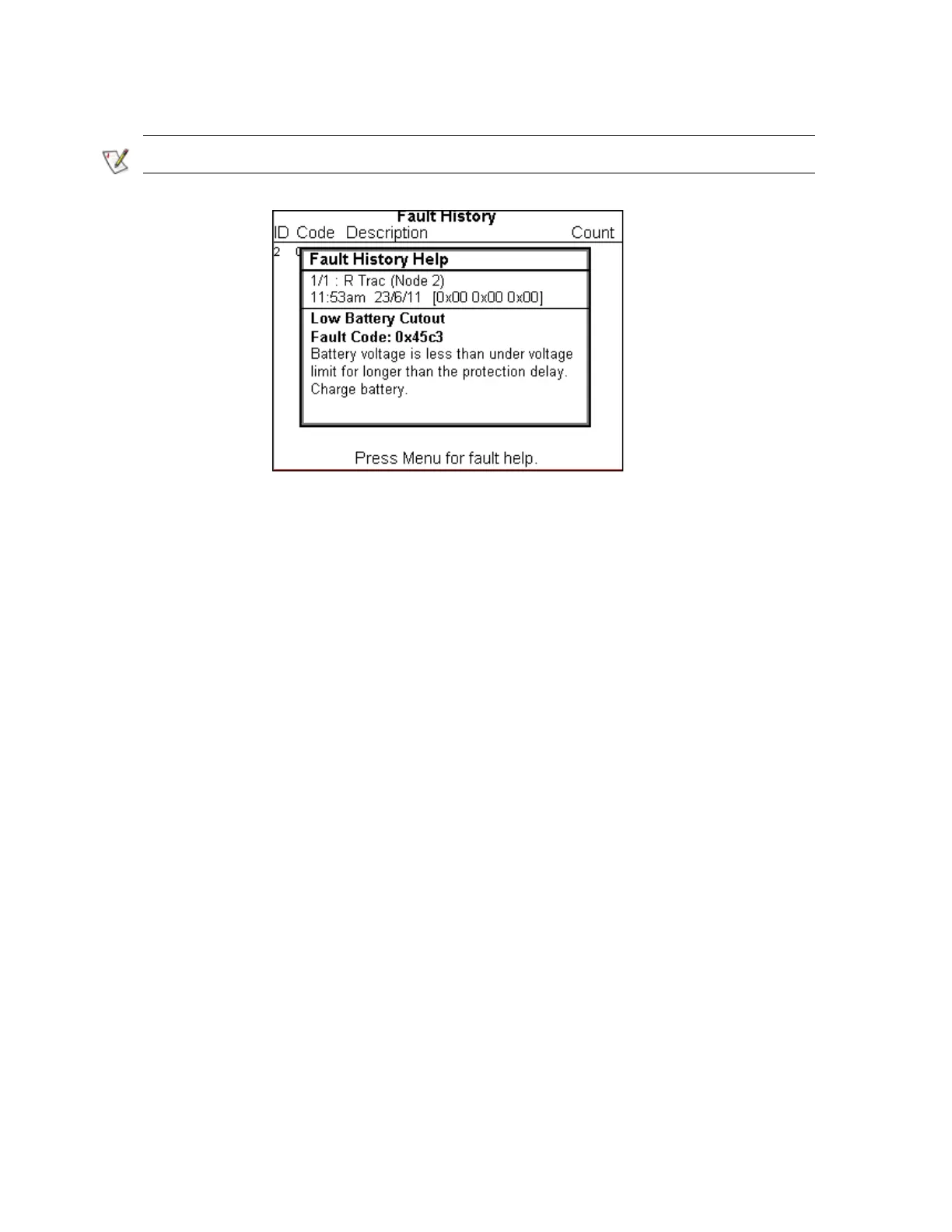
The fault history can be cleared in the configuration screen.
Debug
The debug screen is not accessed through the menu. It is always present regardless of
configuration, and enables a simple way to change the access level of the display. To access
the debug menu:
Bring up the menu with a long enter button press.
Press and hold the down button, AND while holding the down button, press the up
button.
Release the buttons.
This screen is intended to enable trained service personnel to increase the access level of the
unit in order to carry out parameter modification, or advanced debug using the display.
Figure 14 Fault History Help



 To Next Page