Doc. 177/5250x
Rev A
5-10
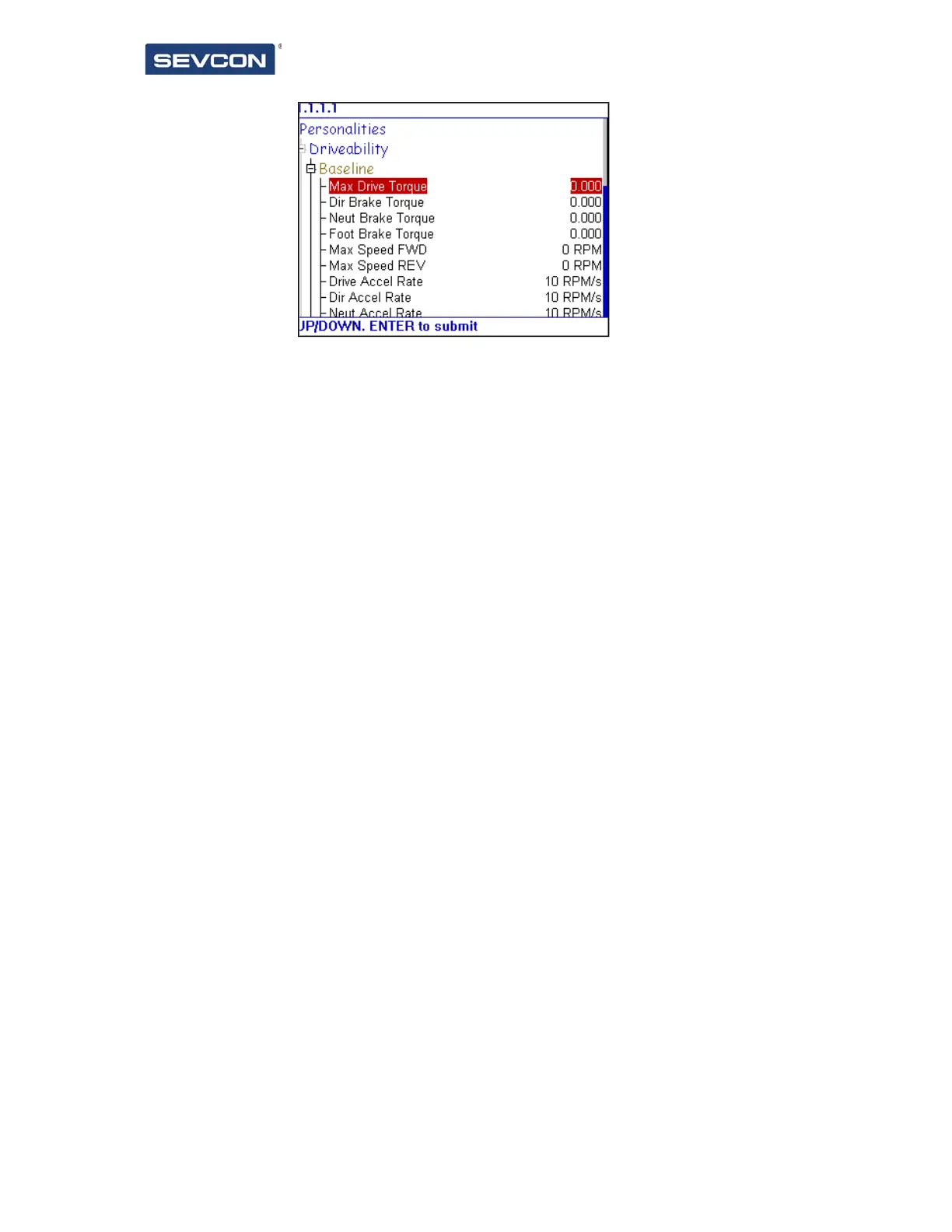
For a highlighted item, pressing the enter key will enter or exit edit mode. When in edit
mode the value is highlighted, and can be altered using the up and down buttons. To send
the new value to the controller, press the enter button, which will exit edit mode and send
the value to the correct controller.
Figure 11 – Tree item in edit mode



 To Next Page