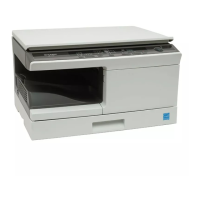
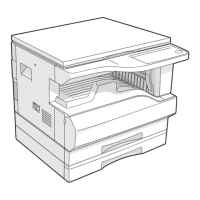
AR-5726/5731 SIMULATION 6 - 23
Operation/procedure
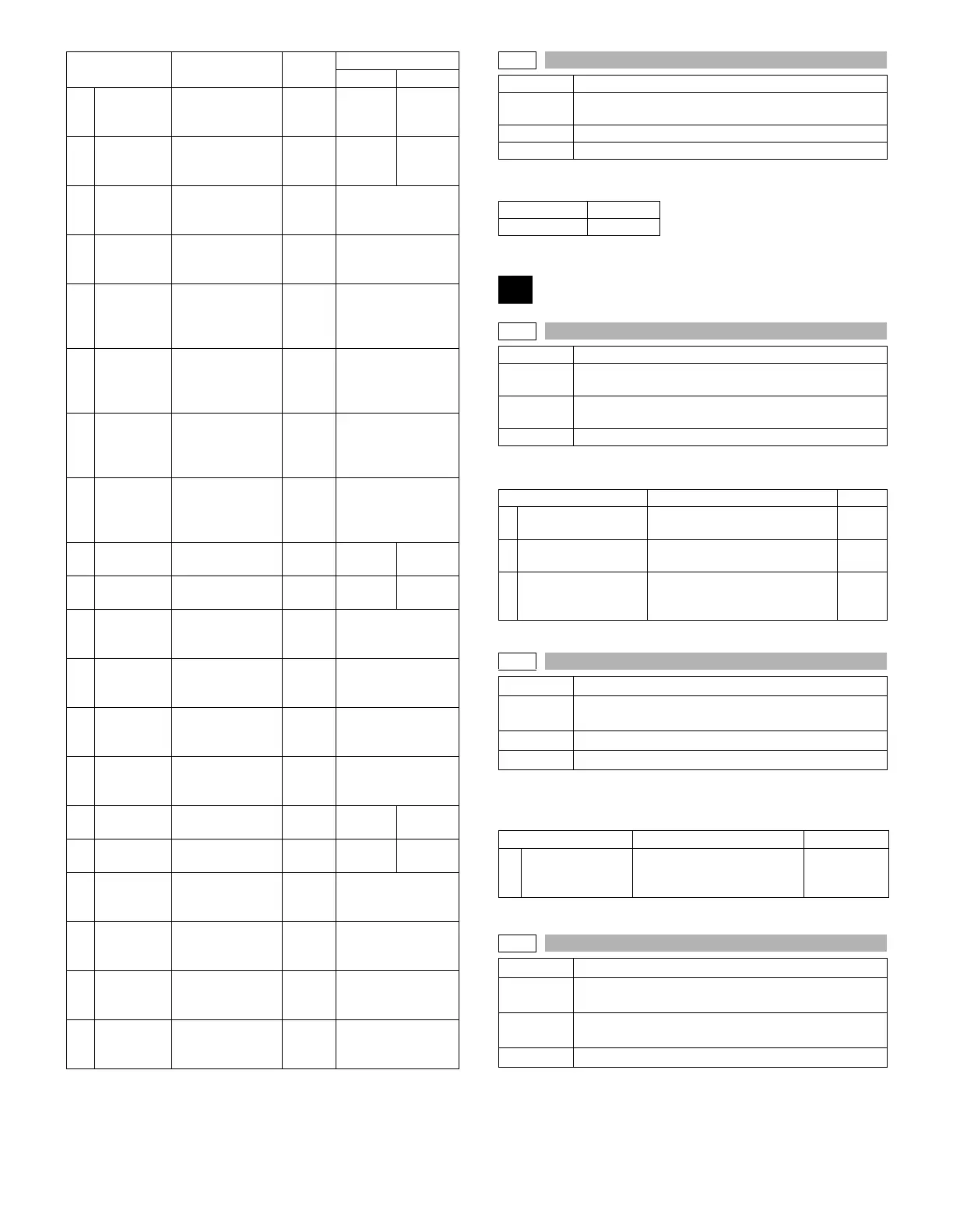
Input the set value with the 10-key and press the [START] key.
Operation/procedure
Enter the set value with the 10-key, and press the [START] key.
Operation/procedure
1. Select an item with 10-key, and press [START] key.
2. Enter the setting value, and press [START] key.
5
WarmUp
Target Main
(145)
Warmup target
temperature Main
(145mm/s)
150 -
220
180 190
6
WarmUp
Target Sub
(145)
Warmup target
temperature Sub
(145mm/s)
150 -
220
180 190
7
WarmUp
Target Main
(122)
Warmup target
temperature Main
(122mm/s)
150 -
220
175
8
WarmUp
Target Sub
(122)
Warmup target
temperature Sub
(122mm/s)
150 -
220
170
9
WarmUp
Temp Main
(145)
Warmup
complete
temperature Main
(145mm/s)
0 - 40 10
10
WarmUp
Temp Sub
(145)
Warmup
complete
temperature Sub
(145mm/s)
0 - 40 15
11
WarmUp
Temp Main
(122)
Warmup
complete
temperature Main
(122mm/s)
0 - 40 10
12
WarmUp
Temp Sub
(122)
Warmup
complete
temperature Sub
(122mm/s)
0 - 40 15
13
600dpi
Main (145)
600dpi Main
(145mm/s)
150 -
220
190 195
14
600dpi Sub
(145)
600dpi Sub
(145mm/s)
150 -
220
190 195
15
POST
CARD
Main (145)
Postcard Main
(145mm/s)
150 -
220
200
16
POST
CARD Sub
(145)
Postcard Sub
(145mm/s)
150 -
220
200
17
CARDBOA
RD Main
(145)
Thick paper Main
(145mm/s)
150 -
220
200
18
CARDBOA
RD Sub
(145)
Thick paper Sub
(145mm/s)
150 -
220
200
19
600dpi
Main (122)
600dpi Main
(122mm/s)
150 -
220
175 185
20
600dpi Sub
(122)
600dpi Sub
(122mm/s)
150 -
220
175 185
21
CARDBOA
RD Main
(122)
Postcard Main
(122mm/s)
150 -
220
190
22
POST
CARD Sub
(122)
Postcard Sub
(122mm/s)
150 -
220
190
23
POST
CARD
(122mm/s)
Thick paper Main
(122mm/s)
150 -
220
190
24
CARDBOA
RD Sub
(122)
Thick paper Sub
(122mm/s)
150 -
220
190
Item Content
Setting
range
Default
(Others) (Europe)
43-10
Purpose Setting
Function
(Purpose)
Used to set the paper feed cycle timing when printing
postcards.
Section Paper feed
Item Operation
Setting range 1-99
Default 50
44
44-1
Purpose Setting
Function
(Purpose)
Used to make various setups in each mode of process
control.
Section
Image process
(Photoconductor/Developing/Transfer/Cleaning)
Item Operation
Item Content Default
1
ENVIRONMENT
ADJ.
Environmental correction Allow/
Inhibit (0: Inhibit, 1: Allow)
1
2 DUPLEX PRINT ADJ.
Duplex print correction Allow/
Inhibit (0: Inhibit, 1: Allow)
0
3
ENVIROMENT ADJ
(TC)
Transfer current enviroment
correction Allow/Innibit
(0: Inhibit, 1: Allow)
0
44-2
Purpose Setting
Function
(Purpose)
Drum life correction setting
Section Image process (Photoconductor)
Item Operation
Item Content Default
1
GRIDBIAS
ADJUST
Drum life correction Disable/
Enable
(0: Disable, 1: Enable)
1
44-3
Purpose Setting
Function
(Purpose)
Used to set the DV count correction.
Section
Image process
(Photoconductor/Developing/Transfer/Cleaning)
Item Operation



 To Next Page