Copyright © Shimmer 2017
Realtime Technologies Ltd Shimmer User Manual
All rights reserved Rev3p
43
Docked or in
Multi Charger
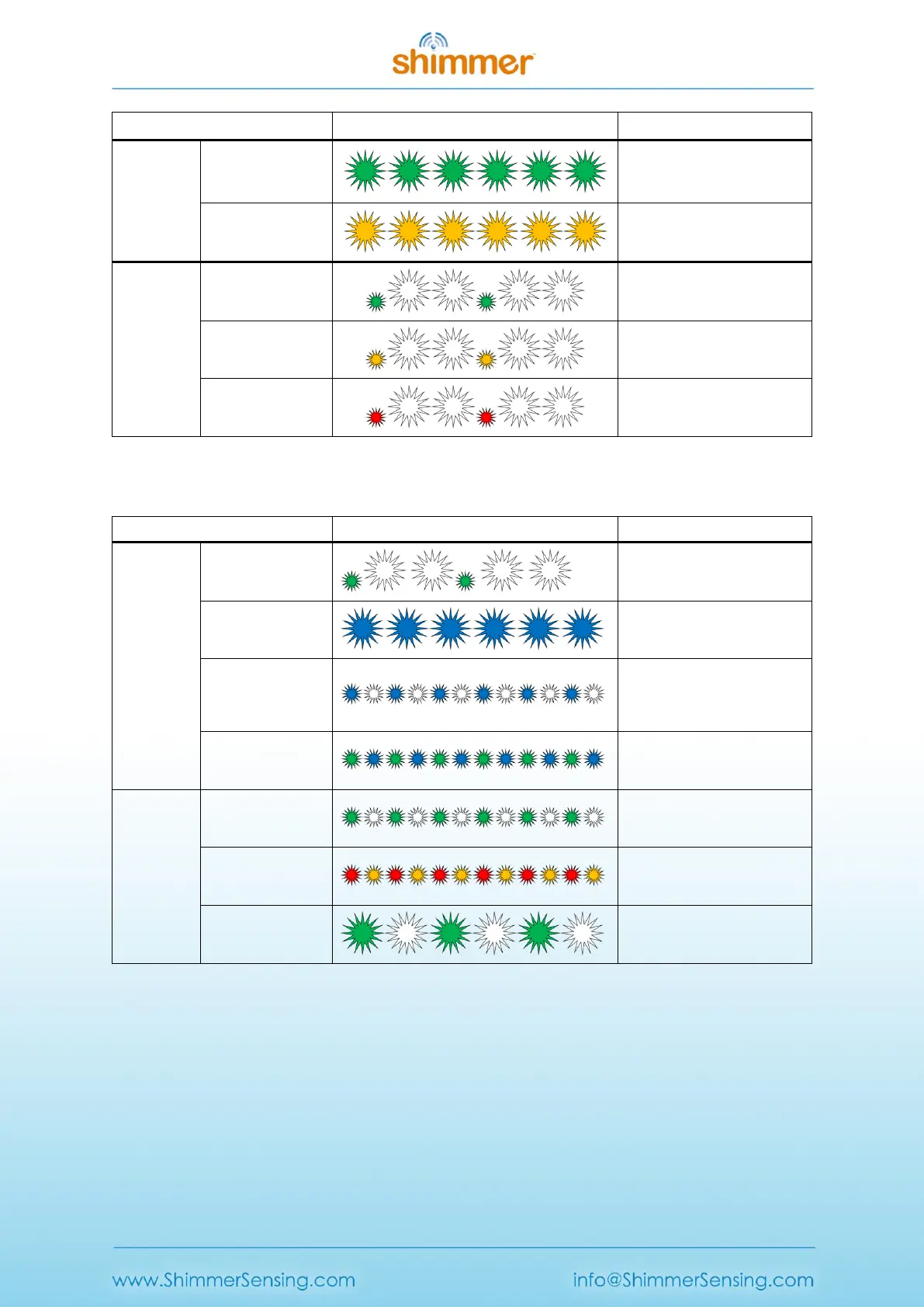
Table 5-3 SDLog Battery Charge Status Indication
The LEDs in Location B are used to indicate operation status, as outlined in Table 5-4.
Synchronising
with another
Shimmer
Table 5-4 SDLog Operation Status Indication
Note: The SD error LED sequence is present in SDLog_v0.14.0 and later. Older versions of SDLog
combine both SD and RTC errors into a 0.1s Blue/0.1s Green LED flashing sequence.
Note: The Shimmer should never be placed in the Dock while the operation status LED’s indicate
that it is configuring as this may cause a file-system error. Once configuration has begun, you must
power off or reset the Shimmer before docking.



 To Next Page