28
Setting Item Setting Value
Remote/Local (EI option) Local
SV rise rate 0
SV fall rate 0
OUT1 high limit 100
OUT1 low limit 0
Alarm 1 to Alarm 4 types No alarm action
Alarm 1 hysteresis 1.0
Alarm 1 delay time 0
Alarm 1 Energized/De-energized Energized
Alarm 2 hysteresis 1.0
Alarm 2 delay time 0
Alarm 2 Energized/De-energized Energized
Alarm 3 hysteresis 1.0
Alarm 3 delay time 0
Alarm 3 Energized/De-energized Energized
Alarm 4 hysteresis 1.0
Alarm 4 delay time 0
Alarm 4 Energized/De-energized Energized
6.1 Fine Adjustment of Converter Output (4 to 20 mA DC)
Outputs “4 to 20 mA DC” corresponding to the input from scaling low limit to high limit value.
Fine adjustment rate is 1/1000 of the scaling span.
Fine adjustment method
Be sure to adjust the zero side first. Then adjust the span side.
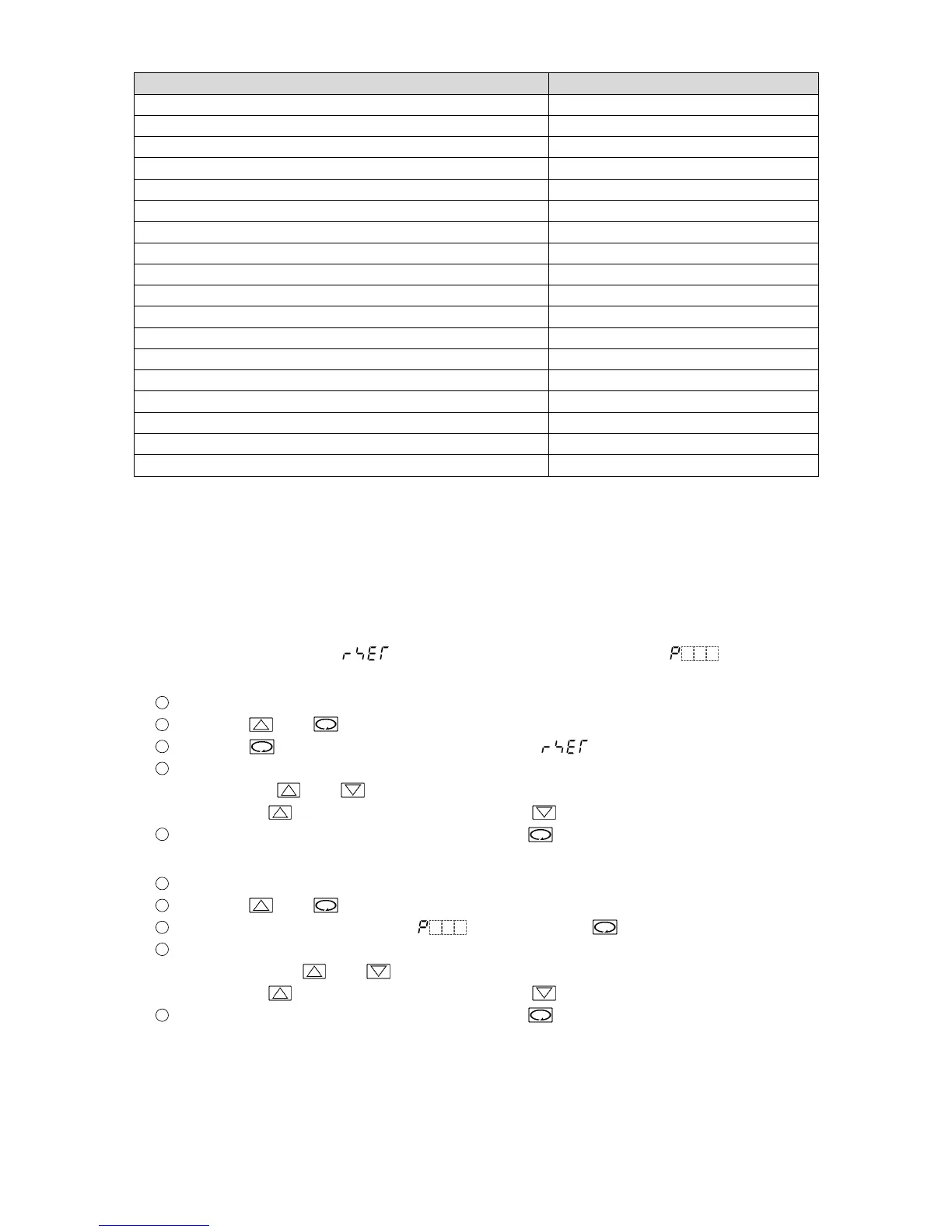
Adjust zero at “Manual reset ( )”, and adjust span at “Proportional band ( )”.
(1) Zero adjustment
1
Enter the value so that the PV Display can indicate the same value as the scaling low limit value.
2
Press the and key (in that order). The unit proceeds to Sub setting mode.
3
Press the key several times until “Manual reset ( )” appears.
4
Adjust the converter output value so that it can become 4 mA DC by increasing and decreasing
the value with and keys.
Pressing the key decreases the value, and the key increases it.
5
Revert to the PV/SV Display mode by pressing the key several times.
(2) Span adjustment
1
Enter the value so that the PV Display can indicate the same value as the scaling high limit value.
2
Press the and key (in that order). The unit proceeds to Sub setting mode.
3
Proceed to the “Proportional band ( )” by pressing the key.
4
Adjust the converter output value so that it can become 20 mA DC by increasing and decreasing
the value with the and keys.
Pressing the key decreases the value, and the key increases it.
5
Revert to the PV/SV Display mode by pressing the key several times.
(3) Repeat steps (1) and (2) several times.



 To Next Page