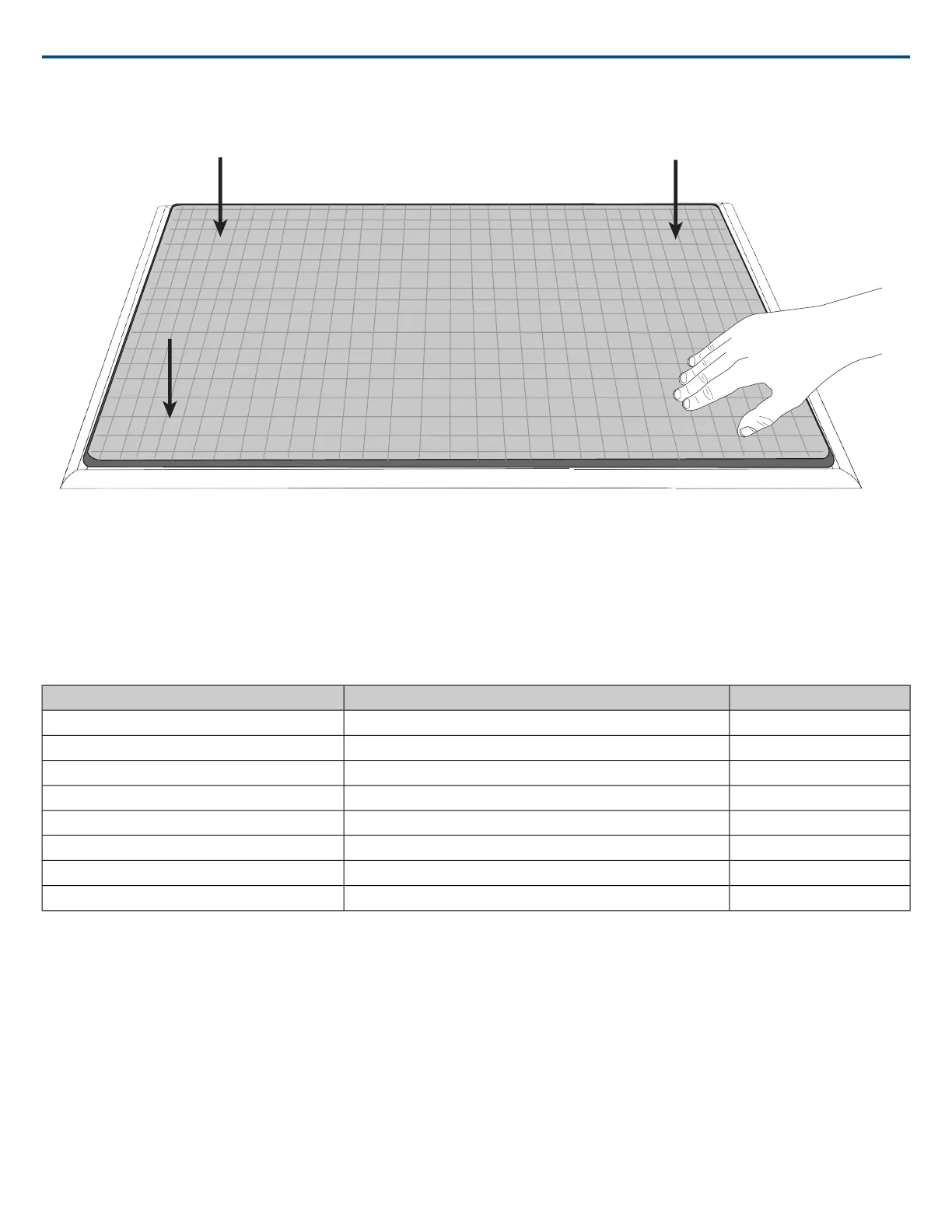
Installing the Array Microphone
Before you begin:
• Remove the protective plastic cover from the microphone
• Verify the ceiling tile size matches the appropriate model variation
• If using the optional junction box or adapter accessories, install them on the microphone prior to ceiling installation
Model Variations
ColorCeiling Grid SizeModel
Black2 x 2 ft (60.9 x 60.9 cm)MXA910B
White2 x 2 ft (60.9 x 60.9 cm)MXA910W
Aluminum2 x 2 ft (60.9 x 60.9 cm)MXA910AL
Black60 x 60 cm (23.6 x 23.6 in)MXA910B-60CM
White60 x 60 cm (23.6 x 23.6 in)MXA910W-60CM
Aluminum60 x 60 cm (23.6 x 23.6 in)MXA910AL-60CM
---25 mm expander fits onto 60 cm model, for 62.5 x 62.5 cm installationA910-25MM (Adapter)
------A910-JB (Junction box accessory)
Note: see product specifications for array microphone dimensions.
Ceiling Tile Mounting
The array microphone mounts directly in a ceiling tile grid. The microphone is available in two sizes, with an optional adapter kit also available to provide solutions
for the most common ceiling tile sizes.
IMPORTANT: Do not install the 60 cm model into a 2 ft (609.6 mm) ceiling grid.
Rubber Scratch Protectors
Optional: Before installing the microphone into the ceiling, attach the included rubber pads on the corners of the microphone to prevent scratching.
Shure IncorporatedMXA910 Ceiling Array Microphone
17/572017/10/18













 To Next Page