௦
Coverage View
Channels View
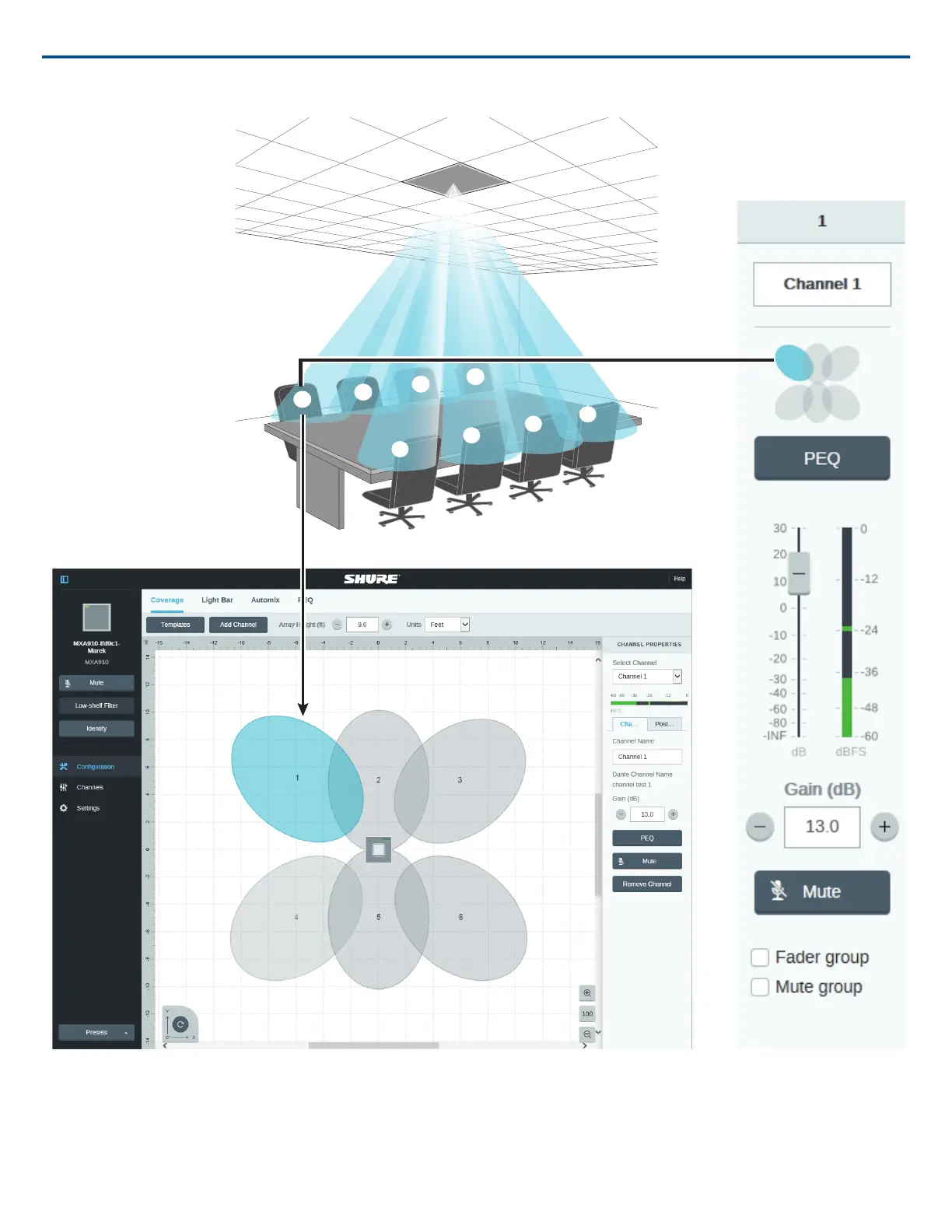
Each lobe is represented graphically and can be dragged into place. A corresponding mixer channel provides control over audio settings for each lobe.
Configuring Microphone Coverage
Select the Coverage section inside the Configuration tab to access the coverage configuration tools.
Step 1: Set Microphone Properties
1. Set the Units to feet or meters, according to your preference.
Shure IncorporatedMXA910 Ceiling Array Microphone
2017/10/1830/57













 To Next Page