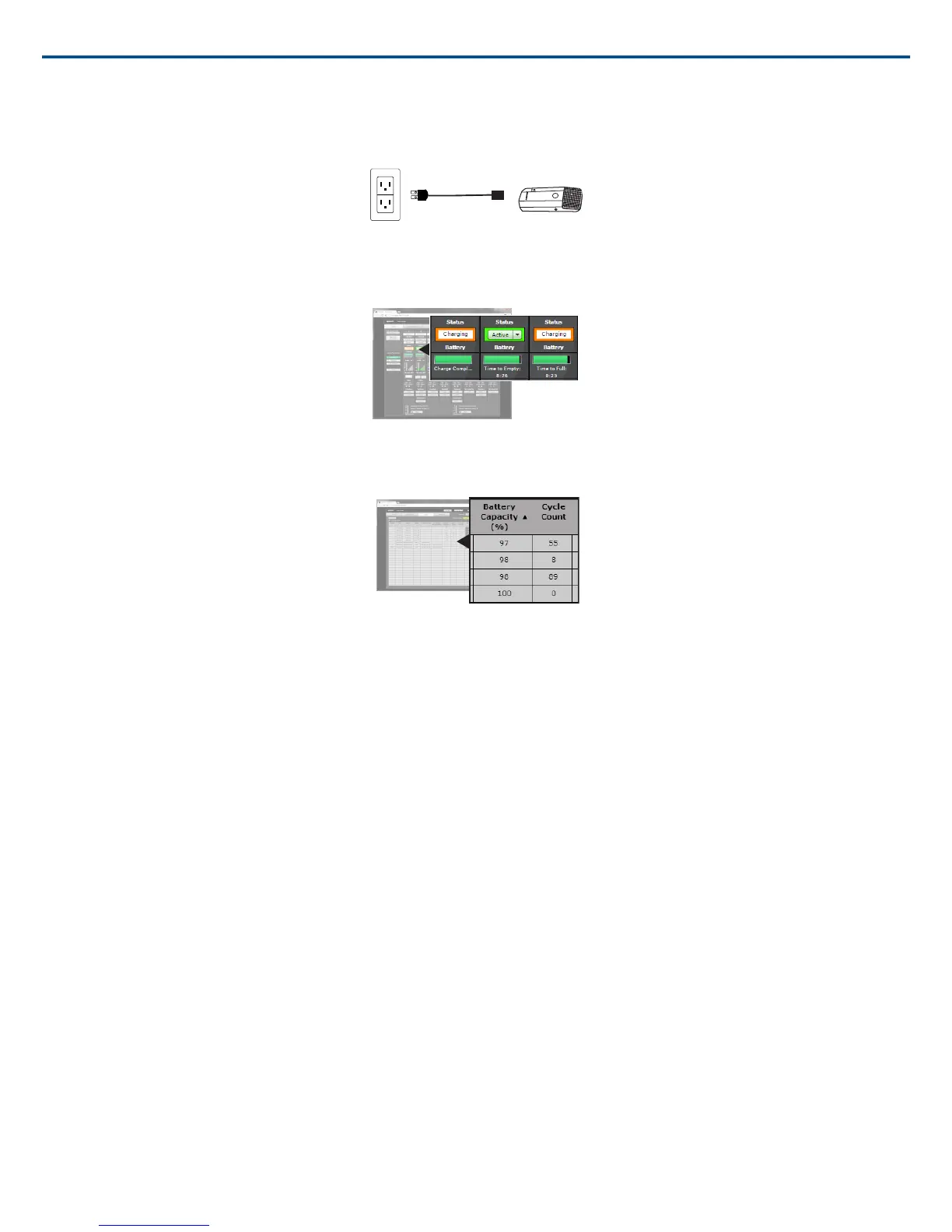
USB Charger
The USB Charger (SBC-USB) can connect to an MXW transmitter to provide power during operation.
Battery Statistics on Control Software
The MXW control software is used to manage battery information. Use the Monitor tab to view battery charging status:
Monitoring Battery Charge Status
For battery health statistics, use the Utility tab:
Battery Statistics
Reset the Microphone Battery Statistics
After installing a new battery, reset the battery health statistics that are stored in the microphone.
1. Place the transmitter with a new battery into a charging slot. You can use any powered MXW charging station.
2. Press and hold the mute button on the microphone until its LED flashes (~10 seconds).
Caution: Securely hold the microphone while pressing the button to avoid damaging the USB ports on the charging station.
Battery Replacement
Lithium Ion Batteries have no “memory effect”, and instead experience a more linear reduction in capacity. Shure recommends establishing a battery replacement
schedule customized to the client requirements and replacing batteries when the capacity is no longer acceptable.
MXW1, MXW6, MXW8 Battery Replacement
1. Unscrew and open the battery door on the bottom of the transmitter.
2. Remove battery by gently disconnecting the battery connector from the transmitter.
3. Connect the replacement battery's connector to the transmitter.
4. Replace the battery with the label facing out.
5. Close the door and tighten the screw.
6. Dispose of batteries properly. Check with your local vendor for proper disposal of used batteries.
MXW2 Battery Replacement
1. Unscrew the two screws at the bottom of the transmitter handle.
2. Unscrew and remove the microphone head.
3. Remove the retention clip and gently pull out the battery frame.
4. Unscrew the three screws that fasten the battery door to the frame. Remove the battery door.
5. Replace the old battery with a new one.
6. Replace the battery door and tighten the screws.
Shure IncorporatedMXW
2017/05/1716/72














 To Next Page