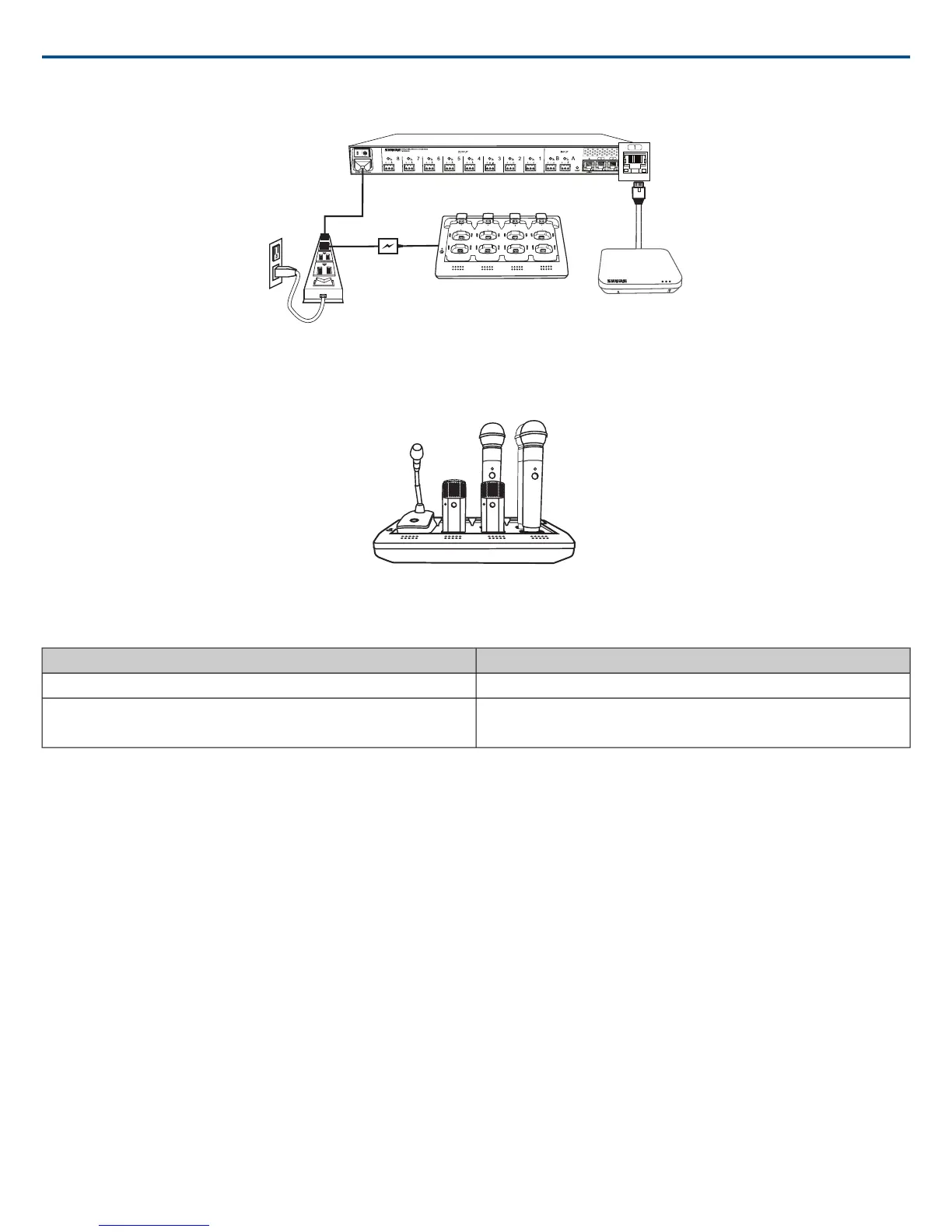
Fully Charge the Transmitters
Whenever possible, charge to full the MXW transmitters before an event. Transmitters can be charged in any networked charging station, even if it is associated
to another Group or on a separate network.
Battery Charge Times
Time to Full Charge* (hr:min)Charger Type
2:00Networked Charging Station (NCS)
USB Charger
•Powered On = 3:30
•Powered Off = 2:30
*Calculated with a new battery. Runtimes vary depending on battery health.
Open the MXW Control Software
Access the MXW control software from any computer on the MXW network. The software is hosted from a webserver embedded in the MXW devices, and op-
erates using Adobe® Flash®.
There are two different control interfaces for MXW devices:
MXW system (hosted in APT)
For comprehensive control of key setup, monitoring and management functions for the MXW system. Accessed from the Access Point Transceiver (APT).
Audio Inputs and Outputs (hosted in ANI)
For sending audio channels on and off the Dante network. Accessed from the Audio Network Interface (ANI).
1. Get the Shure Web Device Discovery application.
Get the Shure Web Device Discovery Application to see devices on the network and open the control interface. Download the software from
www.shure.com/software (includes Bonjour device discovery tool).
2. Connect the computer to the MXW network.
The computer accesses the control software from an embedded web server on the device. All networked devices must be connected to the same network (set
to the same subnet).
3. Turn off WiFi (recommended)
For best results, turn off the PC's WiFi to force the wired network interface.
4. Open the Shure Web Device Discovery application.
Open the application to view Shure devices on the network that use an embedded server for control software, such as the APT. You can use the Identify button
to flash a device's LEDs for easy identification.
5. Open the MXW Control Software
Shure IncorporatedMXW
27/722017/05/17














 To Next Page