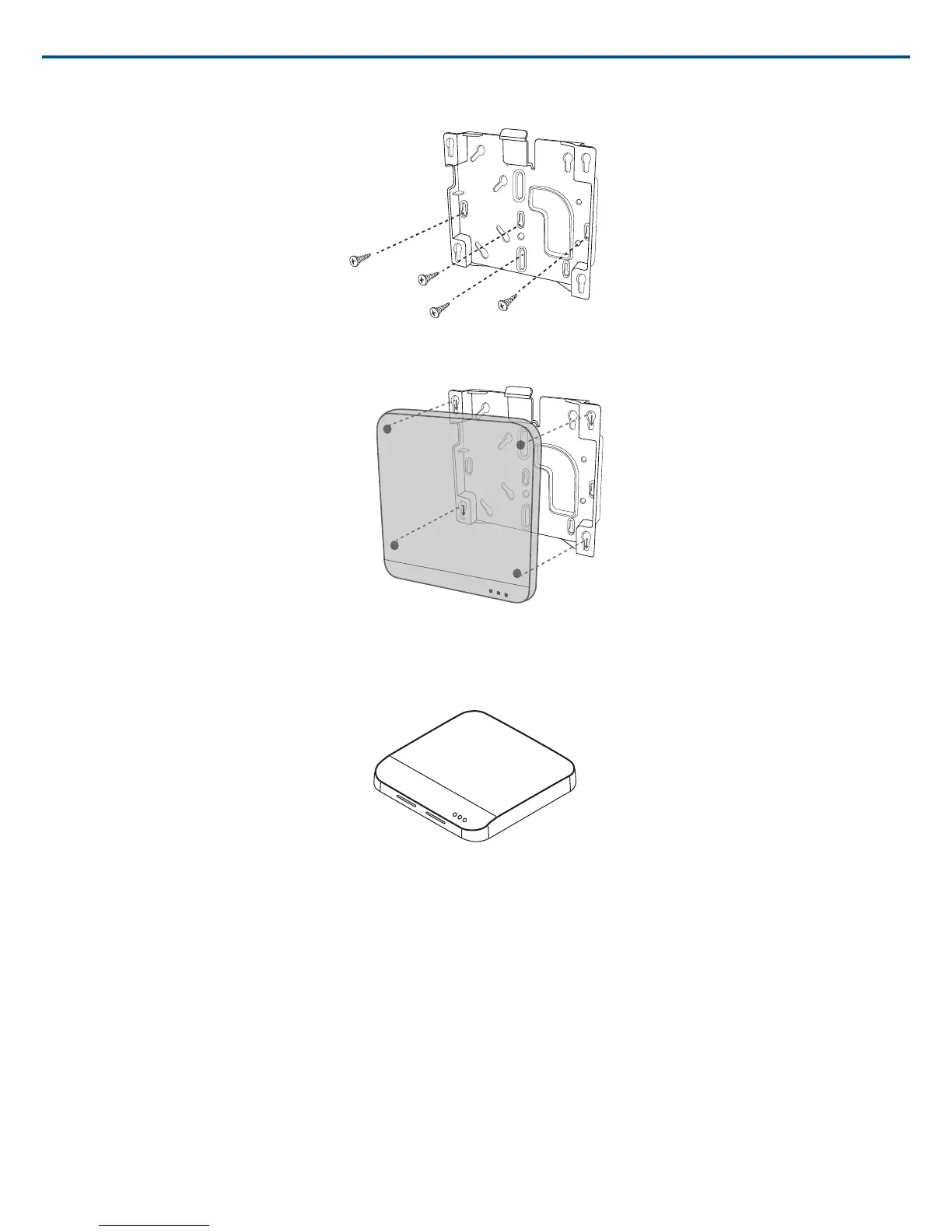
External Cover for Painting
The Access Point is supplied with an external cover that can be painted to match the decor of the installation. After it has been painted and dried, it snaps onto
the front plate of the device.
Power the Hardware
① Audio Network Interface (ANI)
Connect the IEC power cable from the back panel to an AC power source. Turn on the power switch.
② Access Point Transceiver (APT)
Connect a shielded Cat5e cable from the MXWAPT to network Port 1 of the MXWANI. If using an external gigabit switch, ensure Class 0 PoE provides at least
6.5W of power to the APT. There is no power switch.
③ Networked Charging Station (NCS)
Connect the PS60 external power supply from the charger to an AC power source. Turn on the power switch.
Shure IncorporatedMXW
2017/05/1726/72














 To Next Page