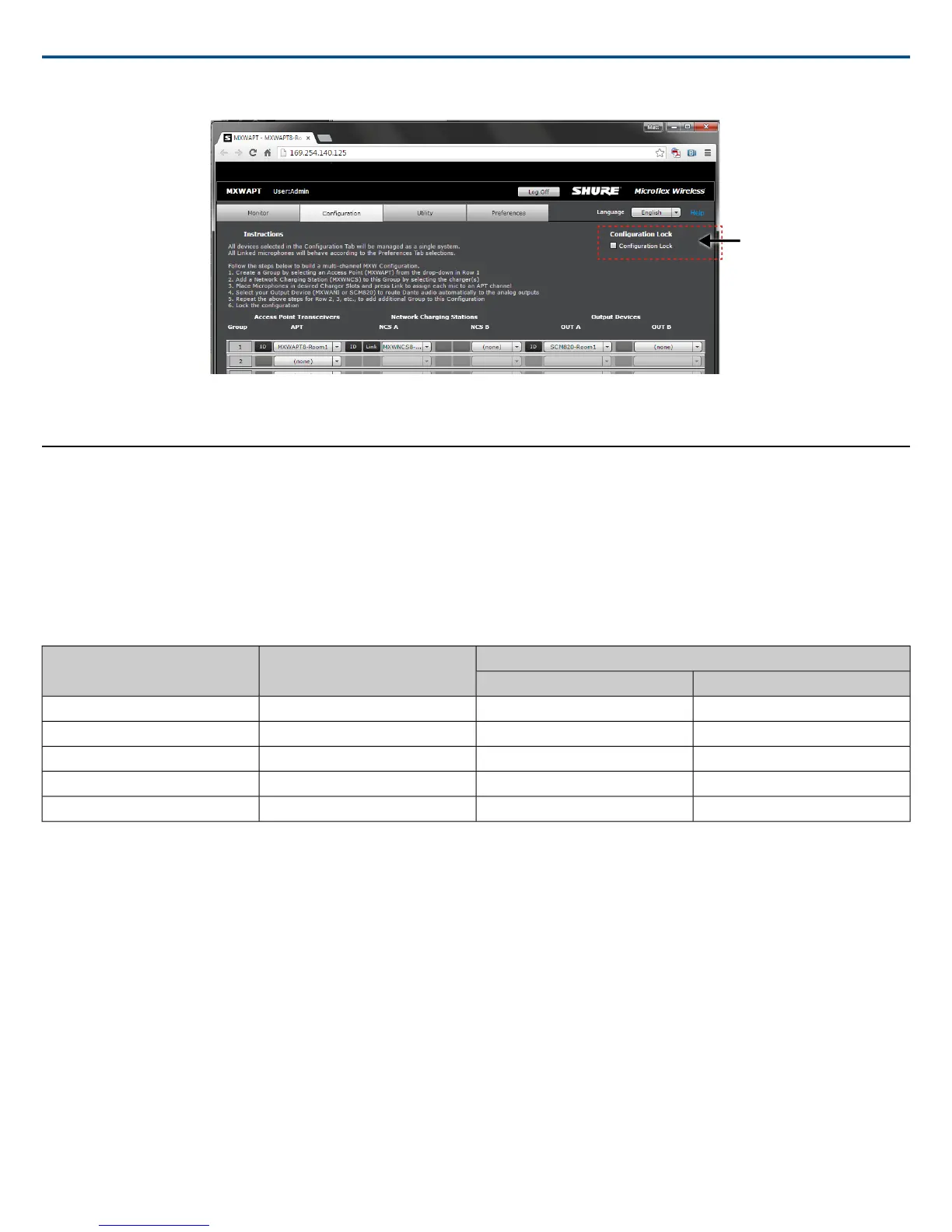
Lock the Configuration for Best System Performance
After setting up all your MXW groups, lock the configuration to minimize network traffic.
Wireless Management
Overview of Channel Coordination
The MXW system operates using time division multiple access (TDMA) to carry MXW channels (audio and control data) within defined RF spectrum. Channels
are automatically assigned to the time-slots by the access point, which manages the spectrum and seamlessly changes slots if interference is detected. The
MXW system makes this adjustment automatically and without audio artifacts.
Maximum Channel Count
The following table shows the maximum MXW channel count available in each region. Use the spectrum scanner to view how many of these channels are
available to you at your installation.
Density Mode
RegionBand
High (HD)Standard (SD)
8040USA, Canada, MexicoZ10
16080Europe, Asia, Middle-EastZ11
8040JapanZ12
8040BrazilZ14
12864TaiwanZ15
Scanning Available RF Spectrum
The MXW Wireless components operate in unlicensed spectrum that is shared with other wireless devices operating in the same area, such as cordless phones,
walkie-talkies and intercoms. The MXW control software features a scanning tool that surveys the RF spectrum for these devices. It calculates the percentage
of Radio Frequency Interference (RFI) in the area and provides recommended channel count ranges. Estimated channel counts are displayed for both standard
and high channel count modes.
During a scan, any microphones linked to that Access Point are turned off in order to survey the area for interference from other devices. The scan calculates
the current spectrum and the minimum spectrum available, which provides the greatest level of safety in determining channel count availability in a space. The
Minimum Spectrum Available data will persist until a new scan is performed or the data is cleared.
Shure IncorporatedMXW
37/722017/05/17














 To Next Page