7. Gently slide the battery frame back into the transmitter.
8. Replace the retention clip to secure the battery frame in the transmitter.
9. Replace the microphone head. Make sure it is secure.
10. Replace the two screws on the bottom of the transmitter handle.
11. Dispose of batteries properly. Check with your local vendor for proper disposal of used batteries.
Plaatsing
Additional Equipment
Network Cables
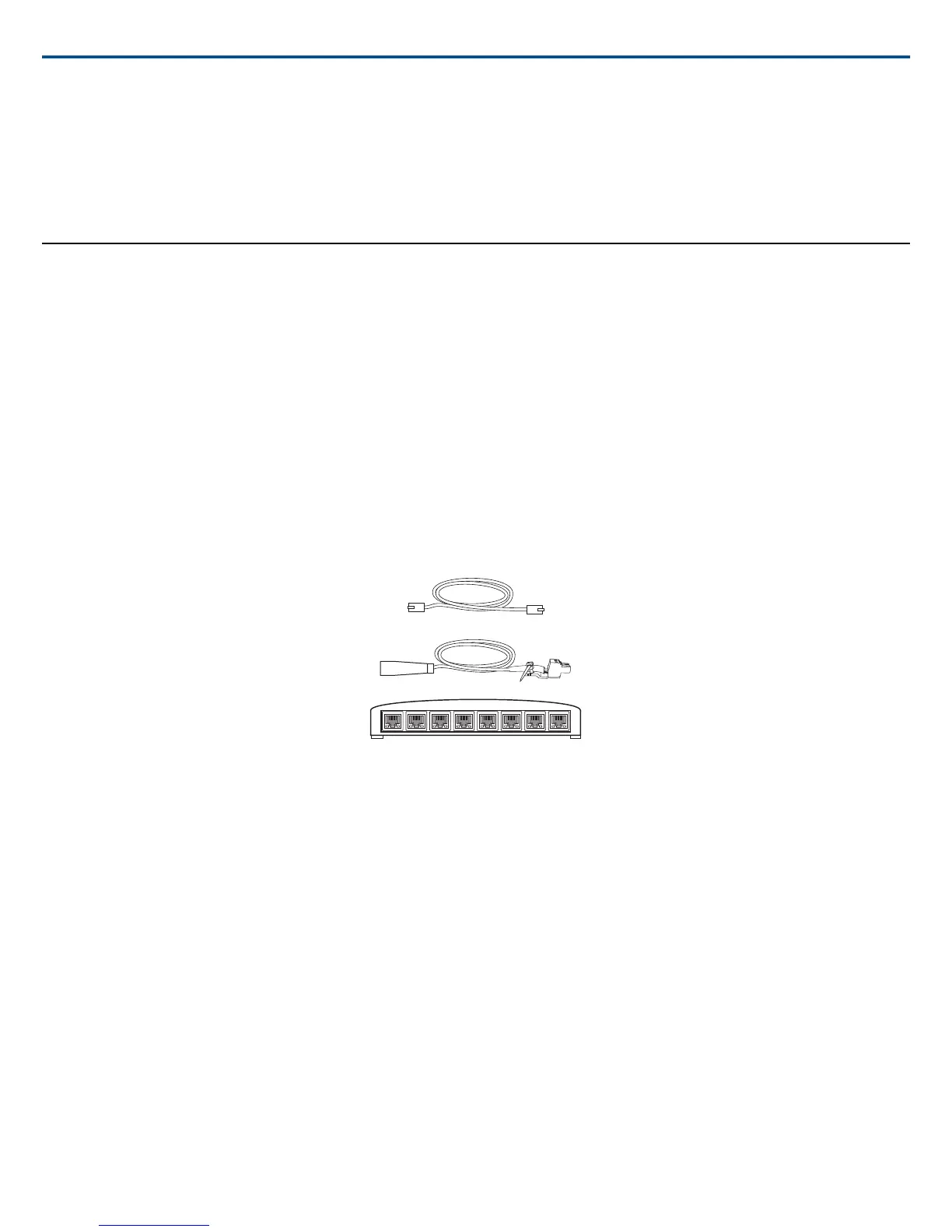
Use shielded Cat5e (or higher) Ethernet cables, limiting cable runs to 100 meters maximum between network devices.
Audio Cables
Reference the hardware kit user guide supplied with the MXW Audio Network Interface to assemble audio cables to the connectors.
Gigabit DHCP Router (systems with >1 APT)
For systems with more than one APT, a DHCP router is recommended to connect equipment. Ensure that it meets the following requirements:
• Gigabit ports
• Provides Class 0 PoE with at least 6.5W (for powering the MXWAPT)
• Quality of Service (QoS) with 4 queues
• Diffserv (DSCP) QoS, with strict priority
• If the router features Energy Efficient Ethernet (or Green Ethernet), ensure it is disabled from the ports dedicated for the MXW system.
• Recommended: A managed switch to provide detailed information about the operation of each network link: port speed, error counters, bandwidth used,
etc.
Connecting MXW Components
MXW components are connected using Ethernet cables and a switch. For a small system with a single access point, the MXW Audio Network Interface functions
as the switch. For systems with more than one access point, an additional gigabit switch is required for connecting all the components together.
Requirements:
• Use shielded Cat 5e (or higher) Ethernet cables. Limit cable runs to ≤100 m between devices.
• Use Gigabit networking equipment between network audio devices (required for systems with >1 access point).
• Ensure MXW components are on the same firmware version.
• Ensure MXW components and the PC are on the same network and set to the same subnet.
Single Group System (1 Access Point)
When the system is limited to a single group (up to eight channels), use the MXW Audio Network Interface four-port switch for connecting MXW components.
Connect the computer, access point and up to two chargers to the MXW interface according to the table and diagram:
Shure IncorporatedMXW
17/722017/05/17














 To Next Page