FunctionAction
•Listen to that channel at the headphone jack
•Display and adjust the channel output level and attenuation
•Monitor output signal on the level meter
Single Press
Mute/unmute a channel. Mute is indicated by the mute LED.Press and Hold (3 seconds)
④ Selected Channel LED
Illuminates when a channel is selected.
⑤ Signal Strength LED (sig/clip)
Indicates audio signal strength for each channel:
• Green = Normal
• Amber = Strong
• Red = Clipping (to eliminate clipping, attenuate the signal level at the audio source)
⑥ Mute LED
Illuminates red when the channel output is muted (hold its channel select button for 3 seconds). A muted channel is still routed to the HEADPHONE jack for
monitoring or troubleshooting.
⑦ Input Level Selector
Set the selected channel to line- or aux-level to match the input signal.
⑧ Output Level Selector
Set the selected channel to an output level that matches the connecting device:
• line: +4 dBu
• aux: -10 dBV
• mic: -30 dBV
⑨ Output Attenuation Control
Use the up/down buttons to attenuate the channel output from 0 dB (no attenuation) to -24 dB in 1 dB increments, and from -24 to -78 in 3 dB increments.
⑩ Level Meter
Displays a selected channel's audio level in dBFS. It is good practice to use -18 dBFS on the output meter as an approximation of 0 VU on an analog meter.
⑪ Hardware Status LEDs
Indicate the status of the hardware:
StatusColorLED
Unit is powered on.GreenPower
Connected to an Ethernet device.GreenEthernet
All connected receive channels are OK (receiving digital audio as expected).Green
Network Audio
One or more connected receive channels experiencing a subscription error or is unresolved (transmitting
device is off, disconnected, renamed or has incorrect network setting).
Flashing Green
No receive channels connected (routing has not been established).Off
Front panel gain and mute controls are locked. The LED will blink when a button is pressed while the hardware
is locked.
RedLockout
⑫ Headphone Volume Knob
Adjusts the volume to the headphone output.
⑬ Headphone Output
1/4" (6.35 mm) output jack for monitoring audio going to and from the digital audio network.
Note: Audio is present only when the unit is connected to a digital audio network.
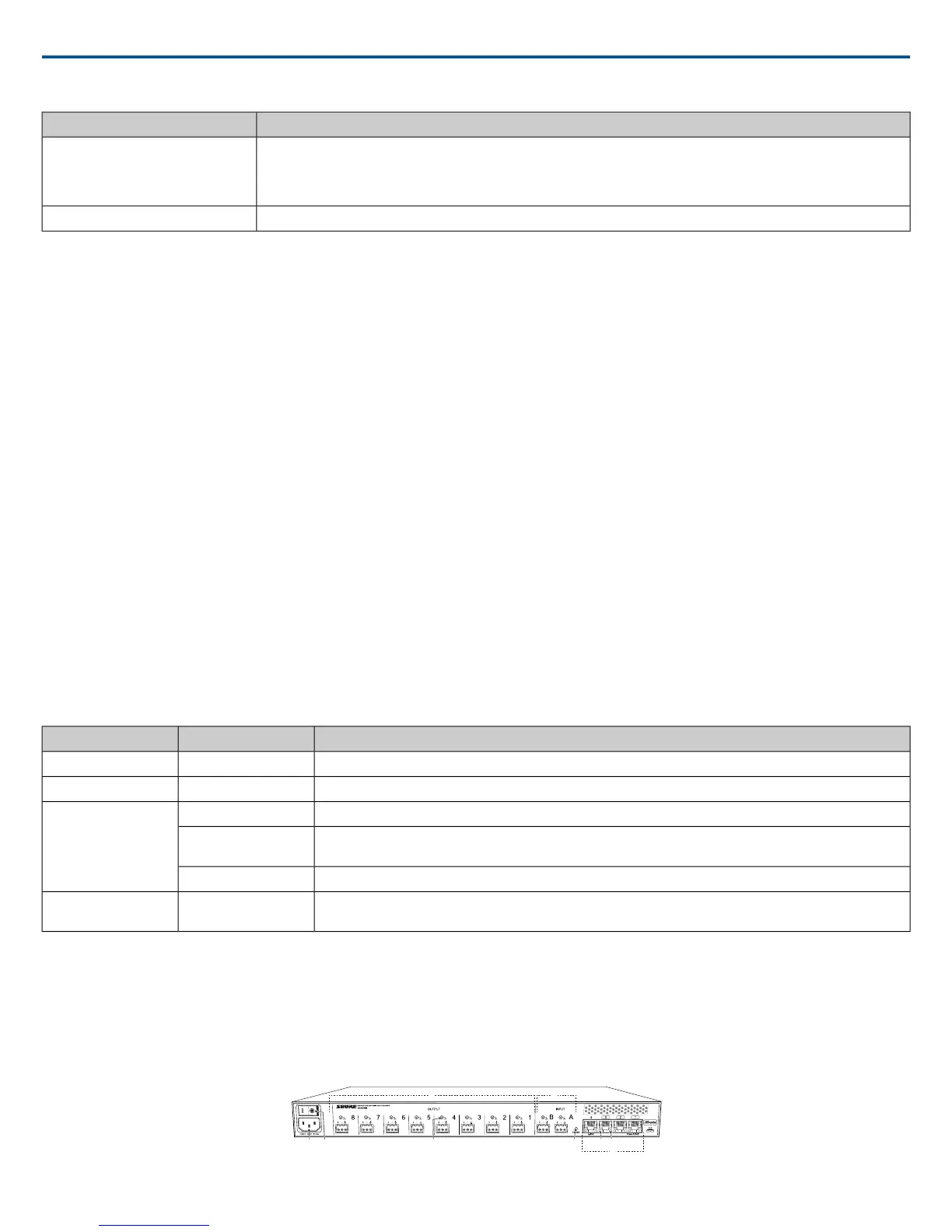
Back Panel
Shure IncorporatedMXW
2017/05/176/72














 To Next Page