Mounting and connecting the device
3.1 Preparing for installation
Comfort Panels
40 Operating Instructions, 08/2018, A5E36770603-AC
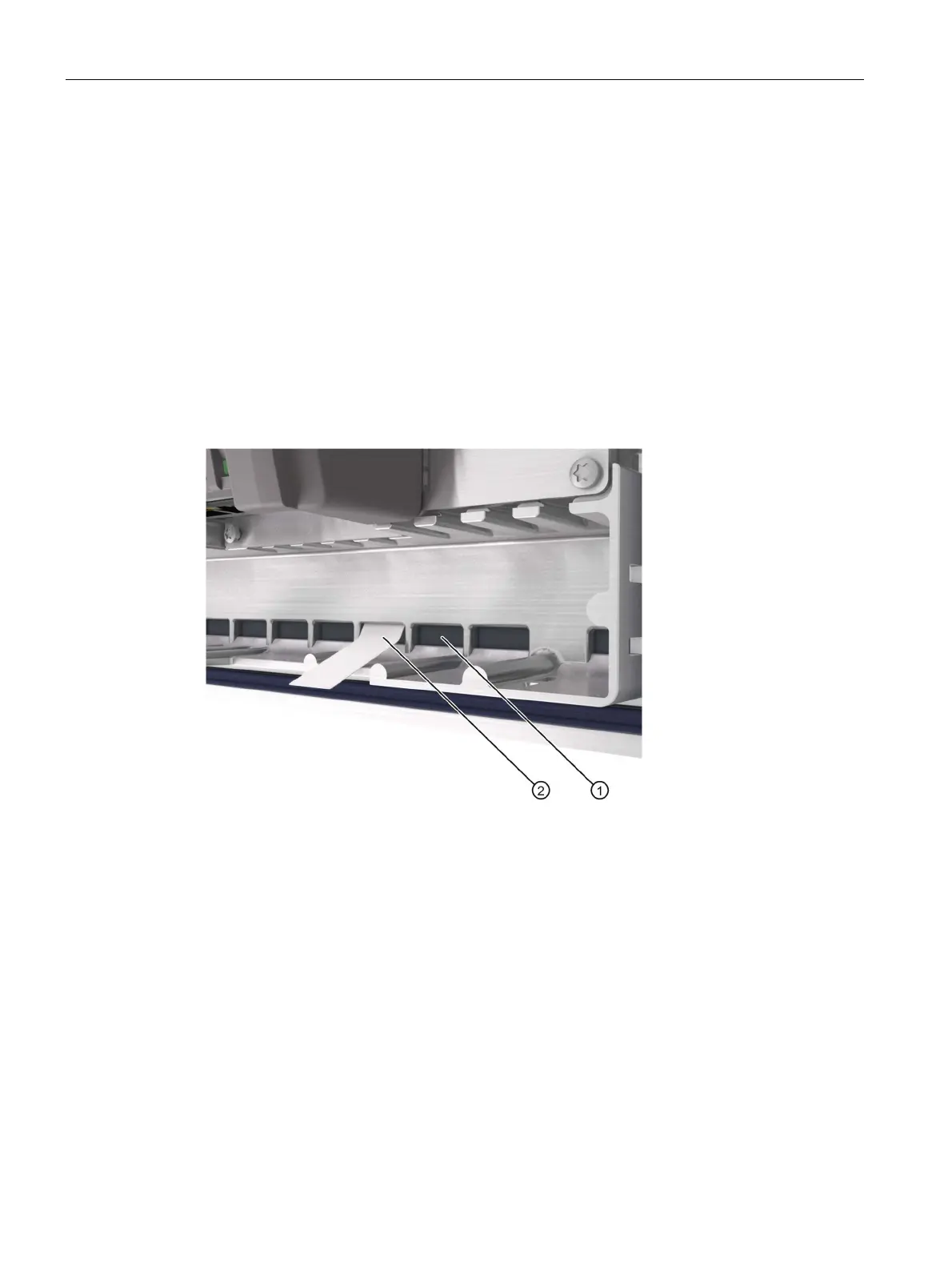
The figure below shows the positions of the guides for labeling strips with Comfort V1 device,
KP1500 Comfort, as an example.
Guide for labeling strips F1, F3 ... F15
Guide for labeling strips F2, F4 ... F16
Guide for labeling strips F17 ... F22
Guide for labeling strips F23 ... F26
Guide for labeling strips F27 ... F31
Guide for labeling strips F32 ... F36
The labeling strips protrude approximately 3 cm out of the slot. The template dimensions for
the labeling strips are designed in such a way that the labeling of the function keys is
correctly placed. Additional securing of the labeling strips is not necessary.
When mounting the HMI device, make sure that the labeling strips do not get jammed
between the mounting cutout and the HMI device.









 To Next Page