Configuring / Programming
9.4 Configuring a BACnet server
PN/BACnet LINK
Operating Instructions, 10/2017, A5E39895543-AA
65
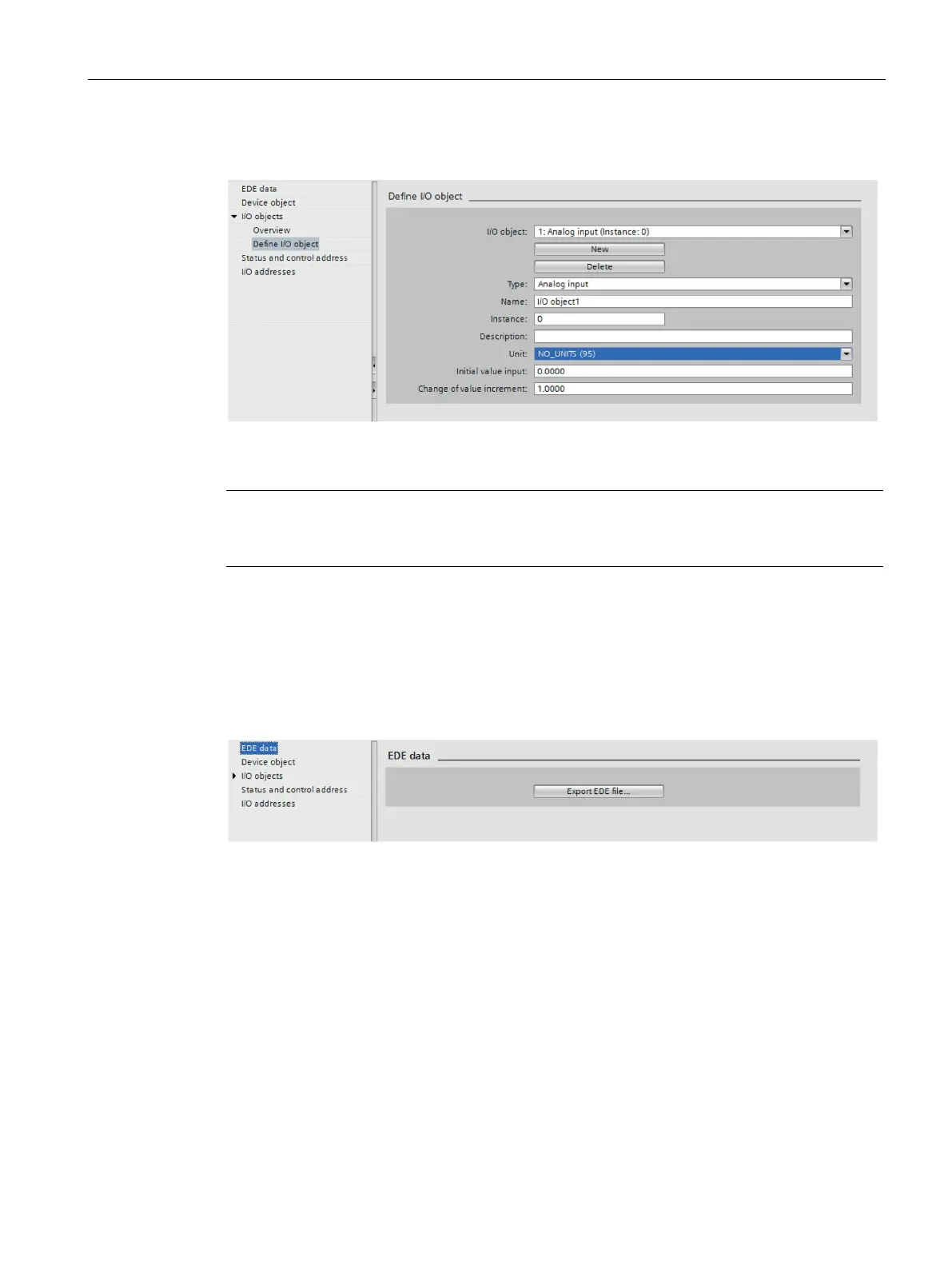
Define I/O object - analog input example
Figure 9-6 Analog input
Note
If you specify the value "0" as the change of value increment, the value of "Present_Value" is
constantly transmitted to non
-existing COV subscribers even when it has not changed.
You can export the description of the I/O objects defined in PN/BACnet LINK and the device
object as an .EDE file in *.csv format.
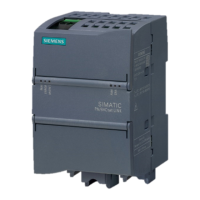
By clicking on the "Export EDE file" button, the corresponding file selection dialog opens.
Figure 9-7 Exporting an EDE file










 To Next Page