Sierra Wireless FX30 User Guide
Rev 4 March 2019 12 41110030
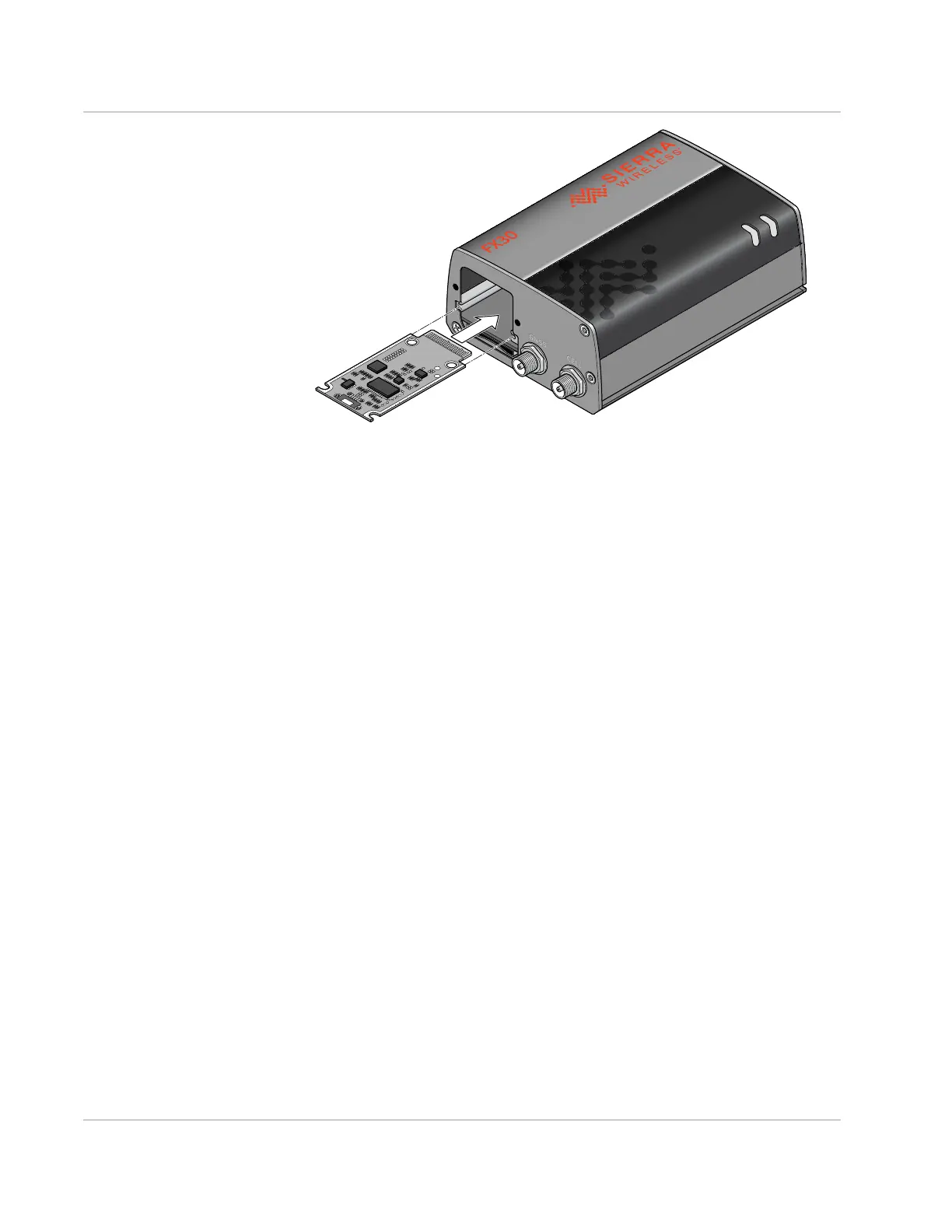
Figure 2-2: Installing the IoT Expansion card
Step 2—Mount and Ground the FX30
Chassis
You can flat mount the FX30 or mount it on a DIN rail. An optional compatibility
bar allows you to use existing mounting holes if you are replacing a Fastrack
Supreme or a Fastrack Xtend programmable gateway. See Replacing Existing
Fastrack Supreme or Fastrack Xtend Device on page 16.
Mount the FX30 where:
• There is easy access for attaching the cables.
• Cables will not be constricted, close to high amperages, or exposed to
extreme temperatures.
• The front panel LEDs are easily visible.
• There is adequate airflow.
• It is away from direct exposure to the elements such as sun, rain, dust, etc.
You can mount the FX30:
• On a flat surface (page 13)
• On a DIN Rail (page 16)















 To Next Page