Sierra Wireless FX30 User Guide
Rev 4 March 2019 36 41110030
Reset to Factory Default Settings
Warning: Resetting the gateway to the factory default settings will remove all customized
configuration settings in /etc and /data, including the root password.
Warning: Performing a factory reset could result in your FX30 no longer automatically
connecting to AVMS. If you perform a factory reset, please issue the AT command
AT+WDSC=3,60 to ensure your device checks in to AVMS every 60 minutes.
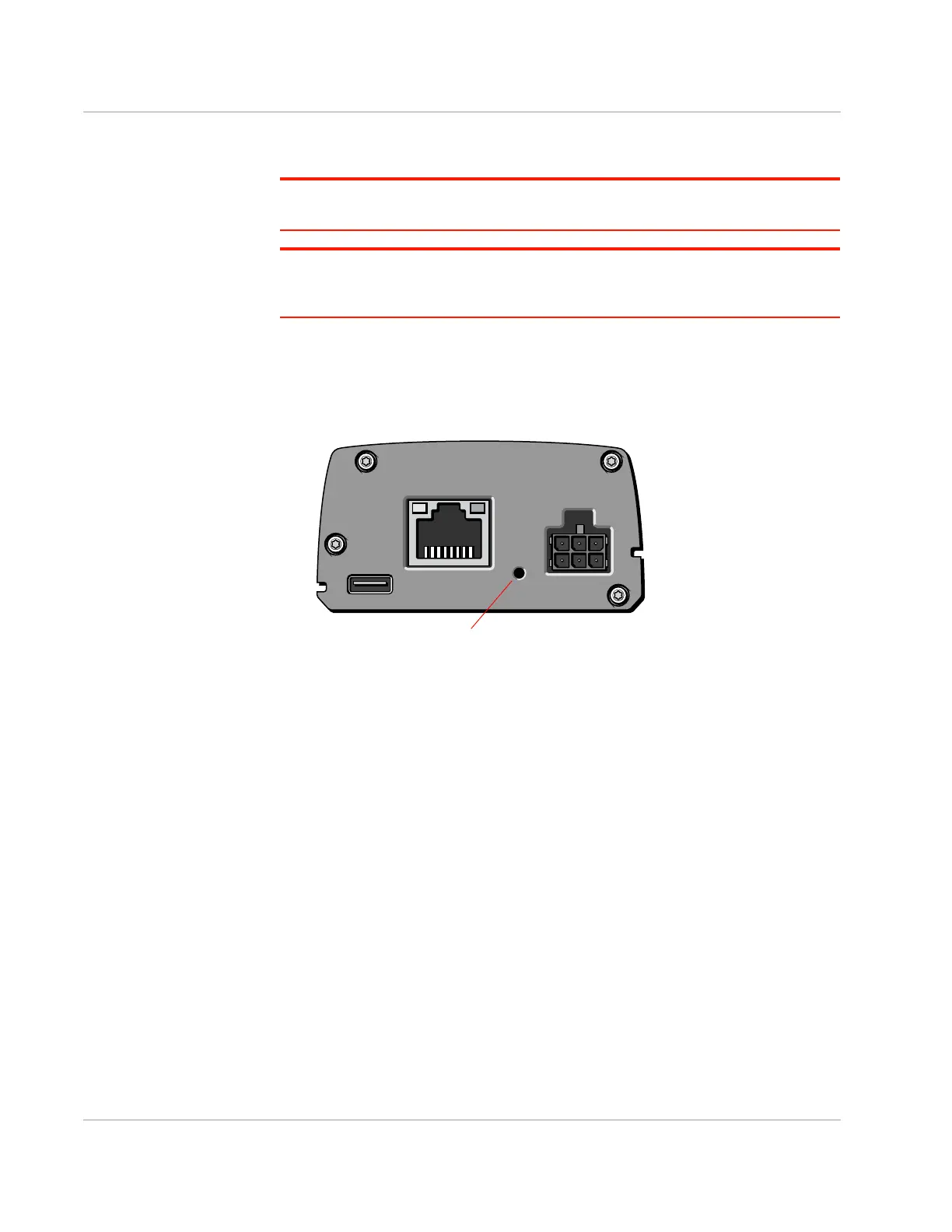
To reset the FX30 to the factory default settings:
1. Ensure that the Recovery Activation status is set to Enable. (See Factory
Reset AT Commands on page 71.)
2. Upon applying power, press and hold the reset button for about 10 seconds.
Figure 2-25: Factory reset button















 To Next Page