Sierra Wireless FX30 User Guide
Rev 4 March 2019 30 41110030
LED Behavior
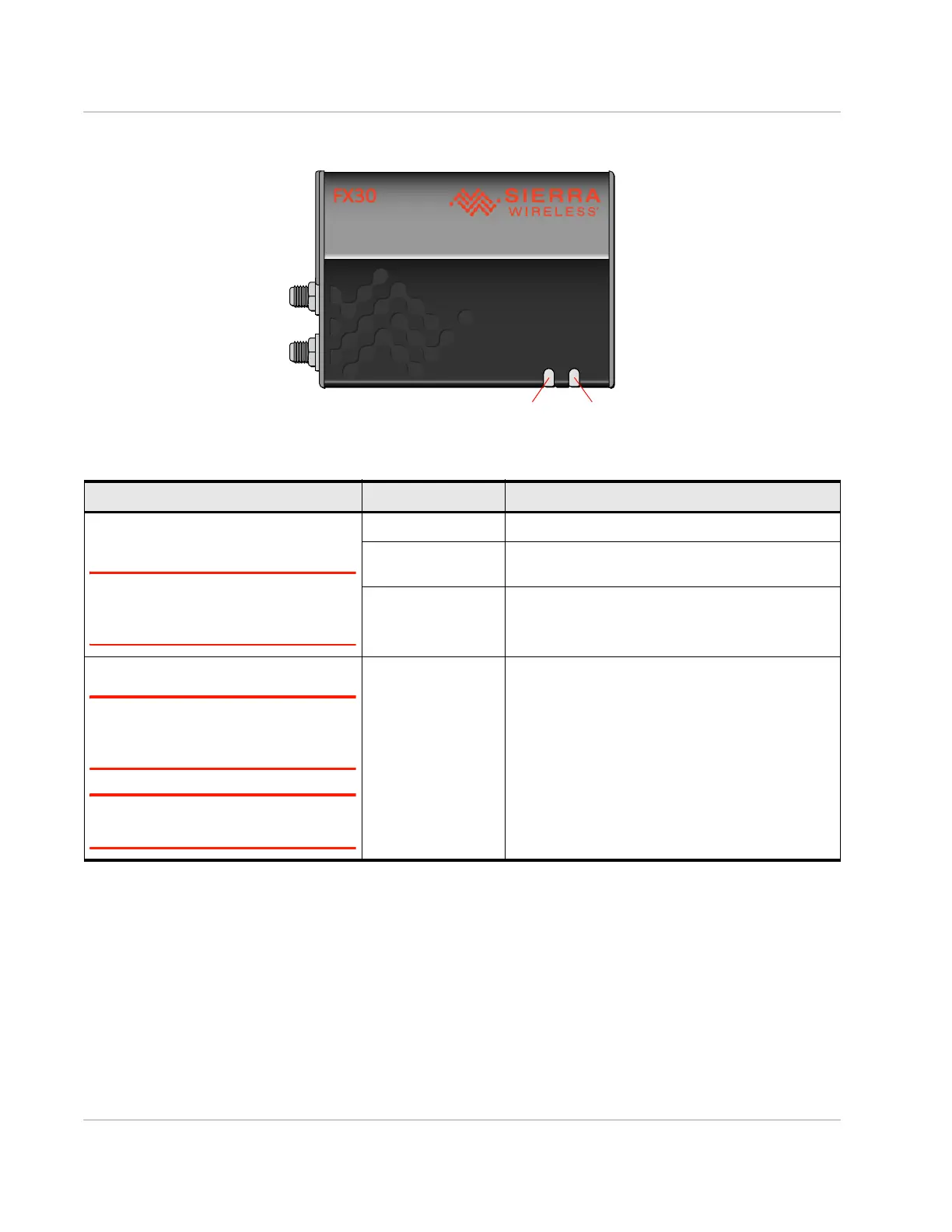
Ethernet LEDs
The connector has two LEDs that indicate speed and activity. When looking into
the connector:
• Right LED – Activity (blinking amber)
• Left LED – Connection speed (green indicates a 100 Mbps link, and off
indicates no cable is connected or a 10 Mbps link is detected).
Table 2-5: LED Behavior
LED Color / Pattern Description
Power
(Default Behavior)
Note: Based on three GPIOs. To define
the behavior of this LED, see Power LED
on page 75.
Off No power or input voltage ≥ 32 VDC or ≤ 4.75 VDC
Solid Red Gateway is powered on, not attached to cellular
network.
Solid Amber Attached to cellular network.
User
Note: Based on two GPIOs. To define the
behavior of this LED, see User LED on
page 75.
Note: You can write Legato applications to
define User LED behavior.
Possible colors:
• Red
• Green
• Amber
User-defined behavior















 To Next Page