Sierra Wireless FX30 User Guide
Rev 4 March 2019 20 41110030
Step 4—Connect the Data Cables
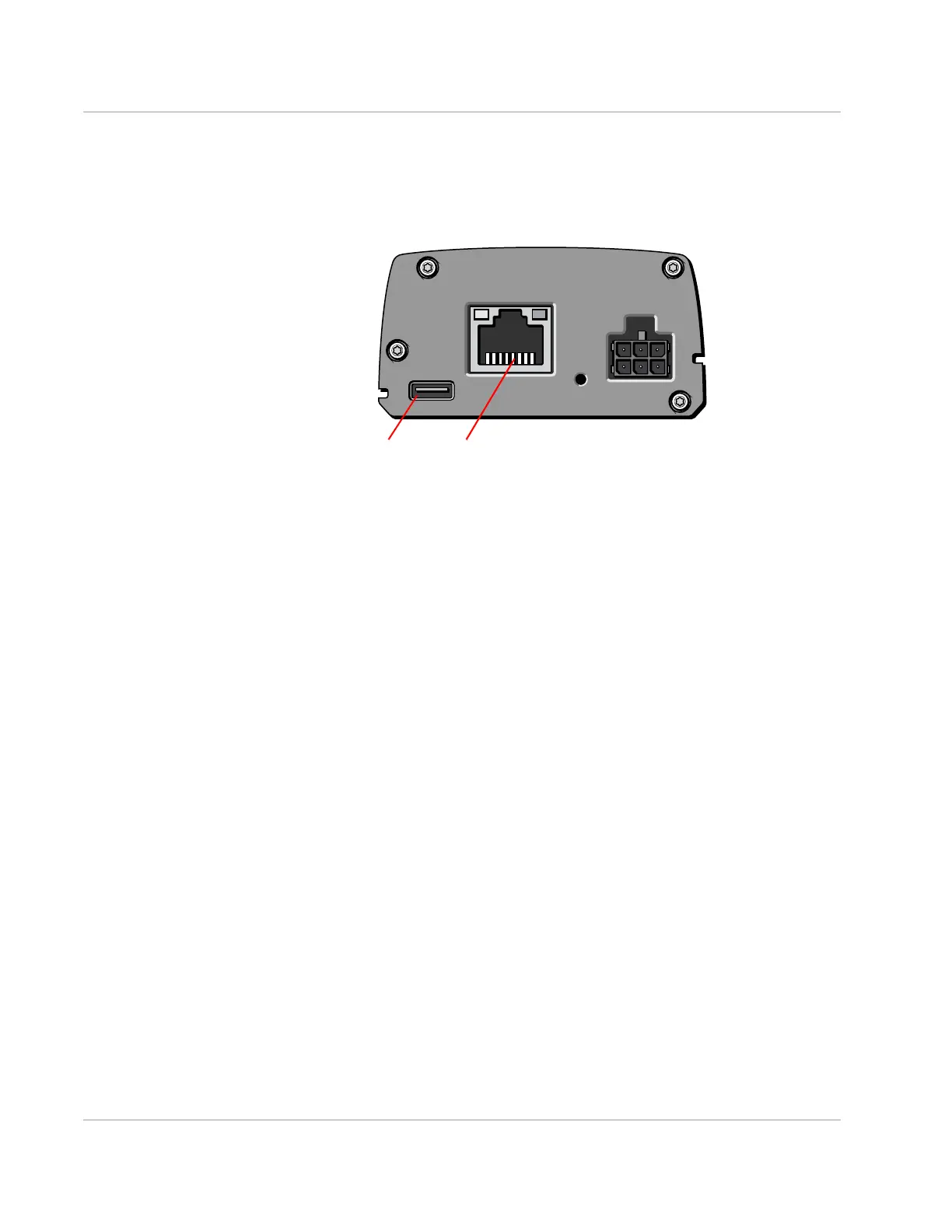
The FX30 has two ports for connecting data cables:
• USB (Micro-B)
• Ethernet (RJ-45)—Use a Cat5 or greater Ethernet cable
Figure 2-13: Connectors for data cables
Cabling Concerns
Separate the antenna, data, and power cables from other wiring. Route the
cables away from sharp edges.
Cable Strain Relief
Sierra Wireless recommends using cable strain relief for installations in high-
vibration environments.
Place the cable strain relief within 200 mm (8 inches) of the FX30 to reduce the
mass of cable supported by the power connector under vibration. Ideally, the
strain relief mounting for the DC cable should be attached to the same object as
the gateway, so both the gateway and cable vibrate together. The strain relief
should be mounted such that it does not apply additional stress on the power
connector. The cable should not be taut and should not pull the power connector
at an angle.















 To Next Page