Installation and Startup
Rev 4 March 2019 21 41110030
Step 5—Connect the Power and I/O
The Sierra Wireless FX30 comes with a 1.5 meter (about 5 ft.) DC power cable.
For more information on the DC power cable, see page 58. You can also
purchase an optional AC adapter.
Warning: Electrical installations are potentially dangerous and should be performed by
personnel thoroughly trained in safe electrical wiring procedures.
The FX30 supports an operating voltage of 4.75–32 V.
Fusing
The Sierra Wireless DC power cable has a 3 A fuse installed in the cable. If that
cable is used, no additional fusing is required.
Power and I/O Connections
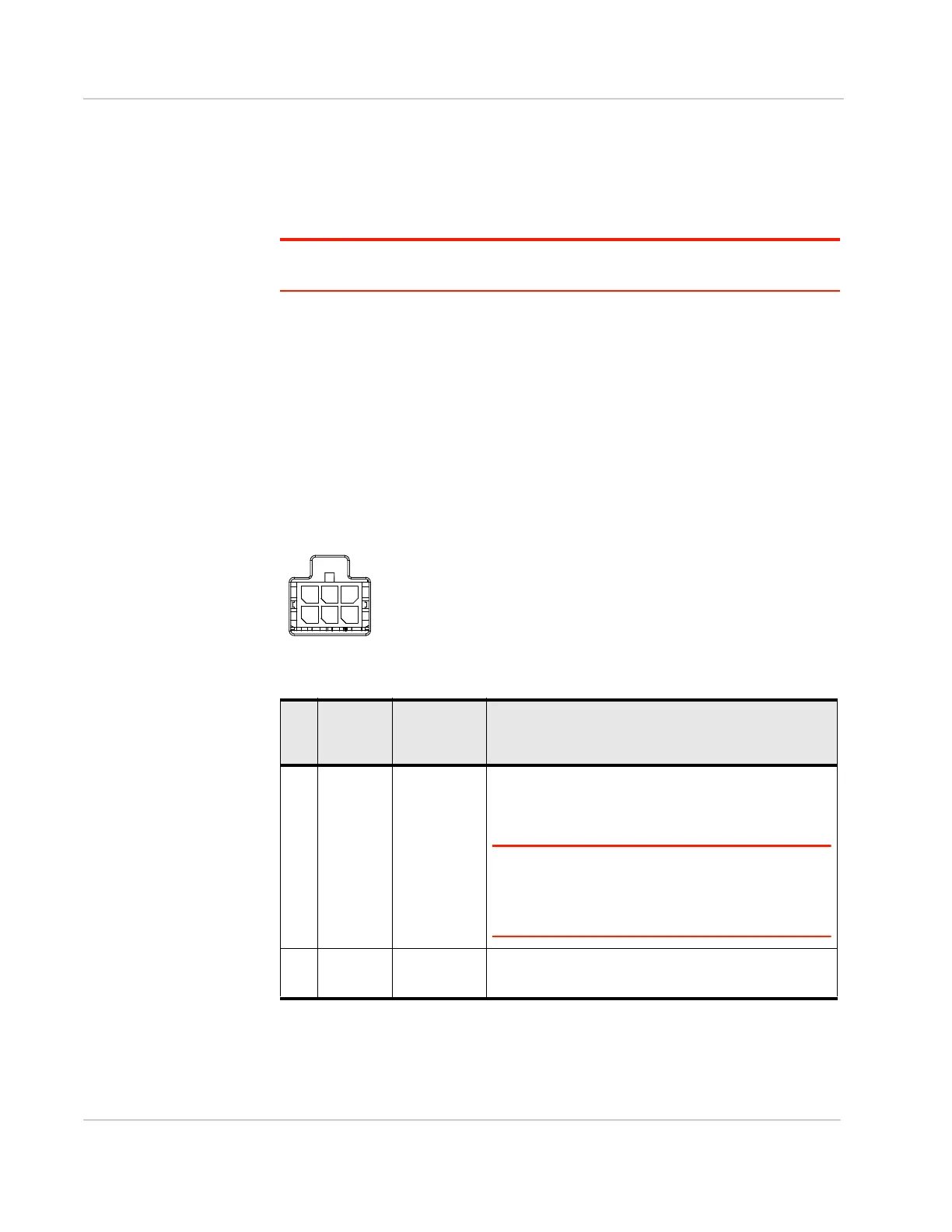
Table 2-1 describes the functions for the pins on the FX30 power connector. See
also I/O Configuration on page 25.
Figure 2-14: FX30 Power Connector
Table 2-1: Power Connector Pin and DC Cable Wires
Pin Function Associated
DC Cable
Wire Color
Description
1 Power Red (20 AWG + Fuse)
Main power supply for device
Fuse: Slow-blow 3 A, 250 V (5 × 20 mm)
Note: If you want to turn the FX30 on/off using a
control line, Sierra Wireless strongly recommends that
you connect the on/off line to Pin 3 and apply
continuous power on Pin 1.
2 Ground Black (20 AWG)
Main device ground















 To Next Page