FX30 Linux Interface and GPIO Mapping
Rev 4 March 2019 75 41110030
Power LED
Note: Please
note the GPIO
polarity when
turning on
Power LEDs.
Red Power LED GPIO49 /sys/class/gpio/gpio49 High: Turns Power LED (Red) ON (default)
Low: Turns Power LED (Red) OFF
Green Power
LED
GPIO50 /sys/class/gpio/gpio50 High: Turns Power LED (Green) OFF
(default)
Low: Turns Power LED (Green) ON
Note: Requires correct setting of GPIO51
to function.
Green LED
Function
GPIO51 /sys/class/gpio/gpio51 High: Connects GPIO50 to green Power
LED
Low: Connects WAN Activity signal to
green Power LED (default)
Amber LED GPIO49
GPIO50
GPIO51
/sys/class/gpio/gpio49
/sys/class/gpio/gpio50
/sys/class/gpio/gpio51
Use combination of:
• GPIO49 High
• GPIO50 Low
• GPIO51 High
User LED Red User LED GPIO47 /sys/class/gpio/gpio47 High: Turns User LED (Red) OFF (default)
Low: Turns User LED (Red) ON
Green User
LED
GPIO48 /sys/class/gpio/gpio48
High: Turns User LED (Green) OFF (default)
Low: Turns User LED (Green) ON
Amber LED GPIO47
GPIO48
/sys/class/gpio/gpio47
/sys/class/gpio/gpio48
Use combination of:
• GPIO47 Low
• GPIO48 Low
Ethernet
Disable
Disable
Ethernet Port
GPIO55 /sys/class/gpio/gpio55 High: Enables Ethernet controller (default)
Low: Disables Ethernet controller
Power Hold On/Off Override GPIO58 /sys/class/gpio/gpio58 High: Holds power on even if On/Off is Low
(used to control shut-down) (default)
Low: Release power hold; On/Off line
controls On/Off state
GPIO32 /sys/class/gpio/gpio32 Reserved; do not use
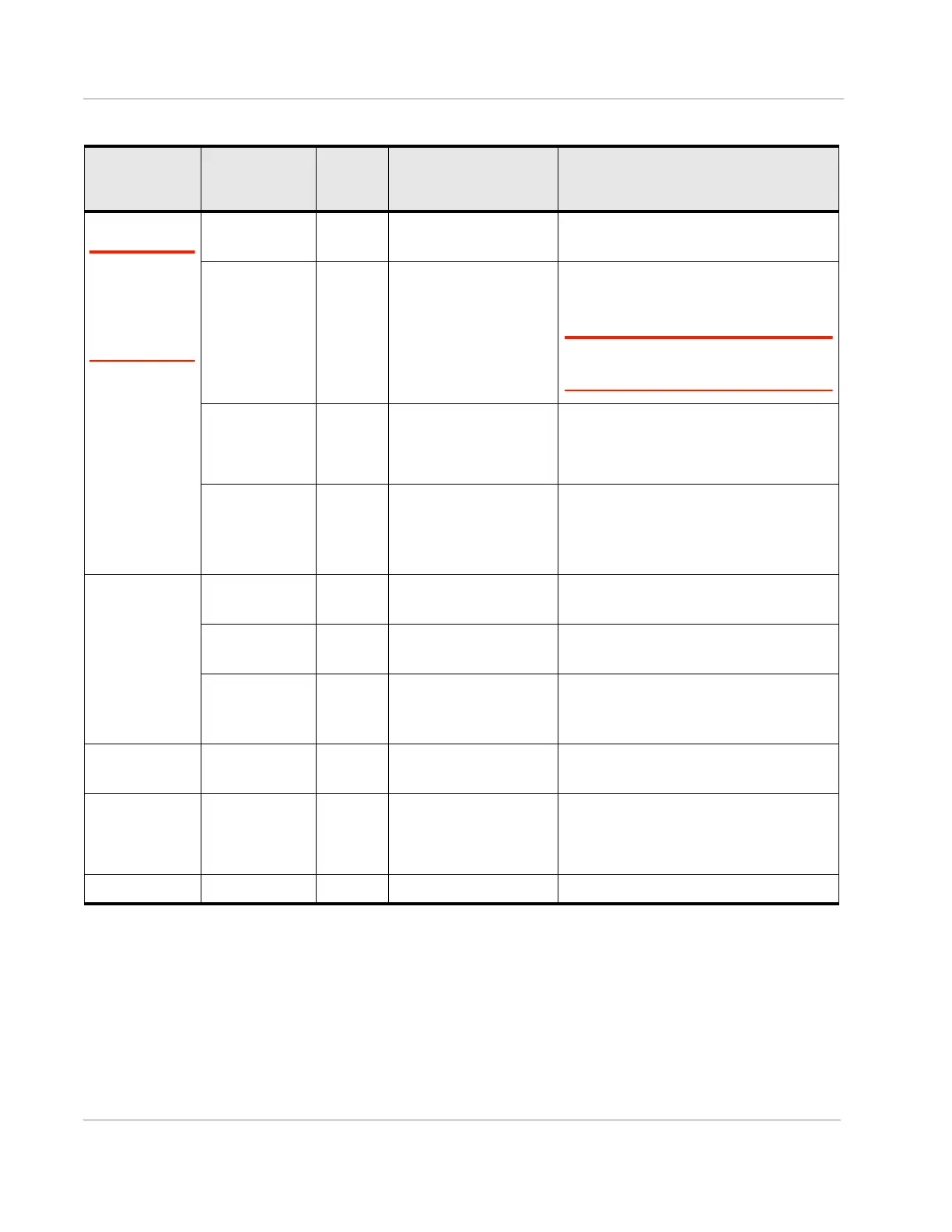
Table D-1: FX30 Hardware Feature to Linux Interface Mapping
Name Function WP
GPIO/
ADC
Linux Interface Description















 To Next Page